
AdsPower vs ClonBrowser: Which Anti-Detect Browser Wins?
Nov 18, 2026
Storing files in the cloud is convenient, but convenience often comes at the cost of privacy. Encrypted cloud storage flips that trade-off by scrambling your data before it ever leaves your device, so the provider storing it cannot read it. This guide explains how encryption actually works, compares the leading zero-knowledge providers, and shows where encrypted storage fits into broader account-security workflows.
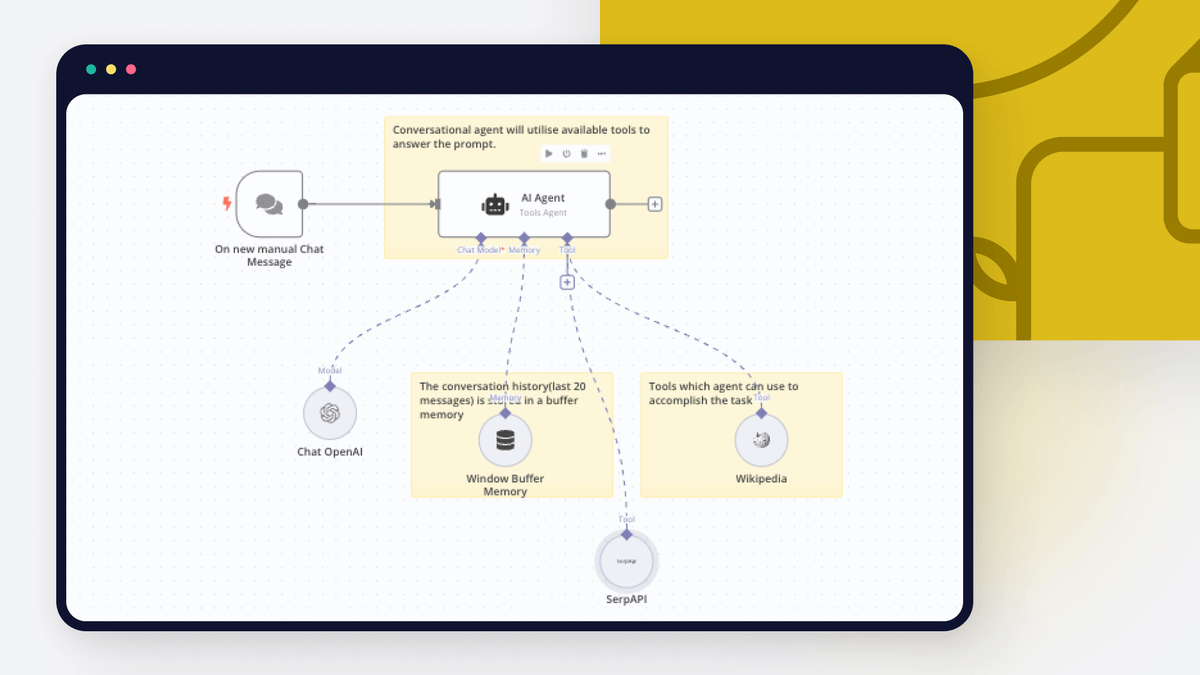
Encrypted Cloud Storage: How It Works & Best Options 2026 - What Encrypted Cloud Storage Actually Means.
Not every service that advertises "encryption" protects your files the same way. There are two very different models:
If privacy from the provider itself matters to you, only the second model qualifies. As Cloudwards' comparison of encrypted cloud services notes, many providers claim strong security while offering genuine zero-knowledge protection only for a paid "vault" folder rather than the whole account.
Most reputable providers combine several layers:
That last point is the flip side of zero-knowledge design: if you forget your credentials and the provider genuinely cannot help you recover them, your data is gone. Strong encryption and account recovery are in direct tension.
Encrypted Cloud Storage: How It Works & Best Options 2026 - Zero-Knowledge vs. Standard Encryption: A Quick Comparison.
| Model | Who holds the keys | Provider can read files | Password recovery |
|---|---|---|---|
| Server-side encryption | Provider | Yes, in principle | Usually possible |
| Zero-knowledge (full account) | You only | No | Often impossible |
| Zero-knowledge (vault folder only) | You only, for that folder | No, for that folder | Depends on provider |
If your threat model includes the storage company itself, a full-account zero-knowledge provider is the only option that fully addresses it.

Encrypted Cloud Storage: How It Works & Best Options 2026 - The Leading Encrypted Cloud Storage Providers in 2026.
Sync.com applies zero-knowledge encryption to every account, free or paid, which is rare. Files are encrypted with AES-256 at rest and TLS in transit, and servers are located in Canada under PIPEDA privacy rules. The trade-offs are a dated interface and transfer speeds that lag behind the fastest competitors. Pricing starts around $4.80 per month on an annual plan for 2TB, with 5GB free.
Proton Drive is built in Switzerland and encrypts file contents, file names, and metadata on your device before upload. It is part of a broader privacy ecosystem that includes mail, calendar, and VPN products. The free tier offers 5GB, Drive Plus provides 200GB, and higher tiers bundle VPN access. Independent audits and open-source code make it one of the more transparent options.
pCloud is feature-rich, with strong media playback and a polished client. However, its zero-knowledge encrypted folder (called Crypto Folder) costs extra on top of the storage plan — a meaningful distinction if you want whole-account protection. A 10GB free tier makes it easy to test.
Internxt offers budget-friendly zero-knowledge storage and has experimented with post-quantum cryptography. Independent testing has found performance can be inconsistent with very large files and archives, so it suits lighter workloads better than heavy backup jobs.
Tresorit targets businesses and emphasizes compliance, including GDPR and HIPAA alignment. It is one of the stronger choices for teams handling regulated data, with a 3GB free plan for evaluation.
Some privacy-focused users combine ordinary cloud storage with a client-side encryption tool, encrypting files locally before syncing. Community discussions on r/privacy frequently mention this approach, which works well if you already pay for storage and want to add a zero-knowledge layer yourself. The trade-off is more manual key management and less seamless mobile access.
Encrypted Cloud Storage: How It Works & Best Options 2026 - How to Choose: A Practical Decision Framework.
Work through these questions in order:
Encrypted cloud storage protects files. It does not, by itself, protect the accounts you use to access those files or the platforms you operate on. Marketers, e-commerce sellers, and agencies running multiple accounts often need a second layer: browser-level isolation so that each account presents a distinct, consistent fingerprint.
This is where an anti-detect browser such as AdsPower becomes relevant. AdsPower creates isolated browser environments with unique fingerprints — Canvas, WebGL, User Agent, IP, and more — so accounts do not become associated with one another. Encrypted storage handles the data-at-rest problem; profile isolation handles the account-association problem. Teams that manage both can pair an encrypted drive for sensitive assets with isolated profiles for daily operations.
For workflows that combine automation with isolated profiles, see this guide on using AdsPower with Python via the Local API, Selenium, and Playwright. If you are evaluating browser tools rather than storage, the AdsPower vs Octo Browser vs MuLogin comparison covers fingerprints, automation, and pricing side by side.
It depends on the model. Server-side encryption protects against outside attackers but not against the provider. True zero-knowledge encryption means only you hold the keys, so the provider cannot read your files even if compelled.
In practice, the terms overlap heavily for cloud storage. Both mean files are encrypted on your device and the provider never holds the decryption key. "Zero-knowledge" emphasizes that the provider has no knowledge of your data or password.
Sync.com and Proton Drive both offer full-account zero-knowledge encryption on their free tiers (5GB each), which is unusual. pCloud offers 10GB free but reserves zero-knowledge encryption for a paid folder.
Yes. Client-side tools let you encrypt files locally before syncing them to almost any provider. The trade-off is manual key management and less convenient mobile access.
No. Storage encryption protects files, not account identity. Platforms that ban users for operating multiple accounts look at browser fingerprints and IP signals, not your file storage. Those require separate tools such as anti-detect browsers with proxy integration.
Encrypted cloud storage is one of the simplest high-impact privacy upgrades you can make, but the label "encrypted" hides meaningful differences. If you want the provider itself to be unable to read your data, prioritize full-account zero-knowledge providers like Sync.com, Proton Drive, Internxt, or Tresorit, and accept the recovery trade-offs that come with them. If you only need protection for a subset of files, a vault-based option like pCloud can work.
Whichever you choose, pair it with strong account hygiene: unique passwords, two-factor authentication, and — if you operate multiple platform accounts — browser-level isolation so your identity signals stay consistent and separate.


