
AdsPower vs ClonBrowser: Which Anti-Detect Browser Wins?
Nov 18, 2026
Managing multiple accounts on platforms like Amazon, Facebook, or TikTok demands more than just separate logins. Even with an anti‑detect browser, a single fingerprint leak can link your accounts and trigger bans. That’s why pairing AdsPower with BrowserScan is becoming the go‑to strategy: you build the isolated environment in AdsPower and then prove it’s leak‑free with BrowserScan before logging in.
This guide walks you through the exact workflow, from profile creation to interpreting BrowserScan’s score, so every browser environment you ship is clean, consistent, and undetectable.
How to Use AdsPower Fingerprint Browser with BrowserScan (Setup Guide) product interface and feature overview.
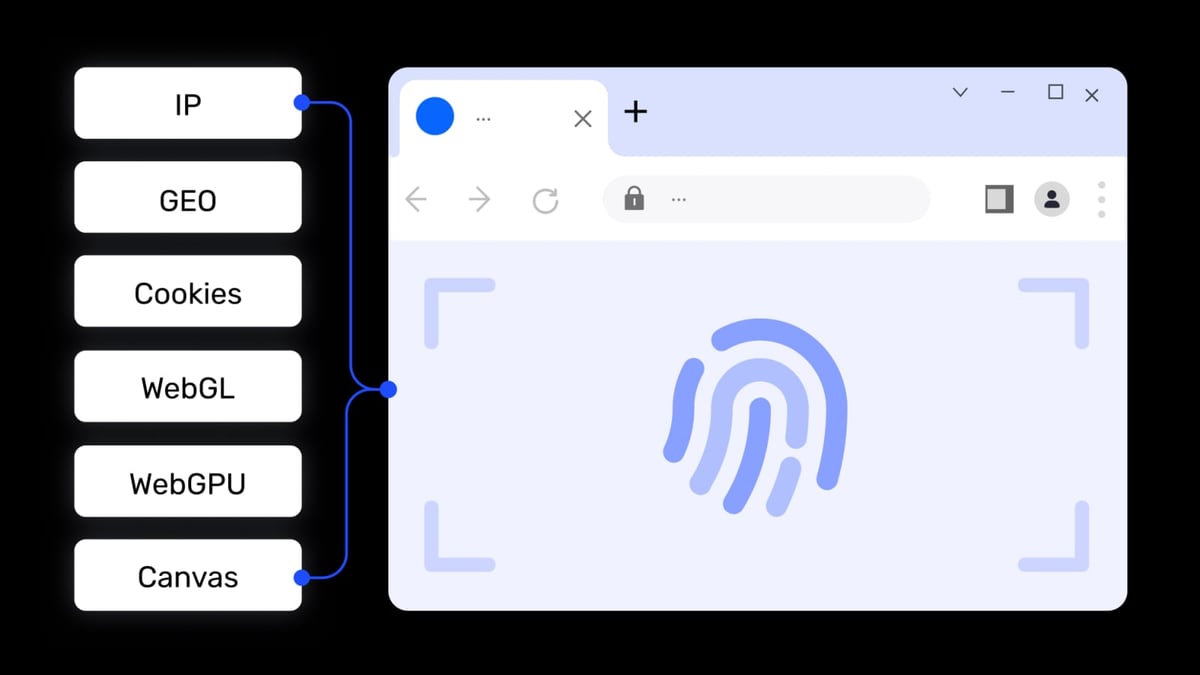
AdsPower excels at creating independent browser profiles – each with its own cookies, cache, and over 20 customizable fingerprint parameters (Canvas, WebGL, Audio, WebRTC, and more). But a misconfigured proxy, a wrong WebRTC setting, or an overlooked timezone can still reveal your real identity. That’s where BrowserScan comes in: it’s a free, plugin‑free online suite that scans your current browser environment and returns a trust score plus a detailed breakdown of every detectable fingerprint.
Because AdsPower isolates each profile completely, opening BrowserScan inside one environment tests only that specific profile – there’s zero cross‑contamination. This makes the combination a bulletproof shield:
How to Use AdsPower Fingerprint Browser with BrowserScan (Setup Guide) product interface and feature overview.
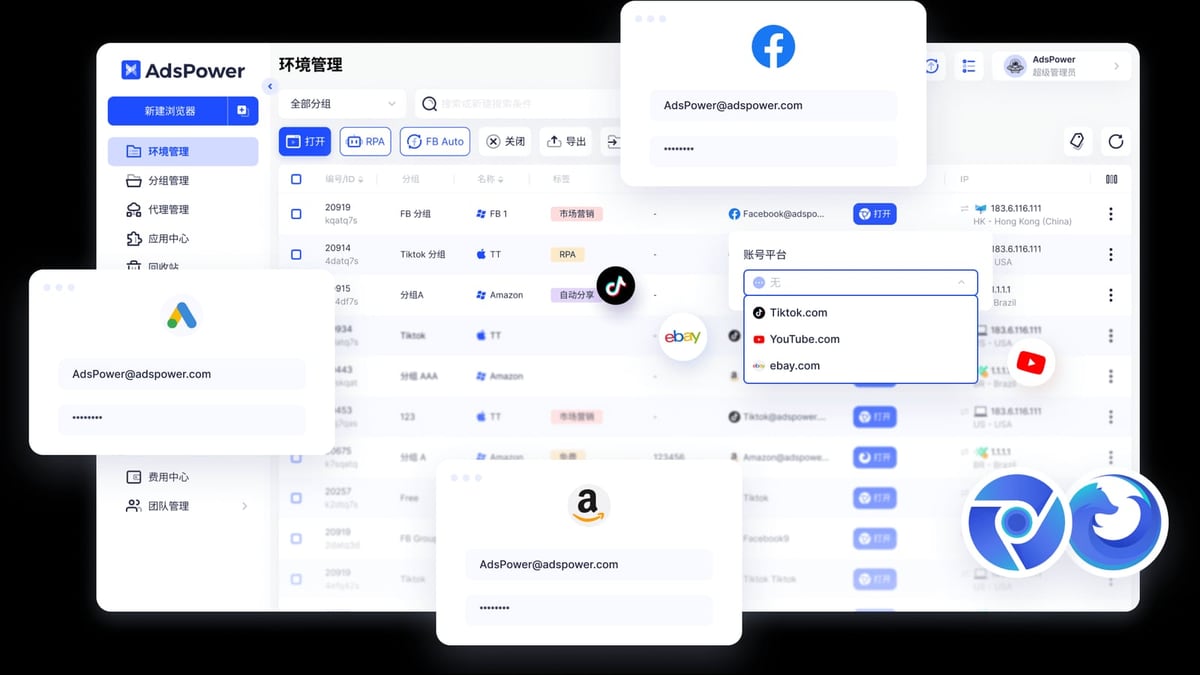
Download AdsPower for Windows, macOS, or Linux and install it. Once launched, click New Browser to start a profile. Give it a meaningful name (e.g., “Amazon‑US‑Account1”). For the Browser Kernel, choose SunBrowser (Chromium‑based) for most use cases; FlowerBrowser (Firefox‑based) offers additional privacy layers. Leave the default OS type and stick with random fingerprint generation for now – we’ll refine the settings manually.
In the same creation window, you must add a proxy. AdsPower supports HTTP, HTTPS, SOCKS5, and SSH proxies. Enter your proxy host, port, and credentials. For a smoother workflow, you can import proxies from integrated partners like Bright Data or Oxylabs directly under Proxy Management. If you need reliable residential or mobile IPs, consider browsing our list of top proxy and web scraping platforms for high‑quality options that work seamlessly with anti‑detect browsers.
Make sure the proxy’s geolocation matches the digital fingerprint settings you’ll configure in the next step – a US proxy paired with a European timezone is a red flag.
AdsPower exposes every critical fingerprint setting. A solid starting point:
Save the profile. You can always tweak these later after the first BrowserScan test.
Click Open on your new profile. Inside the isolated browser, navigate to https://www.browserscan.net/. The site will instantly run a comprehensive fingerprint scan – no plugins needed. You’ll see a dashboard with a Browser Fingerprint Score (out of 100) and expandable sections for every detectable parameter.
An ideal score is 90+, meaning your environment looks like a genuine, untampered browser. Pay attention to these key checks:
If you see a low score, BrowserScan highlights the problematic parameters in red. Hover or click them for explanations.
For example, if the scan shows a WebRTC leak, go back to AdsPower (close the profile first), edit the profile’s Advanced Fingerprint Settings, and switch WebRTC to Forward. Re‑open the profile and refresh BrowserScan; the leak should disappear and the score should jump. Repeat for any other flagged issues – sometimes a simple language change or enabling hardware noise can bump the score from 70 to 98.
Once you’re satisfied, you’ve got a verified, production‑ready environment.
Close BrowserScan, clear any initial browsing data if desired, and log in to your target platform. Because the fingerprint is clean and consistent, the site sees only what you want it to see: one device, one IP, one user.
How to Use AdsPower Fingerprint Browser with BrowserScan (Setup Guide) product interface and feature overview.
How to Use AdsPower Fingerprint Browser with BrowserScan (Setup Guide) product interface and feature overview.
Managing Multiple Amazon Seller Accounts
You need three separate US seller accounts. Create three AdsPower profiles, each with a unique US residential proxy from different states (e.g., New York, Texas, California). For each profile, set WebRTC to Replace, enable hardware noise, and let timezone and language follow the IP. Open each environment, run BrowserScan, and confirm:
TikTok Marketing Across Countries
A team handling TikTok accounts for the UK, Germany, and Japan. Use AdsPower’s team collaboration to share profiles. The UK profile uses a London SOCKS5 proxy, Language set to en‑GB, and timezone Europe/London. The German profile uses a Berlin proxy with Language de‑DE. Run BrowserScan in each to validate the fingerprint before posting content. This extra step prevents TikTok from flagging “unnatural” logins from the same device.
Is BrowserScan free?
Yes, it’s a free web‑based tool. You don’t need an account or plugin – just visit and scan.
Can BrowserScan detect that I’m using AdsPower?
No. It simply evaluates the browser fingerprint exposed by the current environment, exactly as any website would. It cannot identify the anti‑detect browser itself.
What’s a good BrowserScan score?
Aim for 90 or above. Scores in the 80s are acceptable for less strict platforms, but anything below 70 usually indicates a leak or inconsistency.
Do I need to run BrowserScan on every single profile?
Yes, at least once. Even though profiles are isolated, subtle differences in proxy settings or OS defaults can create unique leak surfaces. Verifying each one guarantees no weak links.
How often should I re‑test?
Re‑test after any major AdsPower update, proxy change, or when you notice unexpected account checks. Periodic checks (e.g., monthly) are a good habit for high‑stakes accounts.
Are there alternatives to BrowserScan?
Yes – Pixelscan is another popular fingerprint checker that offers deep leak detection. Both are excellent; BrowserScan stands out for its all‑in‑one privacy suite and no‑plugin approach.
Can I use BrowserScan for automation setups?
Absolutely. Many users first verify fingerprints with BrowserScan, then employ AdsPower’s RPA or Local API (compatible with Selenium and Playwright) for scraping or bulk account operations. For a detailed walkthrough on combining AdsPower with web scraping tools, see our guide on how to use AdsPower with ScrapingAnt.
Relying on an anti‑detect browser alone is a gamble. AdsPower gives you the canvas, but BrowserScan is the inspector that ensures every brushstroke matches reality. By making the scan a mandatory step before you log in, you catch misconfigurations early, protect your account portfolios, and save countless hours dealing with bans and appeals.
Start with AdsPower’s free tier (two profiles) and run your first BrowserScan today. Once you see the peace of mind it brings, you’ll never skip this step. For more ways to fortify your multi‑account operations, explore our top proxy and web scraping platforms and dive into our Pixelscan review to compare fingerprint testing tools.


