
AdsPower vs ClonBrowser: Which Anti-Detect Browser Wins?
Nov 18, 2026
Managing multiple online accounts — whether for e-commerce, social media, or advertising — demands more than just separate logins. Platforms like Amazon, Facebook, and TikTok use sophisticated fingerprinting and IP tracking to detect account associations. A single shared IP address or a matching browser fingerprint can trigger an instant ban.
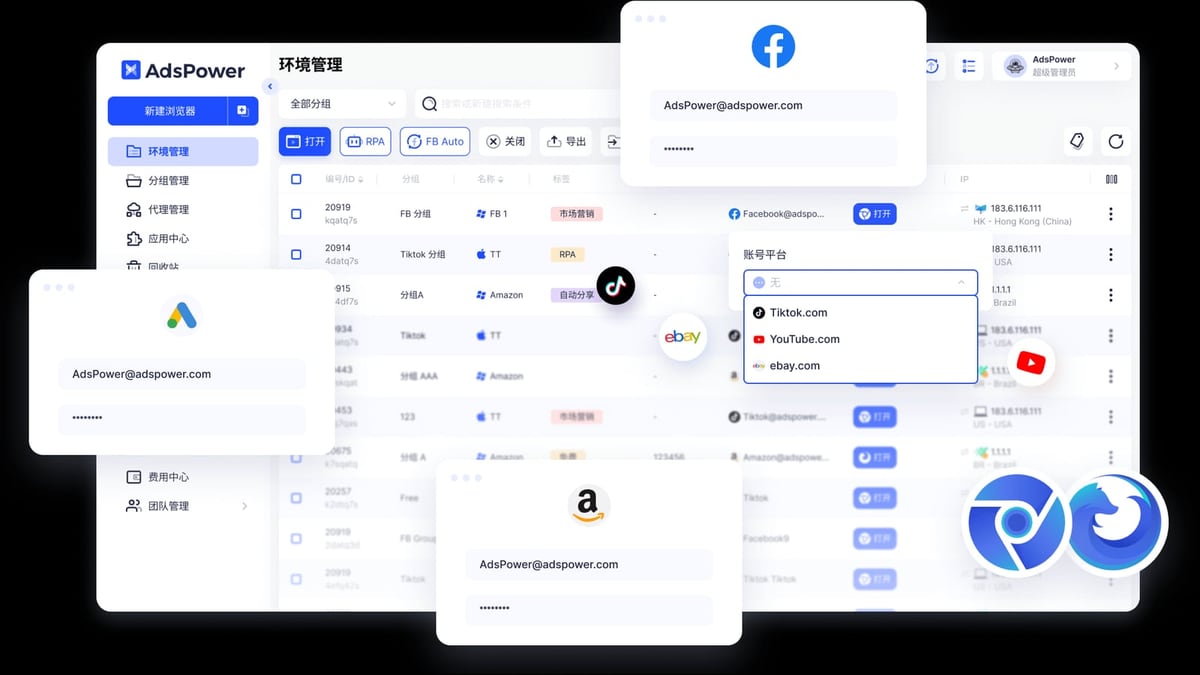
AdsPower fingerprint browser creates isolated browser environments with unique digital fingerprints for each account. IPVanish VPN adds an extra layer by masking your real IP address and encrypting your connection. When used together, they form a powerful defense against account linking.
This guide walks you through exactly how to set up AdsPower with IPVanish VPN, configure proxy settings, and avoid common pitfalls.
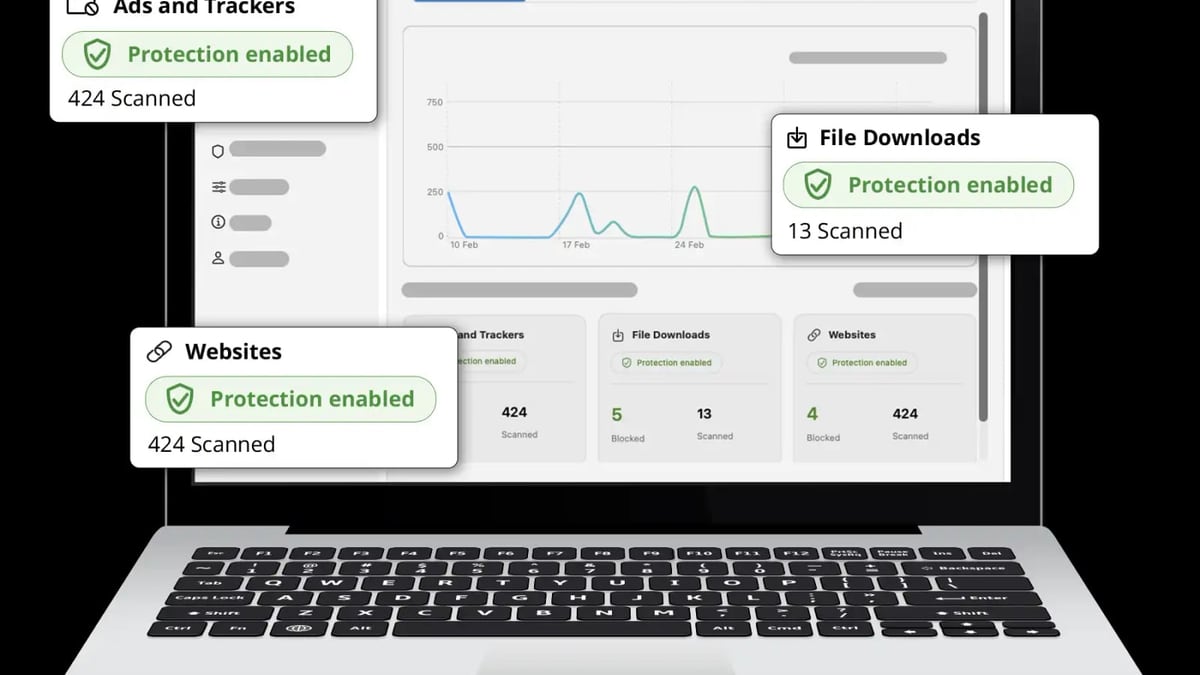
AdsPower + IPVanish VPN: Setup Guide for Secure Multi-Accounts product interface and feature overview.
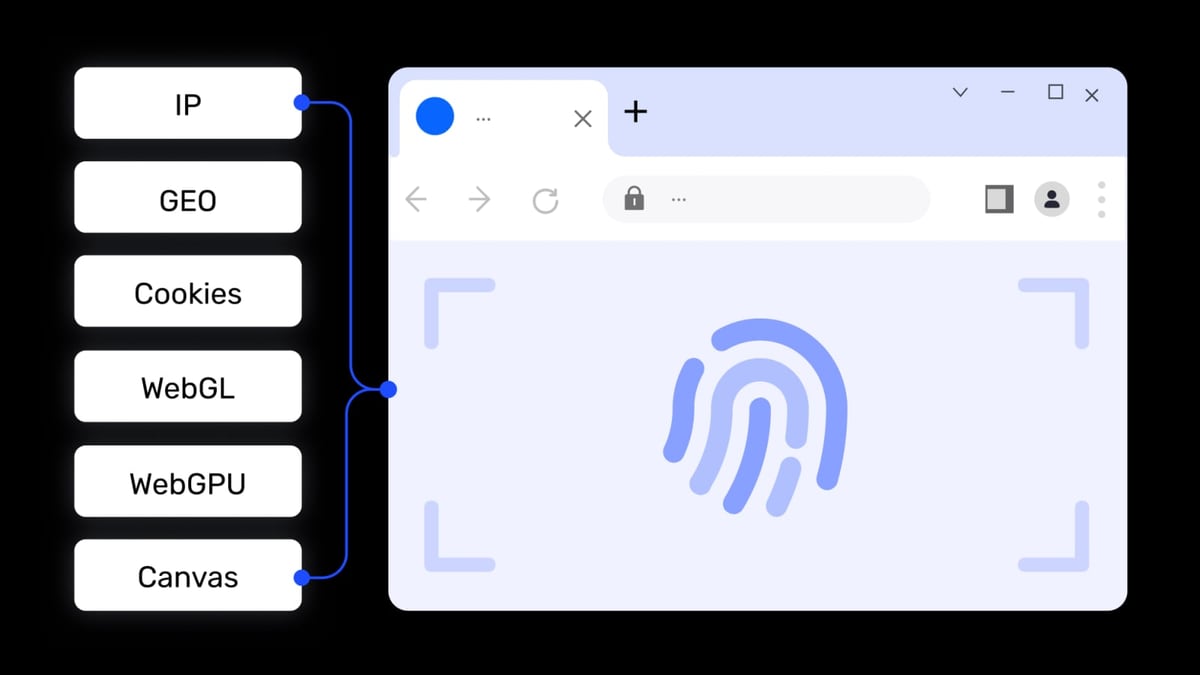
AdsPower alone handles browser fingerprint isolation — Canvas, WebGL, Audio, WebRTC, and over 20 other parameters. But your IP address remains a visible link between accounts if you don’t change it. That’s where IPVanish comes in.
| Problem | AdsPower Solution | IPVanish Solution |
|---|---|---|
| Browser fingerprint detection | Generates unique fingerprints per environment | — |
| IP-based account linking | — | Provides dedicated IPs via VPN or proxy |
| Data interception on public Wi-Fi | — | Encrypts all traffic |
| Geo-restrictions on target platforms | — | Unblocks region-locked content |
By pairing AdsPower’s fingerprint isolation with IPVanish’s IP masking, you achieve true device + network isolation — the gold standard for multi-account security.
AdsPower + IPVanish VPN: Setup Guide for Secure Multi-Accounts product interface and feature overview.
AdsPower + IPVanish VPN: Setup Guide for Secure Multi-Accounts product interface and feature overview.
IPVanish offers both a full VPN client and SOCKS5 proxy. For AdsPower, you’ll use the SOCKS5 proxy — it integrates directly into the browser environment without requiring the VPN app.
socks5.ipvanish.com1080Tip: Keep this information handy. You’ll enter it into AdsPower shortly.
This is the critical step. Without a proxy, all environments share your real IP.
SOCKS5.socks5.ipvanish.com1080
Caption: Entering IPVanish SOCKS5 proxy details in AdsPower’s browser environment setup.
Before using the environment, confirm everything works:
whatismyipaddress.com or browserscan.net.amiunique.org can help.If the IP still shows your real address, double-check the proxy credentials and ensure the proxy type is SOCKS5.
You run three Amazon stores from one computer. Without AdsPower and IPVanish, Amazon would see the same IP and fingerprint — instant ban risk.
You manage ad accounts for five clients. Facebook’s strict policies flag accounts sharing IPs or fingerprints.
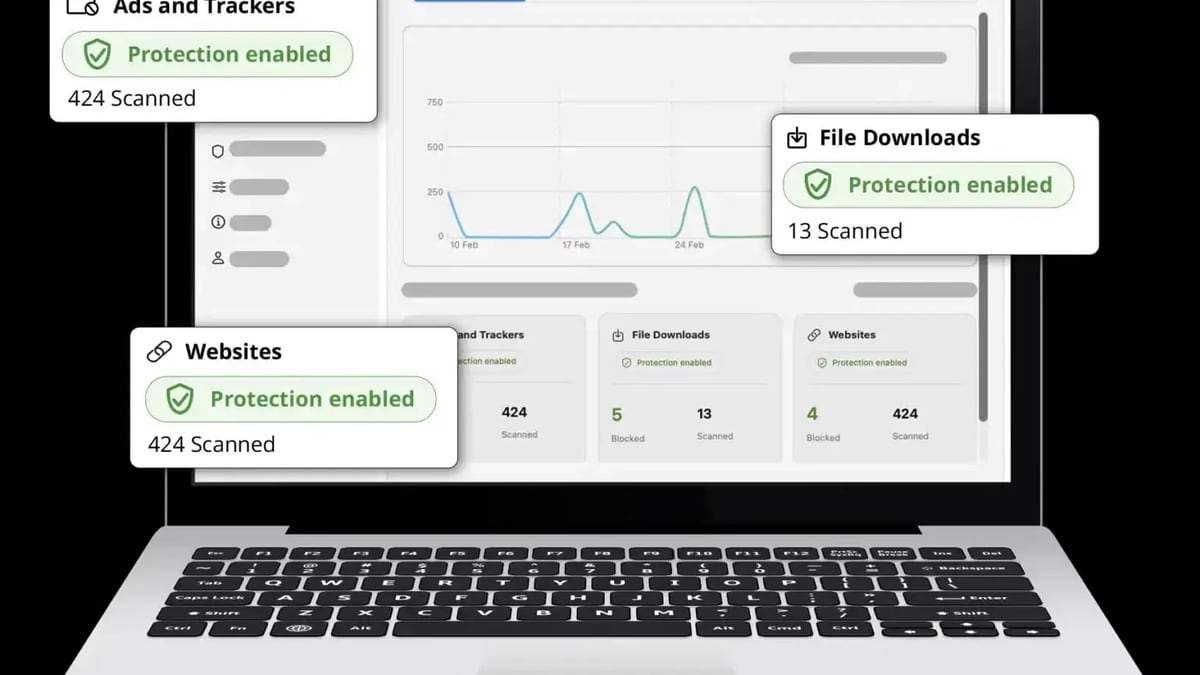
AdsPower + IPVanish VPN: Setup Guide for Secure Multi-Accounts product interface and feature overview.
| Problem | Likely Cause | Solution |
|---|---|---|
| Proxy check fails | Incorrect credentials | Re-enter username/password from IPVanish dashboard |
| IP still shows real address | Proxy not applied | Ensure proxy type is SOCKS5 and host/port are correct |
| Connection timeout | Firewall blocking port 1080 | Allow outbound connections on port 1080 in your firewall settings |
| Slow browsing | High latency proxy server | Try a different IPVanish server location |
Yes, but it’s less efficient. Running the VPN app encrypts all your device traffic, which can interfere with AdsPower’s fingerprint isolation. The SOCKS5 proxy integrates directly into each browser environment, keeping your main IP unchanged while only the browser traffic routes through the VPN.
One IPVanish account provides one SOCKS5 proxy at a time. For multiple accounts requiring different IPs, you’ll need additional IPVanish subscriptions or a proxy provider that offers rotating residential IPs.
IPVanish has a verified no-logs policy, meaning it doesn’t record your browsing activity or connection metadata. This aligns with AdsPower’s privacy-first approach.
Absolutely. AdsPower’s built-in RPA (robotic process automation) works seamlessly with IPVanish proxies. Each automated task runs in its own isolated environment with a unique IP, reducing the risk of detection during bulk operations.
Combining AdsPower fingerprint browser with IPVanish VPN gives you a robust, cost-effective solution for managing multiple accounts securely. AdsPower handles fingerprint isolation, while IPVanish masks your IP address and encrypts your connection. Together, they eliminate the need for multiple physical devices and drastically reduce the risk of account bans.
For a deeper comparison of anti-detect browsers, check out our AdsPower vs MoreLogin vs Incogniton comparison and AdsPower vs Octo Browser analysis. If you’re also automating CAPTCHA solving, our AdsPower + 2Captcha setup guide covers that integration.
Start with AdsPower’s free tier and a single IPVanish proxy — test the workflow with two accounts, then scale up as your needs grow.


