
AdsPower vs ClonBrowser: Which Anti-Detect Browser Wins?
Nov 18, 2026
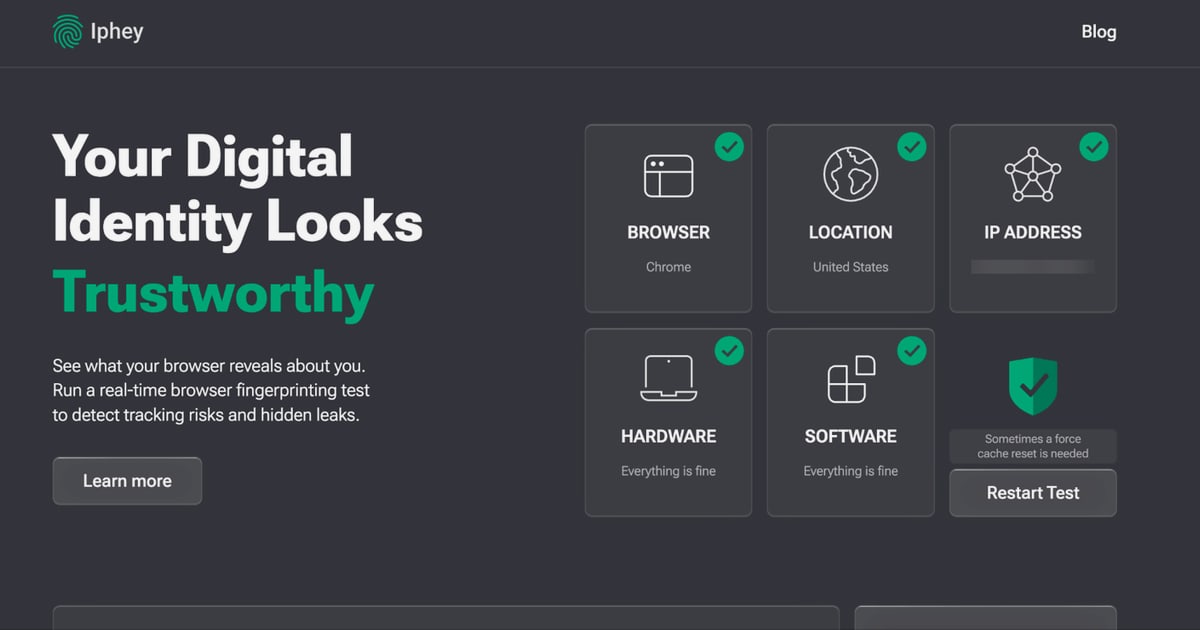
Combining an anti-detect browser with high-quality proxies is essential for managing multiple online accounts without triggering detection. AdsPower provides isolated browser fingerprints, while Decodo supplies ethically sourced IPs that make each profile appear as a real user. This guide walks you through the integration, from obtaining proxy credentials to verifying connections and troubleshooting common issues.
How to Use AdsPower with Decodo: Setup & Workflow Guide - Why Pair AdsPower with Decodo?.
AdsPower creates unique browser fingerprints for each profile, but without a matching IP address, platforms can still link accounts. Decodo's residential, mobile, ISP, and datacenter proxies give each AdsPower profile a distinct, genuine IP. This combination solves several problems:
For a broader comparison of anti-detect browsers, see our AdsPower vs MuLogin vs BitBrowser: 2026 Anti-Detect Comparison.
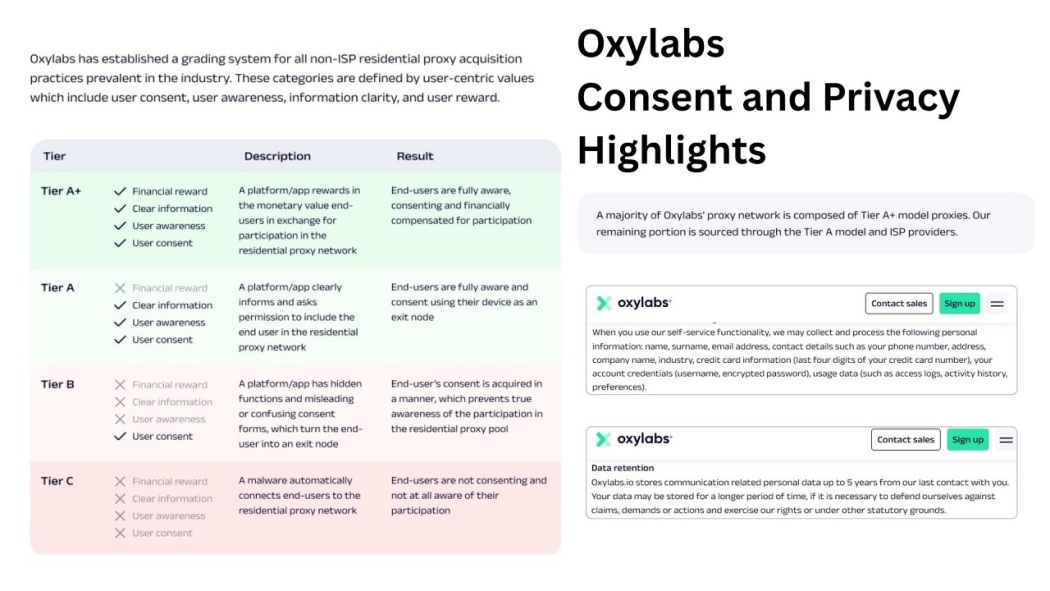
How to Use AdsPower with Decodo: Setup & Workflow Guide - Prerequisites.
Before you begin, ensure you have:
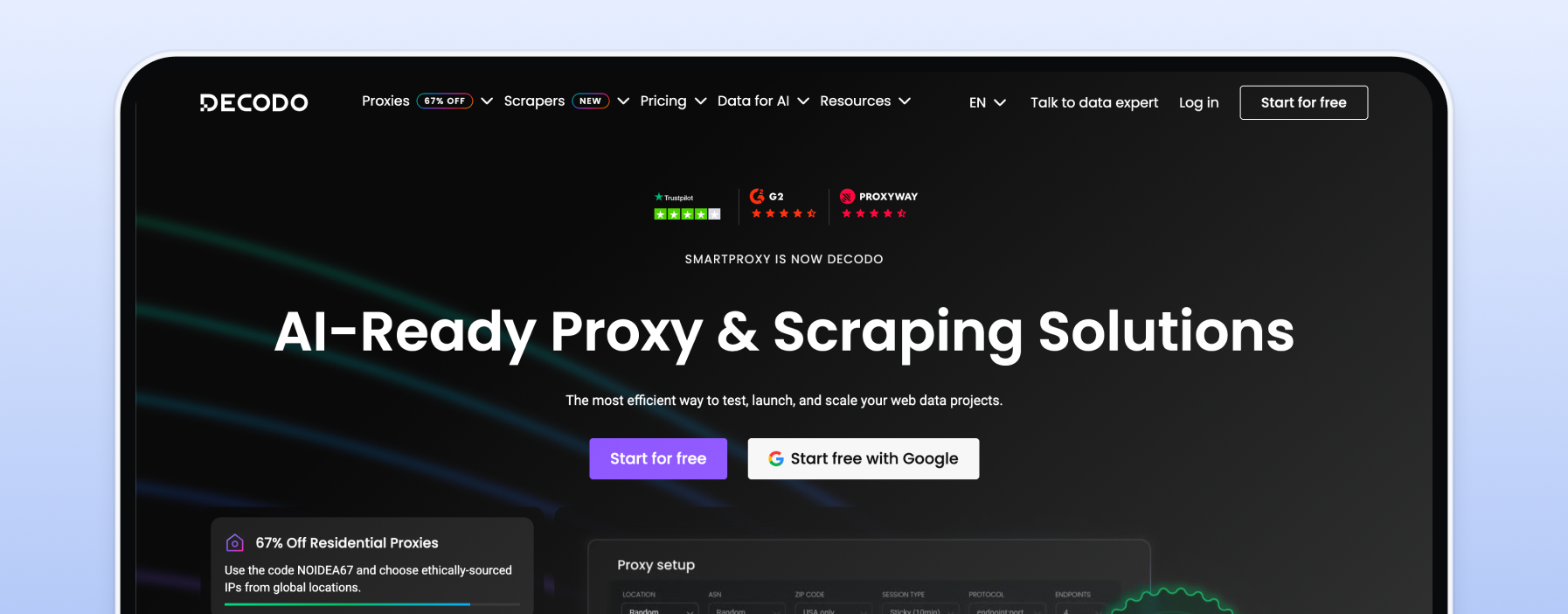
How to Use AdsPower with Decodo: Setup & Workflow Guide - Step-by-Step Setup.
Log in to your Decodo dashboard and navigate to the proxy product you want to use (Residential, Mobile, ISP, or Datacenter). You'll find the endpoint (e.g., us.decodo.com:10101) and your authentication details. If you prefer IP whitelisting, add your current IP to the whitelist instead of using username/password.
Open AdsPower and click "Create Profile." Enter a name and any relevant notes. Under the "Proxy" section, select "Custom" or "HTTP/SOCKS5" depending on your Decodo proxy type.
Enter the following:
us.decodo.com).10101).For multiple profiles, you can create a proxy list in AdsPower and assign different proxies to each profile. This is more efficient than manual entry for each.
Save the profile and click "Open." AdsPower will launch a browser window showing your proxy IP, location, and fingerprint details. To double-check, visit ip.decodo.com – it should display the proxy's location, not your real IP.
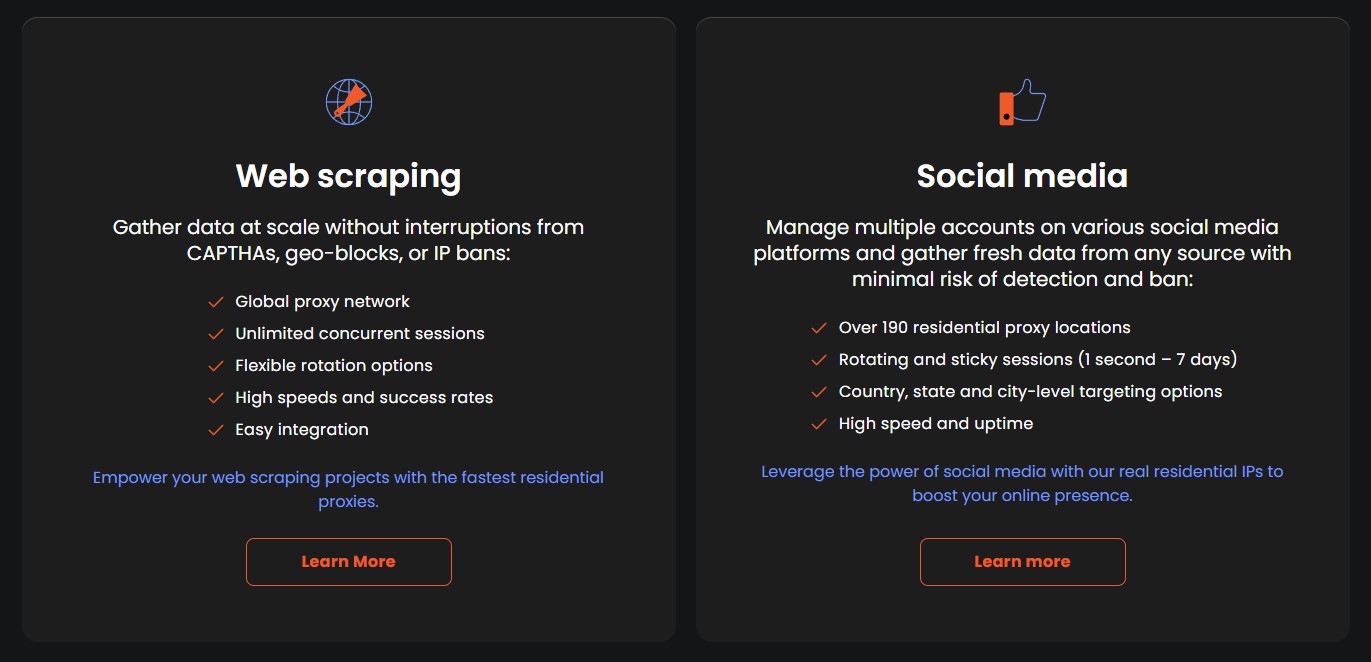
How to Use AdsPower with Decodo: Setup & Workflow Guide - Choosing the Right Decodo Proxy Type.
| Proxy Type | Best For | Key Features |
|---|---|---|
| Residential | Multi-accounting, social media | 125M+ IPs, rotating/sticky sessions, city/state/ZIP targeting |
| Mobile | Mobile app testing, social media | 4G/5G IPs, high trust, rotating |
| ISP (Static Residential) | Long sessions, e-commerce | Static IP, high speed, datacenter-like performance |
| Datacenter | Web scraping, ad verification | Fast, affordable, but lower trust |
For cross-border e-commerce, residential or ISP proxies are ideal because they match real user behavior. If you're new to cross-border operations, our How to Do Cross-Border E-Commerce: 2026 Beginner's Full Process and Multi-Account Operations Guide covers the fundamentals.
ip.decodo.com before logging in.For more detailed troubleshooting, refer to Decodo's AdsPower integration guide.
Can I use any Decodo proxy type with AdsPower? Yes, Residential, Mobile, ISP, and Datacenter proxies all work. The setup process is the same.
What's the difference between adding proxies directly vs. using a proxy list? Direct addition is for single profiles; a proxy list is more efficient for managing many profiles at once.
How do I know if my proxy is working?
After launching a profile, AdsPower displays the proxy IP. You can also visit ip.decodo.com to confirm the location.
Do I need to use a VPN with AdsPower and Decodo? No, using both a VPN and proxy can cause conflicts. Choose one. If you prefer a VPN, see our guide on How to Use AdsPower with IPVanish VPN.
Can I use Decodo proxies for web scraping with AdsPower? Yes, Decodo's datacenter or residential proxies are suitable for scraping tasks, especially with AdsPower's automation features.
Integrating Decodo proxies with AdsPower creates a robust environment for multi-account management. By following the setup steps and choosing the right proxy type, you can scale your operations securely while minimizing detection risks. Remember to verify connections and troubleshoot proactively. For more insights on anti-detect browsers, explore our AdsPower vs Linken Sphere vs MoreLogin: 2026 Comparison.


