
AdsPower vs ClonBrowser: Which Anti-Detect Browser Wins?
Nov 18, 2026
Running one online store is manageable. Running several — for different brands, regions, or client accounts — is where things get complicated. Ecwid gives you a fast, no-code way to launch storefronts. AdsPower gives each of those storefronts its own isolated browser identity. Together, they let you operate multiple Ecwid stores from a single computer without the accounts looking connected.
This guide explains how the two tools fit together, walks through the setup, and shows practical workflows you can copy.
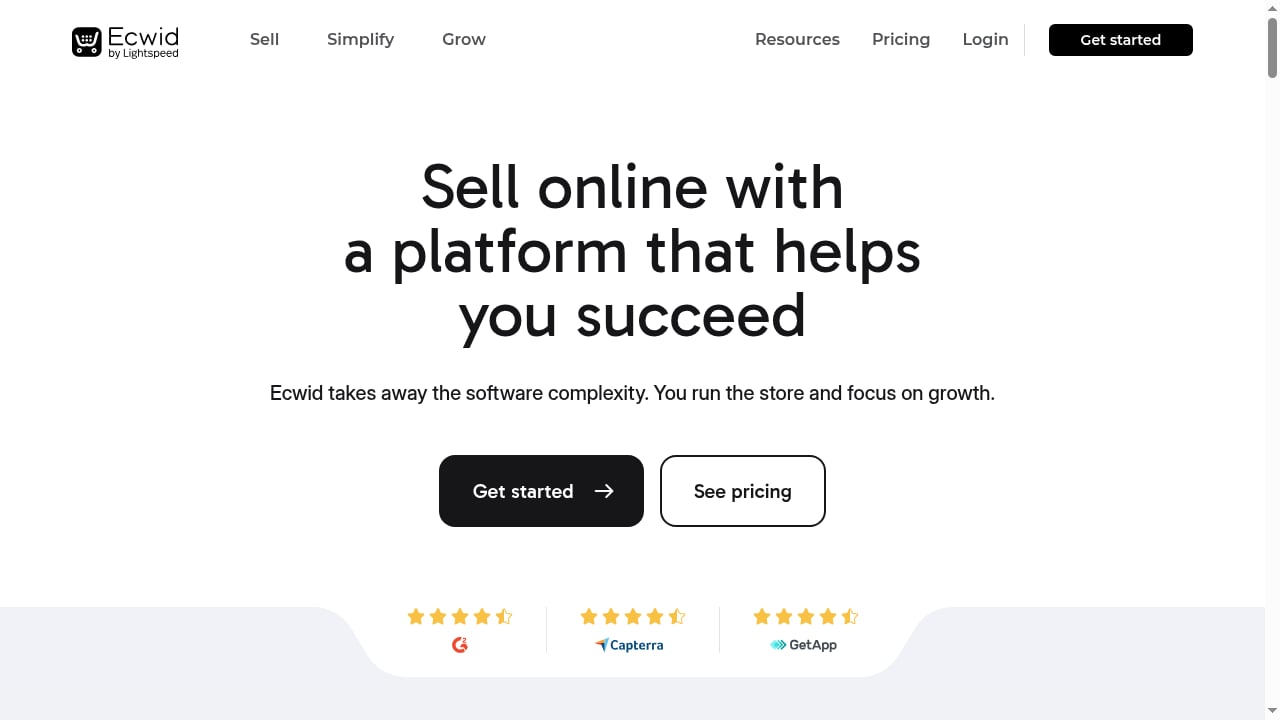
First viewport screenshot of Ecwid: #1 Fast and Easy E-commerce Shopping Cart Solution - Try Ecwid Today!.
Ecwid is a shopping cart and storefront platform that works inside an existing website or as a standalone store. It requires no technical skill to launch and charges no transaction fees, which makes it attractive for sellers who want to test products or niches quickly.
AdsPower is an anti-detect browser built for multi-accounting. It creates separate browser profiles, each with its own fingerprint — Canvas, WebGL, user agent, timezone, screen resolution, and more — so platforms see independent devices rather than one machine logging into many accounts.
Put them together and you get a practical setup for:
First viewport screenshot of Explore case studies about businesses built on Ecwid.
The relationship is straightforward: Ecwid is the storefront layer, AdsPower is the access layer.
| Layer | Tool | What it handles |
|---|---|---|
| Storefront | Ecwid | Product catalog, cart, checkout, order management |
| Access | AdsPower | Browser identity, fingerprint, proxy, session isolation |
| Automation | AdsPower | Scheduled tasks, batch actions, AI Agent workflows |
Each Ecwid store gets its own AdsPower profile. That profile stores the login session, cookies, and fingerprint for that store only. When you open a different profile, you get a clean environment tied to a different store.
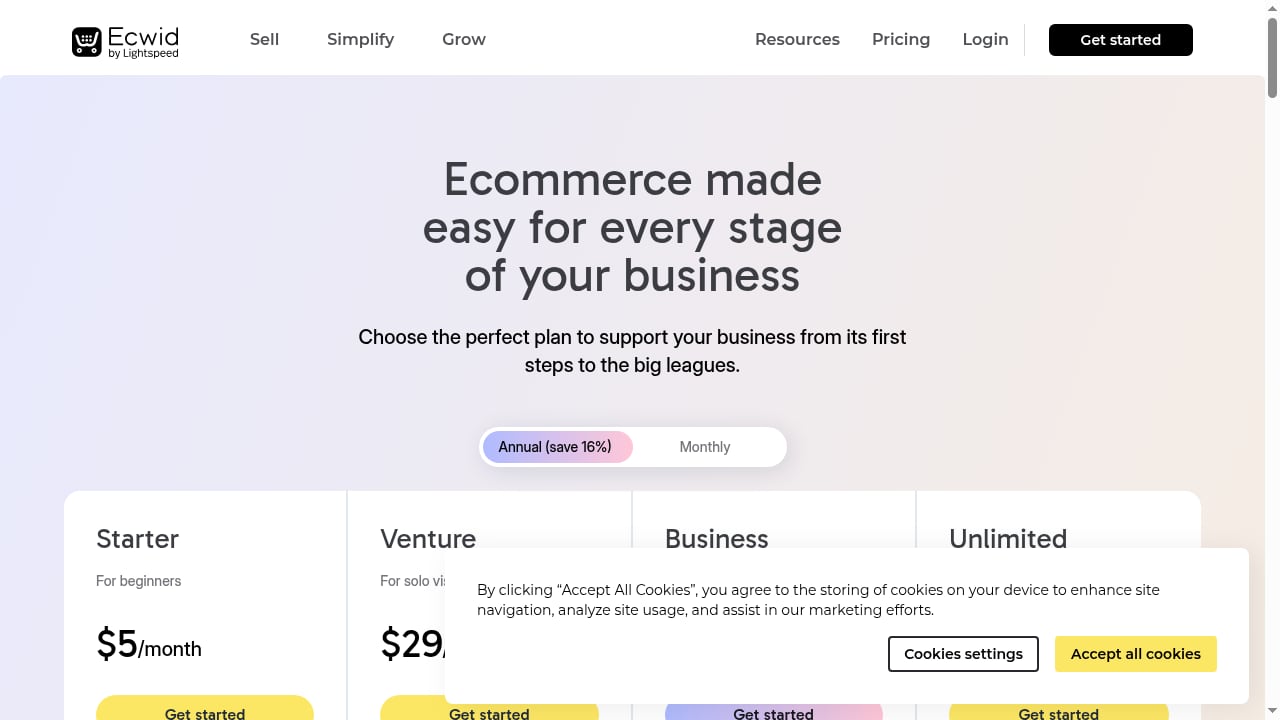
First viewport screenshot of Ecwid Pricing - Choose the right Ecwid plan for your business!.
Download AdsPower from the official site and sign up. The free forever plan includes two profiles, which is enough to test the workflow before committing.
Inside the dashboard, click Create Profile. Give it a name that maps to the store — for example, Ecwid - Home Decor US or Ecwid - Client A. Set the browser type (SunBrowser or FlowerBrowser), then configure the fingerprint.
Fingerprint consistency matters more than fingerprint randomness. If your store targets US customers, set the timezone to a US zone, the language to English, and the resolution to something common like 1920x1080. Mismatched fingerprints — a German timezone with a US proxy, for instance — are a common cause of verification prompts.
Add a proxy in the profile settings. AdsPower supports HTTP, HTTPS, SOCKS5, and mobile proxies, and you can buy proxies directly inside the platform or bring your own provider. Test the connection before saving.
For Ecwid storefronts, residential or ISP proxies usually work well because they look like ordinary shopper traffic. If you manage several stores in the same country, keep each store on a stable, dedicated IP rather than rotating addresses.
Open the profile, navigate to your Ecwid admin, and sign in. Complete any two-factor authentication. From this point on, the session lives inside that profile.
Repeat the process for each additional store: new profile, new proxy, new login. Never log two Ecwid accounts into the same profile.
AdsPower lets you group profiles by project. Create groups like Client Stores, Test Brands, or EU Region so you can find and launch the right store quickly. Batch operations let you start, stop, or edit many profiles at once.
Once profiles are stable, use AdsPower's automation tools to handle routine tasks — checking order pages, updating product listings, or pulling reports across stores. The no-code RPA builder and the AI Agent with scheduled tasks are the two main options. Start with one simple task on one profile before rolling it out across a group.
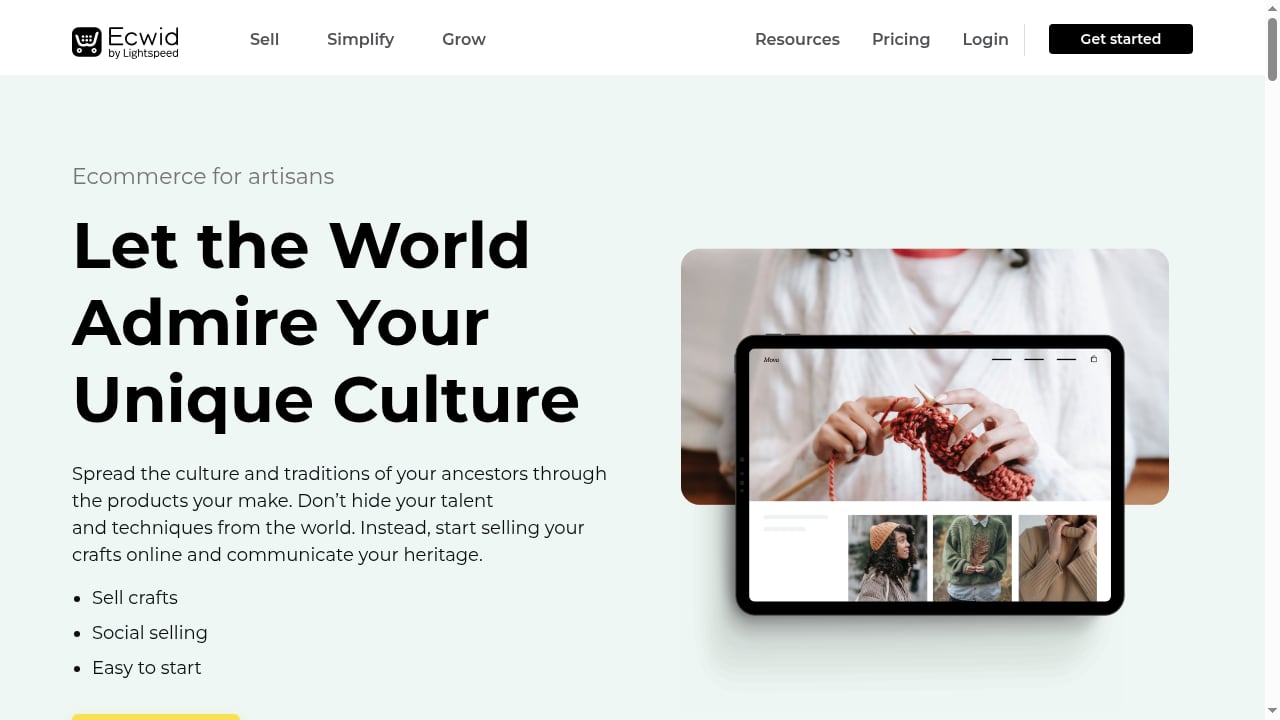
First viewport screenshot of Ecommerce Solutions for Artisans - Ecwid Ecommerce.
A seller wants to test home goods, pet accessories, and fitness gear as separate Ecwid stores. Each store gets its own AdsPower profile with a distinct fingerprint and a residential proxy in the target country. The seller can compare performance without any store's admin session interfering with another's.
An agency handles Ecwid stores for five small businesses. Profiles are grouped under Client Stores, each with the client's name. Team members get access to specific profiles rather than shared credentials, and profile data is encrypted. When a client leaves, the agency simply removes that profile.
The US store uses a US proxy, US timezone, and English language settings. The EU store uses a German proxy, CET timezone, and German language settings. Both stores run from the same laptop, but the browser environments never overlap.
If you run one or two stores, the free plan plus a single proxy per store is usually enough. You may not need automation at all.
If you run five to twenty stores, move to a paid AdsPower plan for more profiles and team seats, and set up profile groups. Add automation for order checks or listing updates.
If you run dozens of stores or manage client accounts, look at the Business or Enterprise tier. Batch profile management, profile syncing across computers, and the AI Agent become genuinely useful at that scale.
For a broader look at how AdsPower compares with other anti-detect browsers before you commit, see this AdsPower vs Dolphin Anty comparison and this AdsPower vs Linken Sphere vs Maskfog breakdown.
Technically you can run a profile without a proxy, but your real IP would be shared across every store you log into. For multi-store work, attach a separate proxy to each profile so each store appears to come from a different location.
The free forever plan includes two profiles. That covers two storefronts. For more, you need a paid plan.
AdsPower is a browser isolation tool. Whether a specific setup is allowed depends on Ecwid's own terms of service and on how you use the accounts. Review Ecwid's policies before running multiple stores.
With AdsPower, the practical limit is your plan's profile count rather than your hardware. Teams have run hundreds of isolated profiles from a single machine.
Yes. The same profile-per-store approach applies to other carts and marketplaces. If you also do data collection, this guide on using AdsPower with Scrapy covers the automation side.
AdsPower supports profile syncing across computers, so you can move a store's environment without rebuilding the fingerprint and session from scratch.
AdsPower and Ecwid solve different halves of the same problem. Ecwid handles the storefront — catalog, cart, checkout — with no technical overhead. AdsPower handles the access layer, giving each storefront its own browser identity so multiple stores can run side by side without interfering with each other.
The setup is not complicated: create a profile, match the fingerprint to the store's market, attach a proxy, log in, and group the profile for easy access. From there, automation can take over the repetitive parts.
Start with two profiles on the free plan, prove the workflow on a single store, then scale up as your store count grows.


