
AdsPower vs ClonBrowser: Which Anti-Detect Browser Wins?
Nov 18, 2026
AdsPower is a powerful anti-detect browser that lets you manage multiple online accounts from a single device by creating isolated browser profiles with unique fingerprints. But fingerprints alone aren't enough—platforms also check your IP address. That's where IPBurger comes in. By pairing AdsPower's fingerprint isolation with IPBurger's premium proxies, you get a robust setup that minimizes bans and maximizes success. This guide walks you through the integration, from choosing the right proxy type to configuring and verifying your connection.
AdsPower excels at masking browser fingerprints—Canvas, WebGL, User-Agent, and more—so each profile appears as a distinct device. However, if all profiles share the same IP address, platforms can easily link them. IPBurger provides dedicated, high-quality IPs that match your profiles' intended locations, completing the anonymity equation.
Key benefits of the combination:
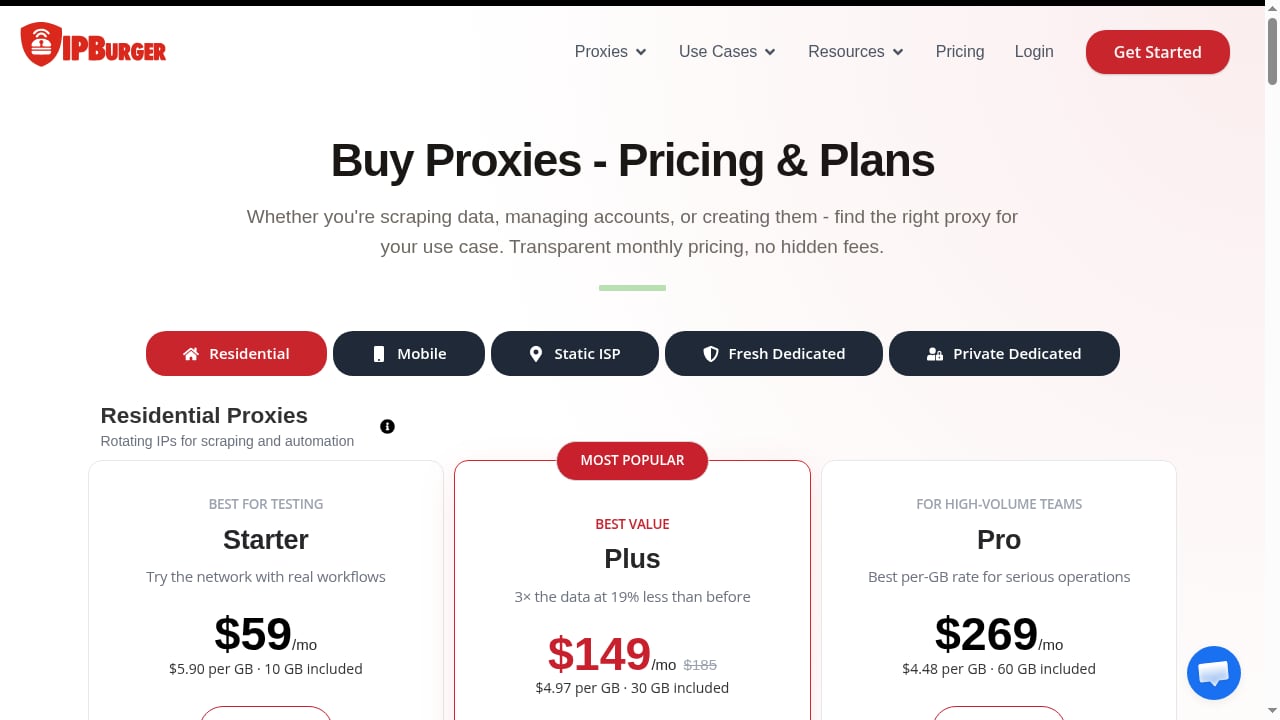
First viewport screenshot of www.ipburger.com.
Not all proxies are equal. The right choice depends on your use case:
For most multi-account management, static ISP proxies offer the best balance of stability and trust. Use residential proxies for high-volume creation and mobile proxies for high-stakes accounts.
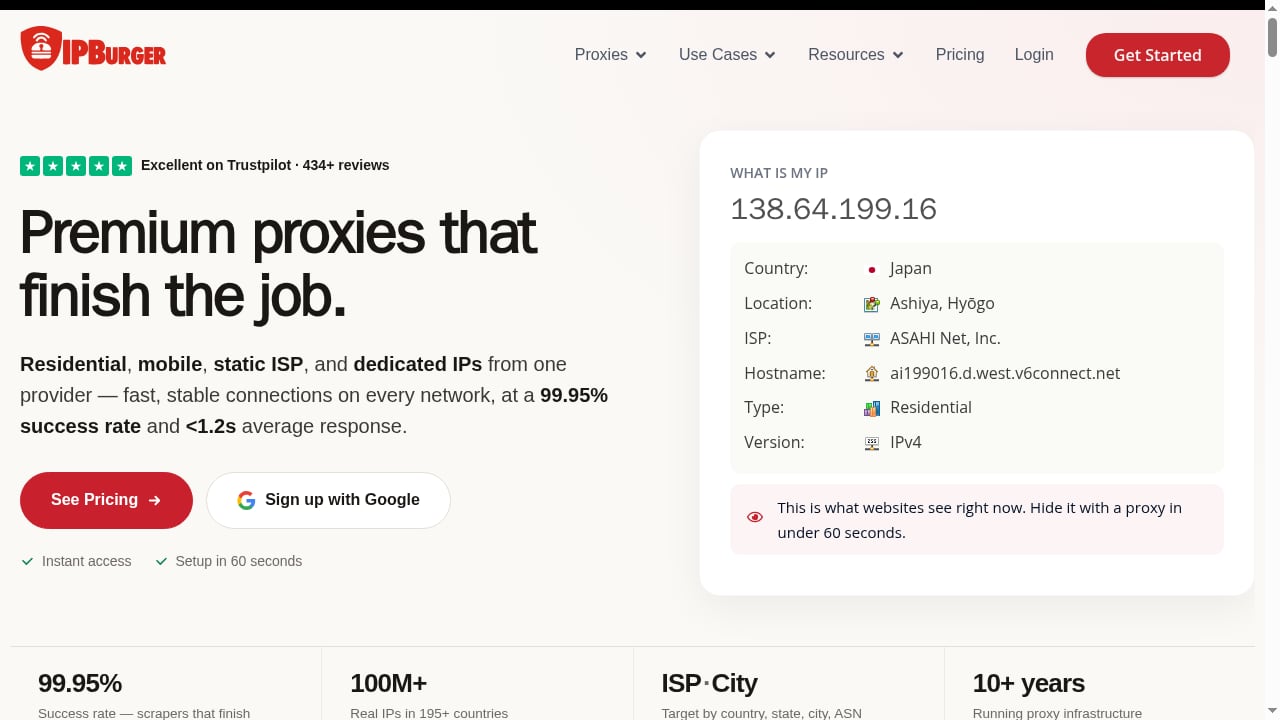
First viewport screenshot of www.ipburger.com.
After signing up with IPBurger, you'll receive proxy host, port, username, and password. You can choose from residential, static ISP, mobile, or dedicated IPs. For this guide, we'll use static ISP proxies as an example.
Log in to AdsPower and click New Profile. Fill in the basic information (profile name, group, etc.).
In the profile creation window, navigate to the Proxy tab. Select Custom as the proxy type, then choose your protocol (HTTP, HTTPS, SOCKS5, or SSH). IPBurger supports HTTP/HTTPS/SOCKS5—SOCKS5 is recommended for better anonymity and handling of various traffic types.
Enter the proxy details:
Alternatively, paste the proxy in IP:port:user:pass format and click Check Proxy to auto-fill.
Click Check Proxy to test the connection. AdsPower will display the detected IP address, location, and timezone. Ensure these match your profile's intended settings. If the check fails, double-check your credentials and protocol.
Once verified, save the profile. You can now launch it, and all traffic will route through the IPBurger proxy.
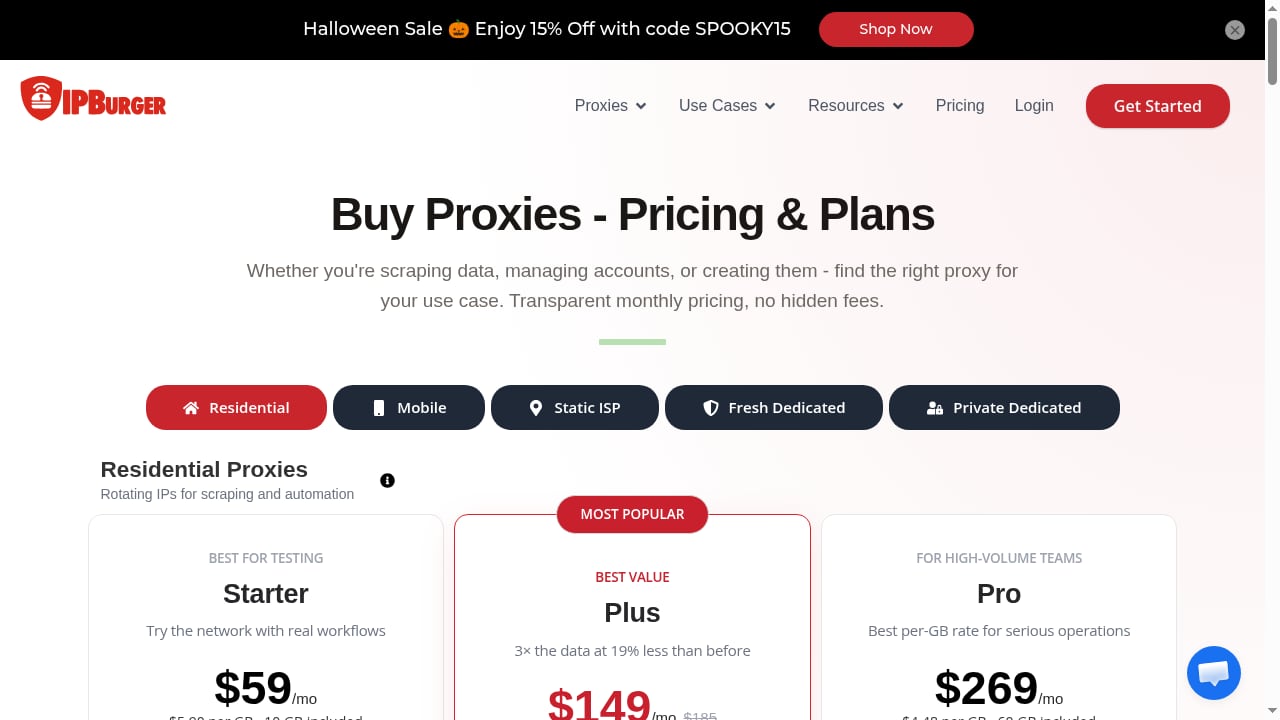
First viewport screenshot of www.ipburger.com.
If you manage many profiles, manually configuring each proxy is tedious. AdsPower offers bulk proxy assignment:
IP:port:user:pass format, one per line.For more advanced scaling, explore bulk actions for profiles to streamline your workflow.
An Amazon seller operates five stores in different countries. Each store requires a separate account with a local IP to avoid suspension. Using AdsPower, they create five profiles, each configured with a static ISP proxy from IPBurger matching the store's country. The profiles have unique fingerprints and consistent geolocation, reducing the risk of linkage.
An agency manages 50 Facebook ad accounts for clients. They use AdsPower's team collaboration features to assign profiles to team members. Each profile is paired with a dedicated IPBurger residential proxy (rotating for new accounts, static for established ones). The agency uses AdsPower's RPA to automate routine actions like posting and liking, while IPBurger ensures each account appears to originate from a distinct, trustworthy location.
A data collection firm scrapes e-commerce sites for pricing intelligence. They need thousands of IPs to avoid rate limits. AdsPower's API is used to programmatically create profiles, each assigned a rotating residential proxy from IPBurger. The combination allows them to distribute requests across many IPs and fingerprints, mimicking organic traffic.
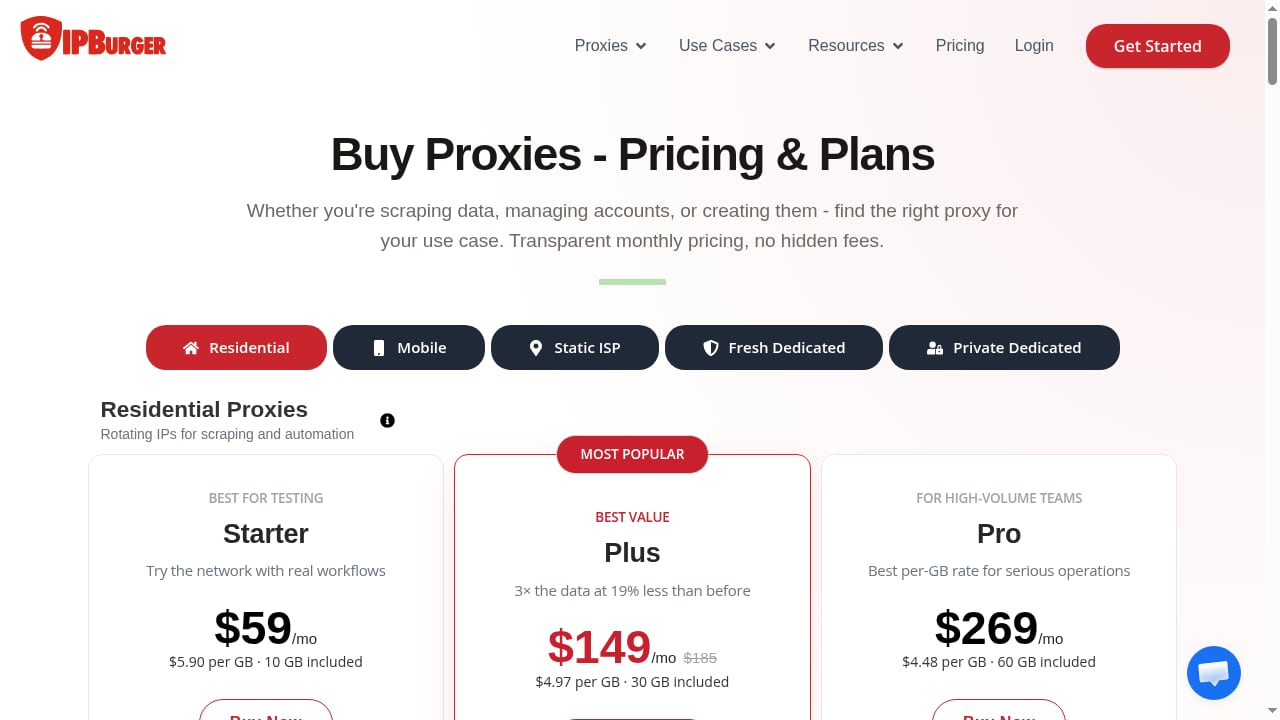
First viewport screenshot of www.ipburger.com.
By integrating IPBurger with AdsPower, you address both fingerprint and IP layers of detection. This synergy is essential for anyone serious about multi-account management, whether in e-commerce, affiliate marketing, or social media. For a deeper dive into anti-detect browser comparisons, see our top 10 anti-detect fingerprint browsers and AdsPower vs Octo Browser vs StealthBrowser.
In AdsPower, create or edit a profile, go to the Proxy tab, select Custom, enter the proxy details (host, port, username, password), and click Check Proxy to verify before saving.
For long-term account management, static residential (ISP) proxies are best. For account creation and high-volume tasks, rotating residential proxies work well. Mobile proxies offer the highest trust for sensitive accounts.
IPBurger offers a VPN, but for multi-account management, proxies are recommended because they allow per-profile IP assignment. A VPN typically routes all traffic through a single IP, which defeats the purpose of isolated profiles.
One dedicated proxy per profile is ideal. Shared IPs can link accounts. For example, if you have 20 profiles, you need 20 proxies.
Yes, AdsPower supports HTTP, HTTPS, SOCKS5, and SSH. SOCKS5 is recommended for its flexibility and anonymity.
Use the built-in Check Proxy button. It displays the IP address and location. You can also launch the profile and visit an IP lookup site to confirm.
Combining AdsPower's fingerprint isolation with IPBurger's reliable proxies creates a robust environment for managing multiple accounts. By following the setup steps and best practices outlined here, you can minimize bans, improve success rates, and scale your operations efficiently. Whether you're an e-commerce seller, marketer, or data collector, this integration empowers you to work smarter and safer.
For more insights on anti-detect browsers, explore our AdsPower vs MoreLogin comparison and other resources.


