
AdsPower vs ClonBrowser: Which Anti-Detect Browser Wins?
Nov 18, 2026
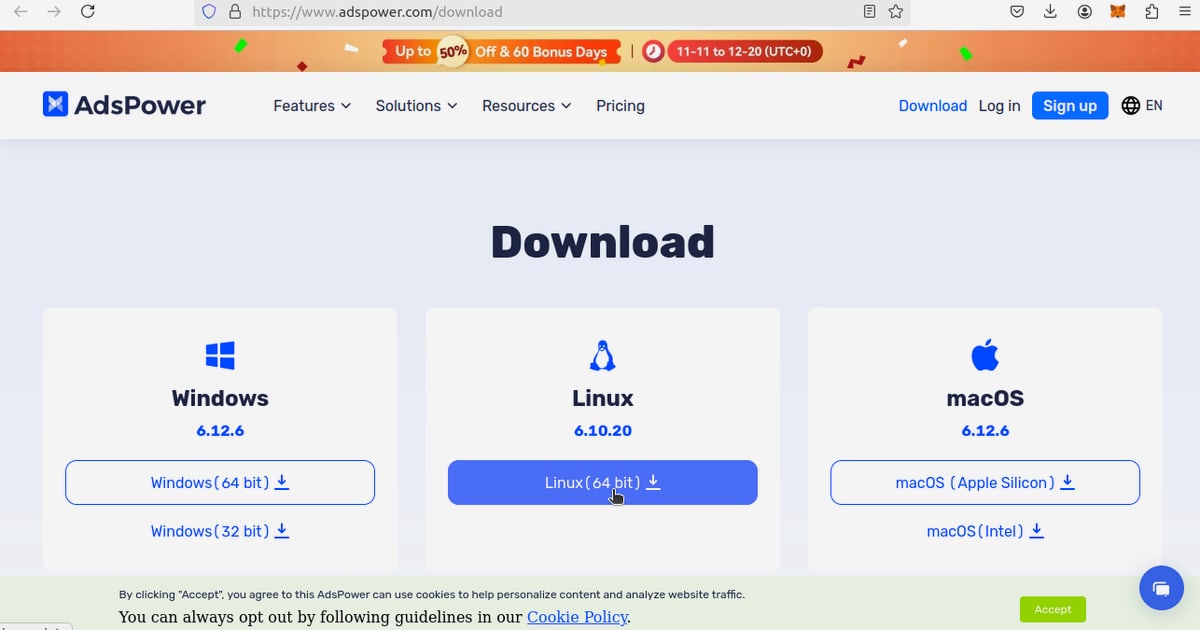
AdsPower gives every account its own isolated browser profile with a distinct fingerprint. Proxies give every profile its own network identity. Used together, they form the two halves of a believable multi-account setup: the browser looks like a different machine, and the connection appears to come from a different place. This guide walks through the pairing from scratch, shows the workflow in practice, and covers the mistakes that quietly get accounts flagged.
An anti-detect browser changes what a website can read about your device: Canvas and WebGL output, user agent, screen metrics, fonts, timezone, WebRTC behavior, and dozens of other signals. A proxy changes what the site can read about your network: IP address, ASN, and rough geolocation.
If you isolate only one of those layers, the mismatch becomes the signal. A profile claiming to be in Frankfurt while connecting from your home IP in another country is easier to flag than a profile that never claimed anything at all. The combination solves three practical problems:
First viewport screenshot of Proxys.io - Buy Proxy Servers from $0.13/IP.
Not every task deserves the same proxy. Match the type to the account's value and lifespan.
| Proxy type | Best for | Trade-offs |
|---|---|---|
| Shared | Low-value accounts, scraping, testing | IP is reused by others; higher chance of being pre-flagged |
| Dedicated | Long-lived accounts, stores, ad accounts | One user per IP; higher cost than shared |
| Residential | Social accounts, region-locked platforms, high-trust logins | Slower and pricier, but blends with real user traffic |
A workable rule: keep your revenue-generating accounts on dedicated or residential IPs, and reserve shared proxies for throwaway or high-volume tasks. If you are still deciding on the browser itself, the AdsPower vs Multilogin Homepage comparison covers how proxy handling differs between platforms.
First viewport screenshot of PROXYS.IO Blog.
In the AdsPower dashboard, create a new profile and give it a name you will recognize later, for example Amazon-US-01 or FB-BM-03. Naming discipline matters more than people expect once you pass twenty profiles.
Choose SunBrowser (Chromium-based) or FlowerBrowser (Firefox-based). Then set the operating system. A common beginner mistake is leaving the OS on a default that does not match the user agent or the proxy's typical audience. Keep the OS, user agent, and timezone consistent with the proxy location.
In the proxy section, select the protocol (HTTP, HTTPS, or SOCKS5), then paste the host, port, username, and password. AdsPower supports both third-party providers and its own built-in proxy purchasing flow, so you can either bring an existing endpoint or buy one during profile creation.
Use the built-in proxy check. Confirm the detected IP, country, and timezone. If the check fails, do not save the profile and hope for the best — fix the endpoint first. A profile that has already logged a failed connection can leave traces.
This is the step most guides skip. Once the proxy resolves to, say, a UK IP, set the profile's timezone, language, and geolocation to match. WebRTC should not leak your real local IP. If you want a deeper look at fingerprint parameters, the AdsPower vs Hidemyacc comparison breaks down the settings that matter most.
Launch the profile and visit an IP-checking page from within the browser window. You should see the proxy IP, not your real one. Check WebRTC separately — it is the most common leak.
First viewport screenshot of PROXYS.IO Blog.
Imagine you run five Amazon seller accounts and three Facebook ad accounts.
If your operation includes Amazon logistics, the FBA fulfillment guide explains how inventory and seller operations fit around this kind of multi-account structure.
First viewport screenshot of PROXYS.IO Blog.
Once you pass roughly twenty profiles, manual proxy assignment becomes error-prone. AdsPower's batch creation, group management, and profile syncing help here: you can define proxy groups, clone settings across profiles, and share profiles with team members without emailing credentials around. For teams, the encrypted profile storage and role-based access reduce the risk of someone accidentally opening an account from the wrong machine.
If you are comparing automation and team features across tools, the AdsPower vs Incogniton vs Dolphin Anty guide is a useful reference point.
Technically yes, practically no. Free proxies are usually shared, slow, and already flagged by major platforms. They undermine the entire point of fingerprint isolation.
For anything with a login, one. For scraping or anonymous browsing, you can share more, but expect higher block rates.
Yes, whenever possible. Mismatches between registration, payment method, and connection location are a common trigger for verification requests.
Yes. AdsPower supports HTTP, HTTPS, and SOCKS5, so you can use whichever protocol your provider offers.
The profile may fall back to your real connection or fail to load. Always monitor proxy health and replace dead endpoints before opening important accounts.
You can, but it is risky for established accounts. If you must change it, keep the new IP in the same country and city if possible.
AdsPower handles the browser-side identity; your proxy handles the network-side identity. Neither is convincing alone. Get the pairing right — one clean endpoint per profile, matching timezone and language, tested before you save — and multi-accounting stops being a game of chance. Start with a small batch, verify each profile from the inside, and only then scale.


