
AdsPower vs ClonBrowser: Which Anti-Detect Browser Wins?
Nov 18, 2026
Setting up an anti-detect browser like AdsPower is only half the battle. The real question is: Is your browser environment truly anonymous? That's where Pixelscan comes in. This guide shows you exactly how to use AdsPower fingerprint browser with Pixelscan to test, verify, and fine-tune your digital fingerprints so your multi-account operations stay secure.
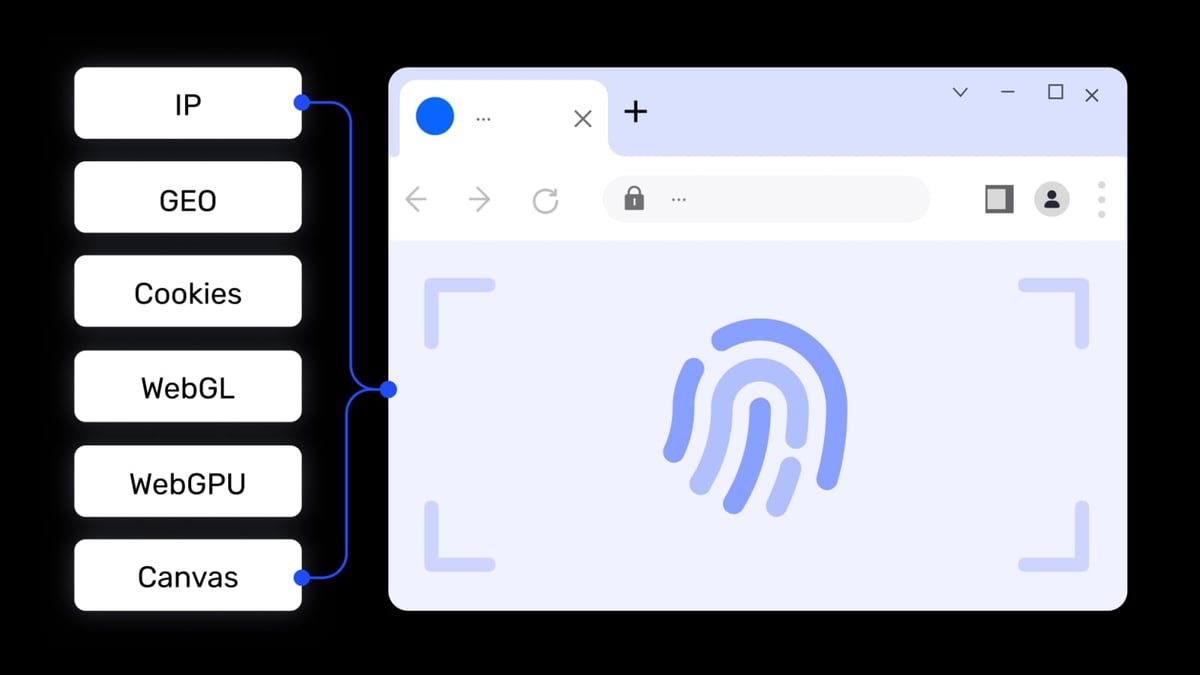
AdsPower + Pixelscan: Verify Your Anti-Detect Setup product interface and feature overview.
Even the best anti-detect browser can leak information if configured incorrectly. A single mismatched fingerprint—like a timezone that doesn't match your proxy's location—can flag your account to platforms like Amazon, Facebook, or TikTok. Pixelscan gives you a clear, instant report on what websites see when you visit them, helping you catch and fix leaks before they cause a ban.
AdsPower + Pixelscan: Verify Your Anti-Detect Setup product interface and feature overview.
Pixelscan is a free online privacy diagnostics tool. In about five seconds, it analyzes over 20 browser fingerprint parameters—including Canvas, WebGL, AudioContext, WebRTC, DNS, IP, and proxy anonymity—and presents them in a simple dashboard. It stores zero data and requires no registration, making it a safe, transparent way to check your setup.
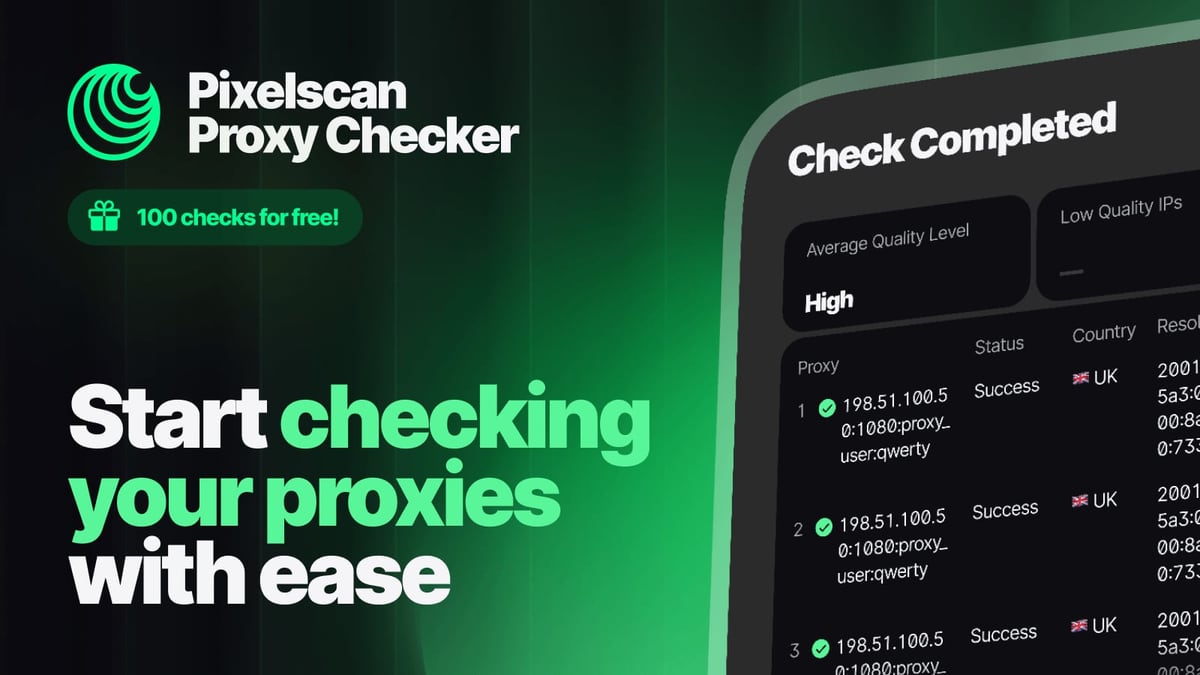
AdsPower + Pixelscan: Verify Your Anti-Detect Setup product interface and feature overview.
Open AdsPower and click New Browser. You'll see fields for proxy configuration and fingerprint settings. For a fresh test environment, leave the fingerprint settings at their default values initially—you'll adjust them after scanning.
Choose your proxy type (HTTP, HTTPS, SOCKS5, or SSH) and enter the details provided by your proxy service. AdsPower supports custom proxy entry; you can paste the full string (host:port:user:pass) into the proxy host field for automatic filling. Click Check Proxy to confirm the connection is working.
Tip: For the most accurate test, use a proxy that matches the target platform's region. For example, if you're managing a US Amazon account, use a US residential proxy.
Click Open to launch the browser environment. In the new browser window, navigate to Pixelscan. The tool will automatically start scanning your browser fingerprint.
Pixelscan displays several key sections:
If Pixelscan shows a mismatch or leak, return to AdsPower and adjust the corresponding fingerprint setting. For example:
Repeat the scan after each adjustment. A clean Pixelscan report means your environment is ready for account creation or management.
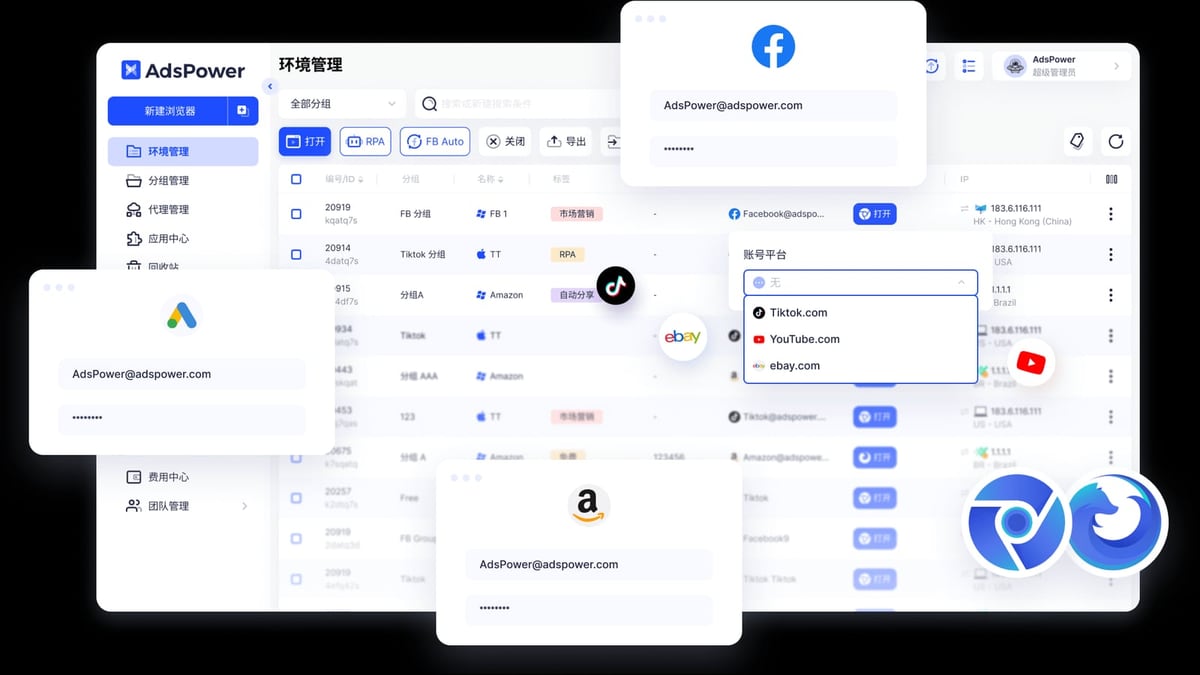
AdsPower + Pixelscan: Verify Your Anti-Detect Setup product interface and feature overview.
Imagine you need to manage three Facebook ad accounts for different clients in the US, UK, and Australia.
| Issue | Symptom in Pixelscan | Fix in AdsPower |
|---|---|---|
| WebRTC leak | Real IP visible in WebRTC section | Enable WebRTC protection |
| Timezone mismatch | Timezone differs from IP location | Set timezone to match proxy |
| Proxy detected as VPN | "Proxy/VPN detected" warning | Use a residential or ISP proxy |
| Canvas fingerprint too unique | Canvas shows "Unique" | AdsPower's default noise should fix this; update browser if not |
| DNS leak | DNS server location differs from IP | Use a proxy with built-in DNS or configure DNS in AdsPower |
Not every time, but definitely when you create a new environment or change proxy/fingerprint settings. A quick scan takes only five seconds and can prevent costly account bans.
Pixelscan covers the most common fingerprint parameters and leak tests (WebRTC, DNS, IPv6). For deeper analysis, you can combine it with other diagnostic tools, but for most users, Pixelscan provides sufficient verification.
Yes. Pixelscan stores zero data and requires no registration. It's a read-only diagnostic tool—it doesn't interact with your accounts or modify any settings.
This is normal for a first scan. AdsPower's fingerprint randomization should make these parameters appear more common. If they remain unique, try updating your AdsPower browser environment or adjusting the fingerprint settings manually.
Using AdsPower without verification is like locking your door but never checking if it's actually closed. Pixelscan gives you a simple, instant way to confirm that your anti-detect setup is working as intended. By integrating Pixelscan into your workflow—scan before you act—you reduce the risk of account bans and keep your multi-account operations running smoothly.
For more on optimizing your multi-account setup, check out our AdsPower vs Maskfog 2026 comparison or learn how to combine AdsPower with 5SIM for secure registrations.
Start your next AdsPower session with a Pixelscan check—it only takes five seconds, and it could save you hours of account recovery.


