AdsPower vs MoreLogin vs ClonBrowser: 2026 Comparison

AdsPower vs MoreLogin vs ClonBrowser: 2026 Comparison
November 13, 2026
18 min read

AdsPower vs MoreLogin vs ClonBrowser: Multi-Account Growth Automation Browser Comparison

Choosing an anti-detect browser for multi-account growth automation is not about finding the tool with the longest feature list. It is about matching fingerprint isolation, device coverage, automation style, and pricing to the way you actually operate. This comparison examines AdsPower, MoreLogin, and ClonBrowser across those dimensions, with evidence from official product pages and practical decision guidance.
Quick verdict: which tool fits which workflow

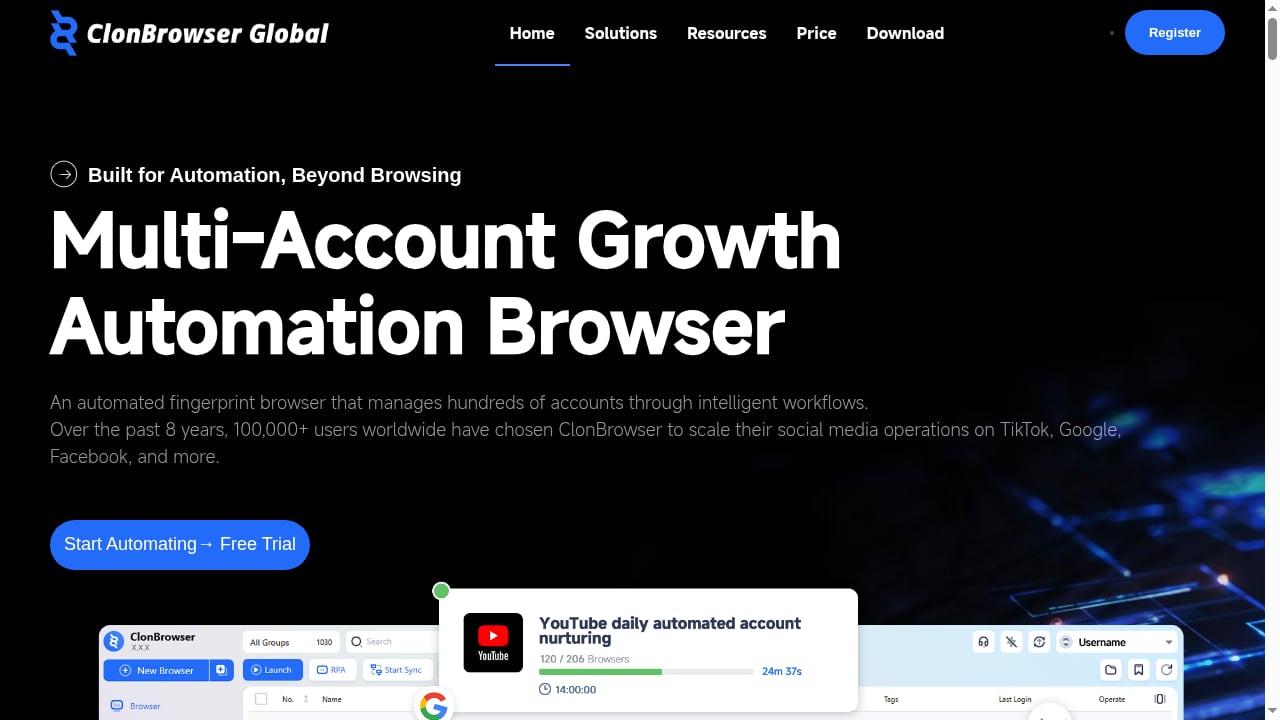
First viewport screenshot of www.clonbrowser.com

First viewport screenshot of www.clonbrowser.com.

  • AdsPower is the strongest fit for teams that need broad fingerprint customization, desktop-first automation through API, RPA, and MCP, plus compliance certifications such as SOC 2 Type II, ISO 27001, and ISO 27701. It is a mature desktop anti-detect browser with a free tier of 2 profiles.
  • MoreLogin stands out when you need both browser profiles and cloud Android phones in one workspace, with a low entry price and no-code RPA. It is a good choice for mobile-heavy account operations.
  • ClonBrowser is built around automated fingerprint browsing and intelligent workflows for managing hundreds of accounts, making it attractive for high-volume, workflow-driven operations.

Search intent and what this comparison covers

People searching for "AdsPower vs MoreLogin vs ClonBrowser" are usually evaluating tools before committing budget or migrating existing accounts. They want to know how fingerprint protection, automation, device support, team features, and pricing differ. This article addresses those questions directly and avoids marketing claims that cannot be supported.

Comparison criteria at a glance

Criterion AdsPower MoreLogin ClonBrowser
Core model Desktop anti-detect browser Antidetect browser + cloud phone Automated fingerprint browser
Fingerprint isolation 50+ customizable settings including Canvas, WebGL, User-Agent Isolated browser environments, local and cloud Automated fingerprint management
Device coverage Windows, macOS, Linux, iOS app Desktop plus cloud Android devices Desktop browser automation
Automation API, RPA, Synchronizer, MCP, AI Agent No-code RPA, synchronizer, AI agents Intelligent workflows for hundreds of accounts
Team features Permissions, action logs, 2FA, IP allowlists Team permissions Workflow-oriented account management
Free tier 2 profiles 2 profiles, 2 users Not specified in available evidence
Entry paid price Professional, Business, Enterprise tiers From $5.4/month (Pro, yearly with 40% off) Not specified in available evidence
Compliance SOC 2 Type II, ISO 27001, ISO 27701 Not specified in available evidence Not specified in available evidence

AdsPower: strengths where evidence supports them

AdsPower is an anti-detect browser designed for multi-account management. Each account gets an isolated browser profile with its own fingerprint, cookies, and proxy settings. The official site states that users can customize more than 50 fingerprint parameters, including Canvas, WebGL, and User-Agent, and run SunBrowser (Chrome) or FlowerBrowser (Firefox) kernels.

Where AdsPower has a clear, supported advantage:

  • Fingerprint depth and kernel choice. The combination of extensive fingerprint controls and two browser kernels gives teams granular control over how each profile appears.
  • Automation breadth. AdsPower supports API access, RPA workflows, a Synchronizer for controlling multiple windows, and MCP connections for AI tools. The download page documents setup commands for Claude, Codex, and other MCP-compatible assistants.
  • Compliance and security posture. AdsPower publishes SOC 2 Type II, ISO 27001, and ISO 27701 certifications, plus features such as 2FA, IP allowlists, login alerts, team permissions, and action logs. Teams with procurement or security review requirements will find this useful.
  • Platform coverage. Native apps exist for Windows, macOS (including Apple Silicon), Linux, and iOS, with Android fingerprint simulation available.
  • Free tier. Two permanent free profiles let you test fingerprint isolation and basic automation before paying.

For a deeper look at how AdsPower handles bulk operations, see bulk actions for profiles.
MoreLogin: credible strengths for mobile and budget-conscious teams

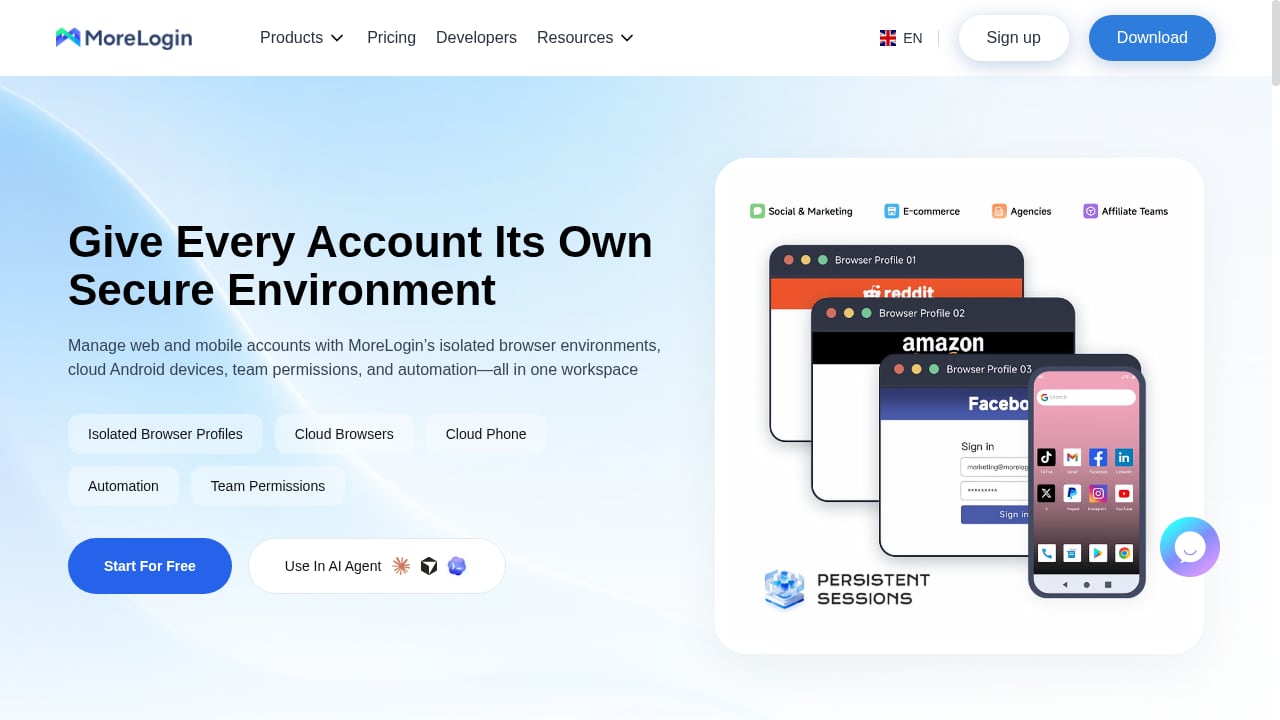
First viewport screenshot of morelogin.com

First viewport screenshot of morelogin.com.

MoreLogin combines an antidetect browser with cloud phone software. That combination is its main differentiator. Teams that manage mobile app accounts, social media profiles, or marketplace accounts requiring Android environments can run cloud Android devices alongside desktop browser profiles in one workspace.

Supported strengths:

  • Cloud phone integration. MoreLogin provides cloud Android devices, which is valuable for workflows that cannot be replicated in a desktop browser alone.
  • Low entry price. Paid plans start at $5.4/month on yearly billing with a 40% discount, and the free plan includes 2 profiles and 2 users. This makes it accessible for small teams testing multi-account operations.
  • No-code RPA and AI agents. Automation is available without writing scripts, which lowers the barrier for affiliate marketers and social media agencies.
  • Broad use-case coverage. MoreLogin positions itself for affiliate marketing, e-commerce, crypto, social media agencies, ticketing, and traffic arbitrage.

MoreLogin is a reasonable choice when mobile account management is central to your operation and you want a lower starting price. For a focused head-to-head, read AdsPower vs MoreLogin: Cloud Phone & Antidetect Browser.
ClonBrowser: credible strengths for workflow-driven scale

First viewport screenshot of www.clonbrowser.com

First viewport screenshot of www.clonbrowser.com.

ClonBrowser is described as an automated fingerprint browser that manages hundreds of accounts through intelligent workflows. Its emphasis is on automation-first account growth rather than manual profile management.

Supported strengths:

  • Workflow automation for large account counts. ClonBrowser is designed around intelligent workflows, which suits operators who need repeatable processes across many accounts.
  • Fingerprint automation. The browser automates fingerprint handling as part of its workflow model, reducing manual configuration for each account.
  • Growth-oriented positioning. The product is framed as a multi-account growth automation browser, which aligns with teams running structured expansion campaigns.

ClonBrowser is worth evaluating if your priority is workflow automation at scale rather than granular manual fingerprint control or cloud phone coverage. Because public evidence on its pricing, compliance, and fingerprint specifics is limited, request a trial and verify those details directly before committing.

Fingerprint isolation and detection risk

All three tools aim to prevent account linking by isolating browser fingerprints. The practical differences are in control depth and transparency.

  • AdsPower documents 50+ fingerprint settings and two kernels, which gives operators the ability to tune profiles precisely.
  • MoreLogin provides isolated browser environments locally and in the cloud, with proxy support.
  • ClonBrowser automates fingerprint management within workflows, which reduces manual effort but may offer less granular control depending on configuration.

If fingerprint transparency matters for your risk model, test each tool with a fingerprint-checking site before scaling. For background on free-plan limitations, see free tier security in anti-detect browsers.

Automation and team collaboration

Automation is where these tools diverge most.

  • AdsPower offers API, RPA, Synchronizer, MCP, and AI Agent capabilities. The MCP setup allows AI assistants to open profiles and perform browser actions, which is useful for teams building AI-assisted workflows.
  • MoreLogin offers no-code RPA, a synchronizer, integrations, and AI agents, with team permissions included.
  • ClonBrowser centers on intelligent workflows for managing hundreds of accounts, which is a strong fit for high-volume repetitive operations.

For teams, AdsPower's published security controls, including action logs and IP allowlists, provide auditability that larger organizations often require. MoreLogin's team permissions cover collaboration basics. ClonBrowser's team features are less documented publicly.
Pricing and free plan comparison

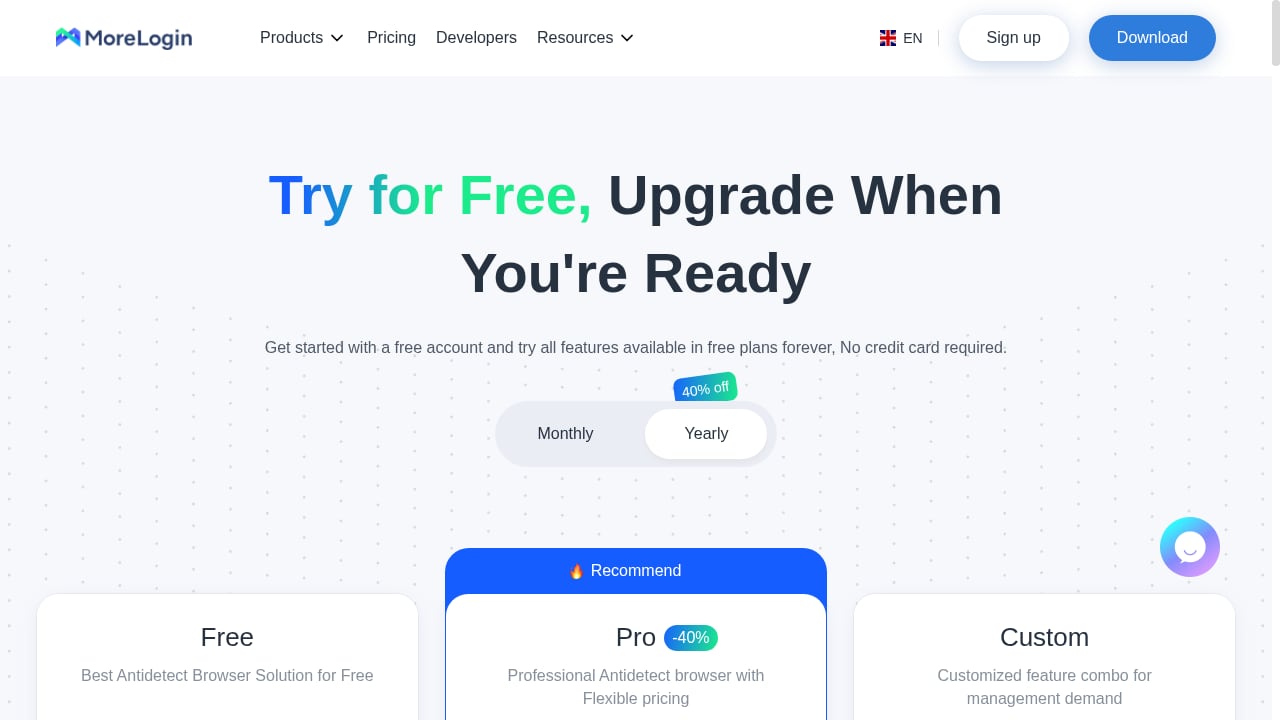
First viewport screenshot of morelogin.com

First viewport screenshot of morelogin.com.

Pricing is often the deciding factor for small teams.

  • AdsPower offers a lifetime free plan with 2 profiles and paid Professional, Business, and Enterprise plans with monthly, quarterly, and annual billing. The free plan includes most features, including profile management, Synchronizer, and RPA.
  • MoreLogin offers a free plan with 2 profiles and 2 users, and paid plans starting at $5.4/month on yearly billing with 40% off.
  • ClonBrowser pricing is not specified in the available evidence. Request a quote or trial before budgeting.

If you are cost-sensitive and mobile accounts are part of your stack, MoreLogin's entry price is attractive. If you need compliance documentation and broad automation, AdsPower's paid tiers are structured for that. For a wider market view, see Top 10 Anti-Detect Browsers & Cloud Phones for Multi-Accounting 2026.

Practical examples: which tool for which scenario

  • E-commerce seller managing Amazon and Shopify stores on desktop: AdsPower's fingerprint control and batch profile management fit well. Assign a proxy per store and use RPA for routine checks.
  • Social media agency running mobile-first campaigns: MoreLogin's cloud phones let you operate Android app accounts without physical devices.
  • Affiliate marketer scaling hundreds of accounts with repeatable workflows: ClonBrowser's workflow automation is designed for this pattern. Validate fingerprint quality during a trial.
  • Crypto or ad verification team with security review requirements: AdsPower's SOC 2 Type II and ISO certifications simplify procurement.

Decision framework

Use these questions to choose:

  1. Do you need cloud Android devices? If yes, prioritize MoreLogin.
  2. Do you need granular fingerprint control and documented compliance? If yes, prioritize AdsPower.
  3. Do you need automated workflows across hundreds of accounts with minimal manual setup? If yes, evaluate ClonBrowser.
  4. Is budget the primary constraint? Compare MoreLogin's entry price with AdsPower's free tier and paid plans, and request ClonBrowser pricing.
  5. Do you need AI-assisted automation through MCP or API? AdsPower documents these integrations most thoroughly.

Related reading

Sources and further reading

  • Log in AdsPower Account - AdsPower is an antidetect browser for managing multiple accounts with maximum online anonymity protection that prevents your accounts from bans.

FAQ

Is AdsPower better than MoreLogin and ClonBrowser?

There is no universal winner. AdsPower has stronger documented fingerprint controls, automation breadth, and compliance certifications. MoreLogin is stronger for cloud phone needs and low entry pricing. ClonBrowser is oriented toward workflow automation at scale. Choose based on your device and automation requirements.

Does MoreLogin include cloud phones?

Yes. MoreLogin combines an antidetect browser with cloud Android devices, which is its main differentiator for mobile account management.

Can ClonBrowser manage hundreds of accounts?

ClonBrowser is positioned as an automated fingerprint browser for managing hundreds of accounts through intelligent workflows. Verify performance and fingerprint quality in a trial before scaling.

Which tool has a free plan?

AdsPower offers 2 free profiles permanently. MoreLogin offers a free plan with 2 profiles and 2 users. ClonBrowser's free plan is not specified in the available evidence.

Which tool is best for team collaboration?

AdsPower publishes team permissions, action logs, 2FA, and IP allowlists alongside compliance certifications. MoreLogin offers team permissions. ClonBrowser's team features are less documented. Match the choice to your audit and access-control requirements.

Conclusion

AdsPower, MoreLogin, and ClonBrowser each solve multi-account management from a different angle. AdsPower leads on documented fingerprint depth, automation integrations, and compliance. MoreLogin leads on cloud phone coverage and accessible pricing. ClonBrowser leads on workflow-driven automation for large account counts. Start with a trial on the tool that matches your device mix and automation style, and validate fingerprint isolation before migrating production accounts.

For related comparisons, see AdsPower vs Octo Browser vs StealthBrowser: 2026 Comparison and the Hidemium review 2026.

Sources:

Drive revenue with AdsPower

Start free