
AdsPower vs ClonBrowser: Which Anti-Detect Browser Wins?
Nov 18, 2026

Automation tools promise to remove repetitive work, but they are not interchangeable. A cloud service that schedules scripts is a different product from a desktop recorder that clicks through an app, and both differ from a browser built to run many isolated accounts at once. This guide explains the main categories, shows how to match a tool to a task, and covers the multi-account scenario where browser choice matters as much as the automation itself.

AdsPower releases the 2026 Fingerprint Browser Industry White Paper.
An automation tool is software that executes a sequence of steps with little or no manual input. The label covers a wide range: infrastructure scripts, business-process workflows, desktop clicks, API calls, and browser sessions. What unites them is a trigger (a schedule, an event, or a manual start) and a repeatable action chain.
How to register, pay, receive, transfer, and withdraw with PayPal (complete guide).
Services such as Azure Automation run runbooks and configuration tasks across cloud and on-premises environments. They suit teams managing servers, patching, and scheduled operational jobs. The strength is consistency at scale; the trade-off is that you need scripting skills and cloud administration knowledge.
Power Automate is a representative example: it offers cloud flows triggered by events, desktop flows that interact with applications, and connectors to many services. Low-code tools like this are a good fit for approvals, notifications, data sync, and other office workflows that non-developers need to maintain.
Browser automation focuses on what happens inside a web page: logging in, filling forms, scraping data, posting content, or checking dashboards. It can be built with scripting frameworks or with built-in features in specialized browsers. This category is where multi-account operations live, and where fingerprint isolation becomes relevant.
Robotic process automation (RPA) records or scripts interactions with desktop applications, including legacy software without APIs. It is powerful for back-office tasks but brittle when interfaces change, so maintenance is a real cost.
What is Shopify? A complete guide to the hottest independent e-commerce platform.
Start with the task, not the tool. Ask four questions:
| Task type | Best-fit category | Watch out for |
|---|---|---|
| Server patching, scheduled scripts | Cloud automation | Requires cloud and scripting skills |
| Approvals, notifications, data sync | Low-code workflow tools | Connector limits and licensing tiers |
| Repetitive web tasks across accounts | Browser automation with isolated profiles | Fingerprint and proxy consistency |
| Legacy desktop data entry | Desktop RPA | Fragile when UI changes |
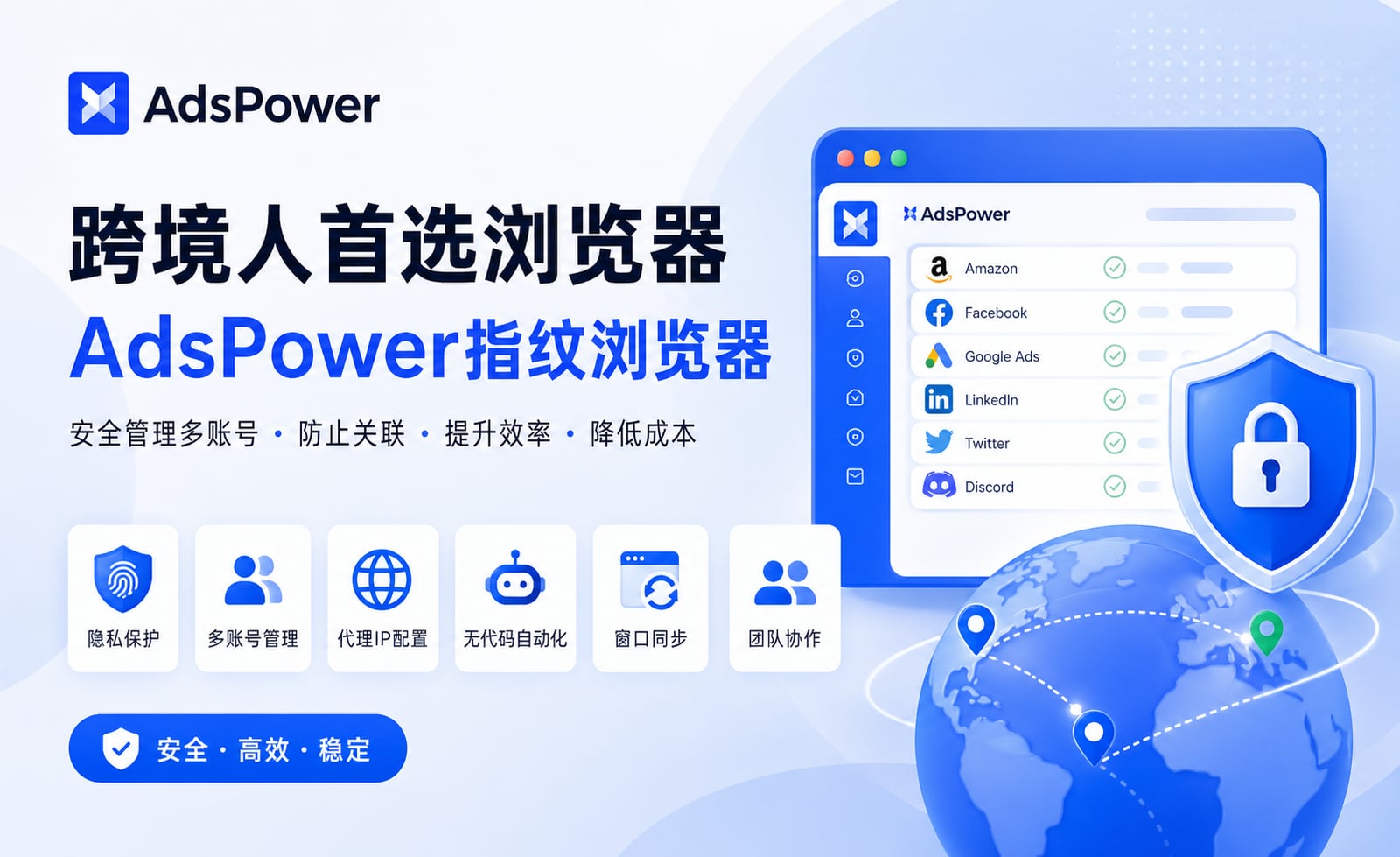
The preferred browser for cross-border sellers: AdsPower fingerprint browser.
Teams running several Amazon stores, Facebook ad accounts, TikTok profiles, or affiliate campaigns often automate routine actions: checking metrics, uploading listings, responding to messages. The automation itself is straightforward. The hard part is keeping each account in a clean, separate environment so that platform systems do not link the accounts together.
This is where an anti-detect browser such as AdsPower fits. It creates isolated browser environments and lets you customize fingerprint parameters such as Canvas, WebGL, user agent, and network settings, and it supports proxy integration plus automation features like RPA and window synchronization. In practice, the browser provides the separation layer while the automation tool provides the actions. AdsPower reports more than 10 million users and holds SOC 2 Type II, ISO 27001, and ISO 27701 certifications, and it offers a free plan with two browser environments for testing.
If you are comparing options in this category, the top anti-detect browsers and cloud phones for multi-accounting roundup covers fingerprints, pricing, and automation support. For a narrower decision, see the AdsPower vs MoreLogin vs ClonBrowser comparison.
 Isolated browser profiles keep each account's automation separate.
Cloud automation runs scripts and jobs on remote infrastructure, often for servers and scheduled operations. Browser automation acts inside web pages, handling logins, forms, and data entry. Many teams use both.
Not for a single account. When you operate multiple accounts on the same platform from one device, isolated browser environments help prevent the accounts from being associated with each other.
Yes. AdsPower supports automation features such as RPA and window synchronization, and external scripts can be pointed at specific profiles. Check each tool's documentation for supported methods.
Test fingerprint stability, proxy support, and the number of environments. AdsPower's free plan includes two browser environments; the free tier security guide explains what to check before relying on any free plan.
Often yes. Event-driven flows and connectors handle reporting, notifications, and data sync well. For account-level web actions, pair low-code tools with a properly isolated browser setup.
The right automation tool depends on where the work happens and who maintains it. Cloud services and low-code platforms handle infrastructure and business processes; browser automation handles web tasks. For multi-account operations, treat browser isolation as part of the automation design, not an afterthought, and validate your choice on a small set of accounts before scaling.


