
AdsPower vs ClonBrowser: Which Anti-Detect Browser Wins?
Nov 18, 2026
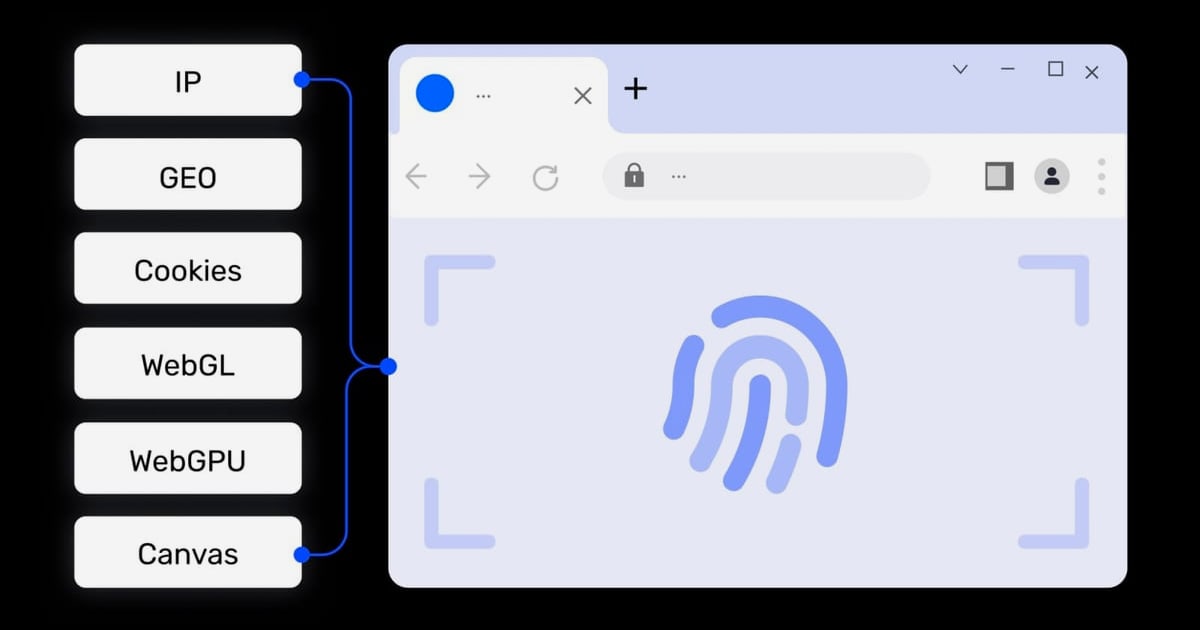
Managing multiple online accounts without getting flagged or banned requires two critical elements: a unique browser fingerprint and a clean, residential IP address. AdsPower delivers the first by creating isolated browser profiles with distinct digital signatures. Bright Data provides the second through its massive pool of over 400 million residential IPs. When combined, they form a powerful stack for secure multi-account management, web data collection, and market research.
This guide walks you through the exact steps to integrate Bright Data proxies with AdsPower, explains the workflow, and shows practical examples of what this combination can do.
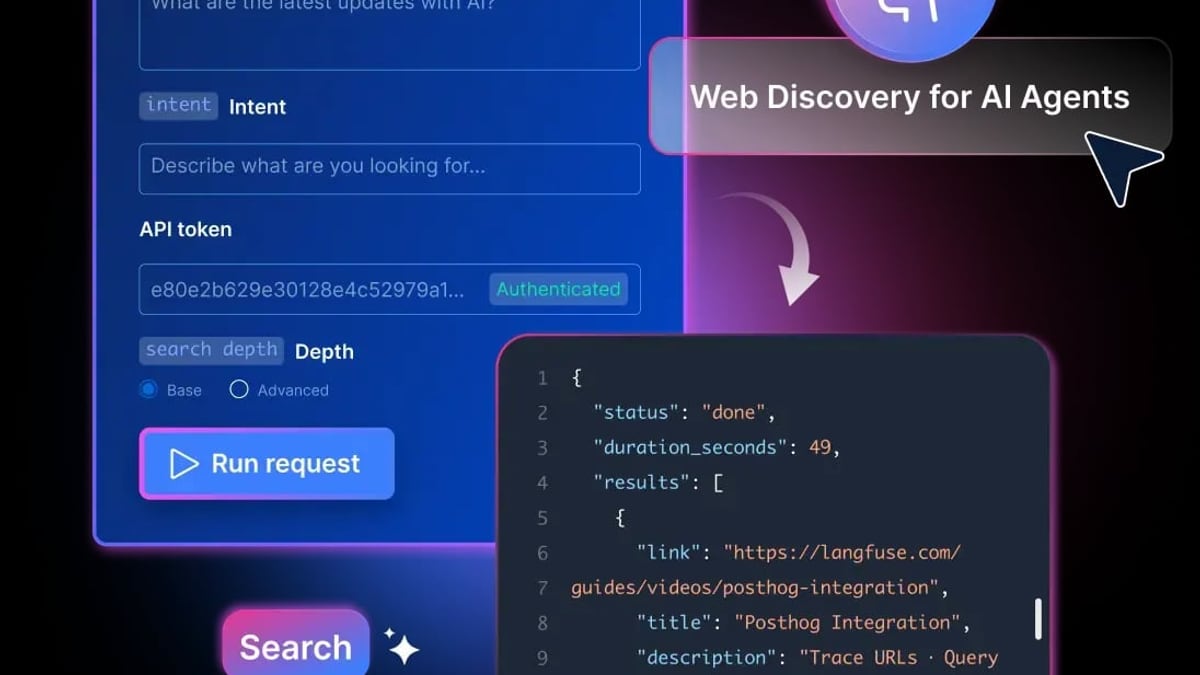
AdsPower + Bright Data: Setup Guide for Multi-Account Security product interface and feature overview.
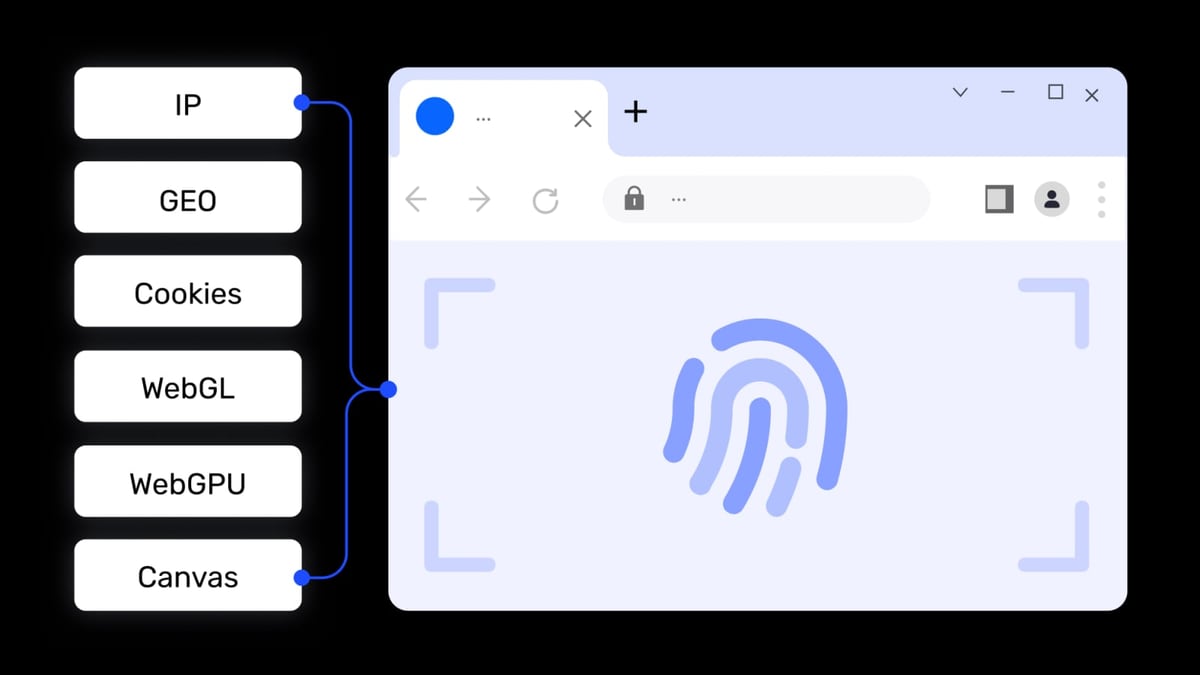
Each tool solves a different half of the same problem. AdsPower prevents websites from linking your accounts by spoofing browser fingerprints—Canvas, WebGL, Audio, WebRTC, and more. Bright Data gives each profile a real residential IP address that looks like it belongs to a genuine user in a specific location.
Together, they let you:
AdsPower + Bright Data: Setup Guide for Multi-Account Security product interface and feature overview.
If you plan to target search engines like Google or Bing, use Bright Data’s SERP API instead of standard proxies. Standard proxy requests to search engines will be blocked and show a “PROXY ERROR” in AdsPower’s connection test.
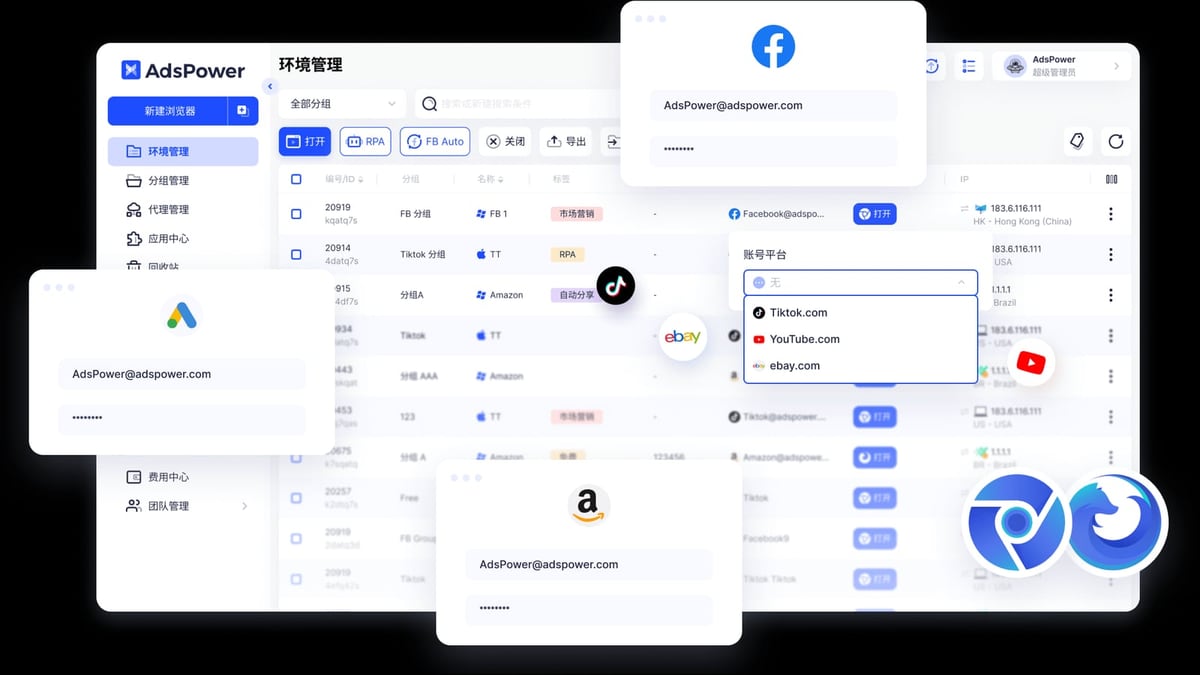
AdsPower + Bright Data: Setup Guide for Multi-Account Security product interface and feature overview.
http://brd.superproxy.io/33335 (use 22228 for SOCKS5)Note: Residential proxies require KYC verification. If you haven’t completed it, use ISP or datacenter proxies instead.
http://brd.superproxy.io/33335https://geo.brdtest.com/welcome.txt as the test URL to avoid false failures.whatismyipaddress.com to confirm your IP matches the proxy location.An e-commerce seller manages three Amazon accounts for different product categories. Each account needs a unique IP and browser fingerprint to avoid Amazon’s account association detection.
With AdsPower’s window sync feature, the seller can perform the same action (e.g., updating inventory) across all three profiles simultaneously, while Bright Data ensures each profile uses a clean, location-specific IP.
A market researcher needs to compare pricing for a product in five different countries. Using AdsPower with Bright Data:
Bright Data’s Web Unlocker automatically handles CAPTCHAs and anti-bot measures, so the researcher gets clean data without interruptions.
A digital marketer runs ad campaigns for multiple clients on Facebook and TikTok. Each client’s ad account must operate from a separate browser environment to prevent cross-account linking.
This usually happens when the test URL points to a search engine. Bright Data blocks search engine requests from standard proxies. Change the test URL to https://geo.brdtest.com/welcome.txt in AdsPower’s proxy settings.
Ensure you selected the correct proxy zone in Bright Data. If you’re using a rotating proxy, the IP may change on each request. For location-specific tasks, use sticky sessions or ISP proxies.
Check your Bright Data account balance. If you’re on a pay-as-you-go plan, running out of funds will stop proxy traffic. Also verify that your proxy zone is active and not paused.
AdsPower + Bright Data: Setup Guide for Multi-Account Security product interface and feature overview.
| Proxy Type | Best For | Port | Notes |
|---|---|---|---|
| Residential | Web scraping, social media, e-commerce | 33335 | Requires KYC; rotating IPs |
| ISP | Stable multi-account management | 33335 | Dedicated IPs, less rotation |
| Datacenter | High-speed tasks, non-sensitive browsing | 33335 | Cheaper, but easier to detect |
| Mobile | App store scraping, mobile-only sites | 22228 | Rotates through mobile carriers |
| SERP API | Search engine results scraping | N/A | Use instead of standard proxies for Google/Bing |
Yes. The free AdsPower plan supports two browser environments, and you can configure Bright Data proxies on both.
No. One Bright Data account can serve multiple AdsPower profiles. Just use the same proxy zone credentials for all profiles, or create separate zones for different tasks.
Bright Data is for static/dedicated IPs. Brightauto is for rotating residential IPs. Choose Brightauto if you need a fresh IP for each session.
Yes. The combination of unique browser fingerprints and residential IPs is effective for most platforms. However, always follow each platform’s terms of service.
Integrating AdsPower with Bright Data gives you a secure, scalable foundation for managing multiple online identities. AdsPower handles fingerprint isolation and profile management, while Bright Data supplies clean residential IPs that keep your activities under the radar. Whether you’re an e-commerce seller, affiliate marketer, or data researcher, this workflow reduces the risk of bans and lets you operate at scale from a single machine.
For more comparisons, check out our AdsPower vs RoxyBrowser vs MuLogin guide or learn how to set up AdsPower with IPRoyal for an alternative proxy provider.
External References:


