
AdsPower vs ClonBrowser: Which Anti-Detect Browser Wins?
Nov 18, 2026
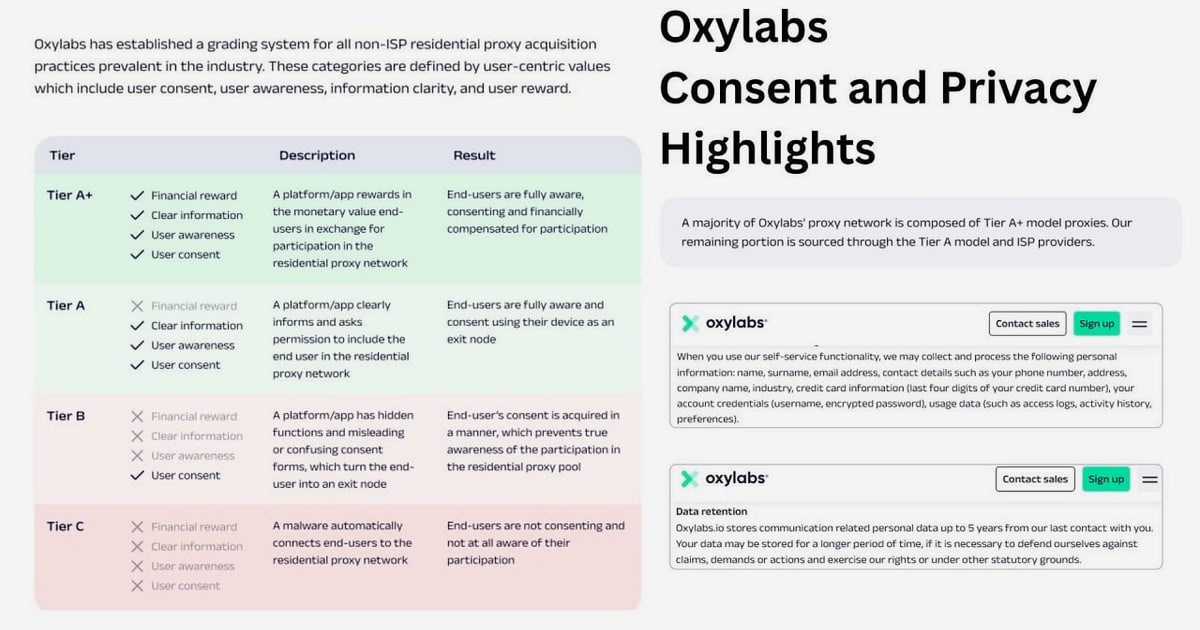
Combining AdsPower's anti-detect browser with Oxylabs' proxy and web scraping platform gives you a powerful toolkit for multi-account management and data collection. AdsPower creates isolated browser environments with unique fingerprints, while Oxylabs provides high-quality proxies and scraping APIs. Together, they help you avoid detection, manage multiple accounts, and gather data efficiently. This guide walks you through the integration, from setup to advanced workflows.
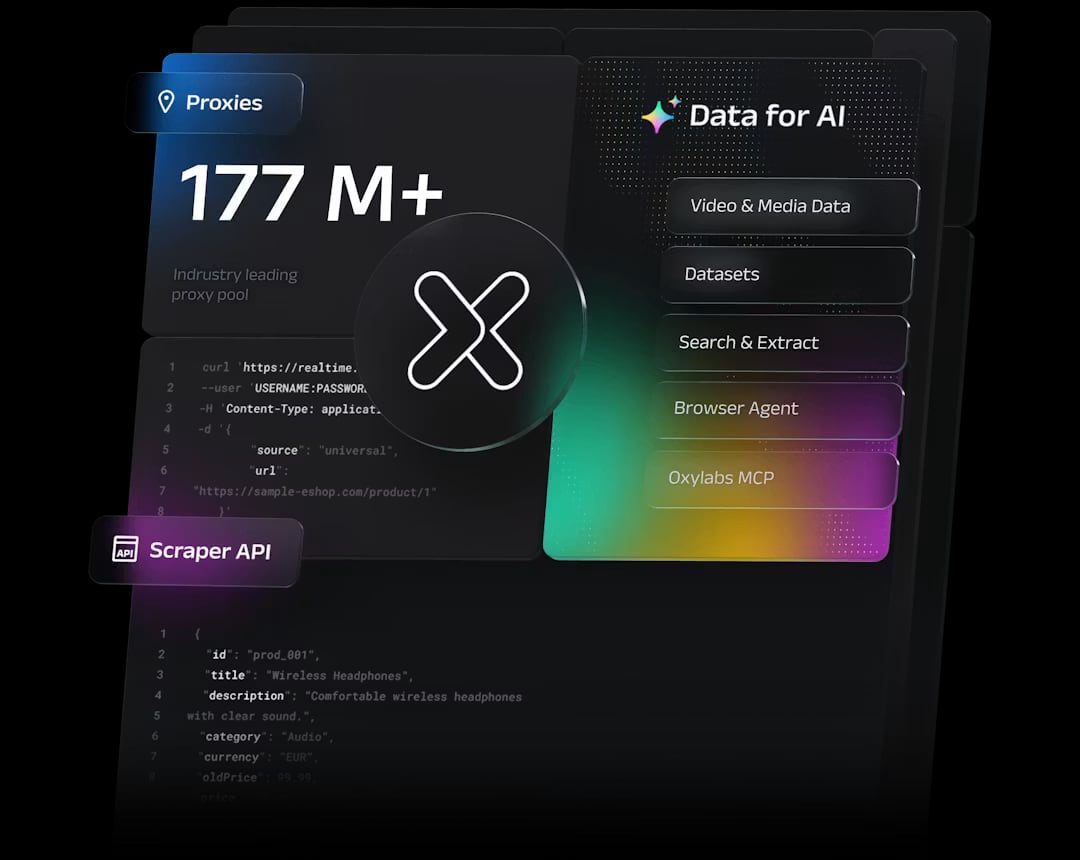
Oxylabs Proxy & Web Scraping Platform product interface.
AdsPower excels at creating separate browser profiles, each with its own fingerprint (Canvas, WebGL, User Agent, etc.). However, without reliable proxies, these profiles still share your real IP address, making them vulnerable to detection. Oxylabs supplies ethically sourced proxies—residential, datacenter, ISP, and mobile—that mask your IP and provide geo-targeting. Additionally, Oxylabs' Web Scraper API and Web Unblocker can automate data extraction, which you can manage through AdsPower's automation tools.
This combination solves key problems:
Before starting, ensure you have:
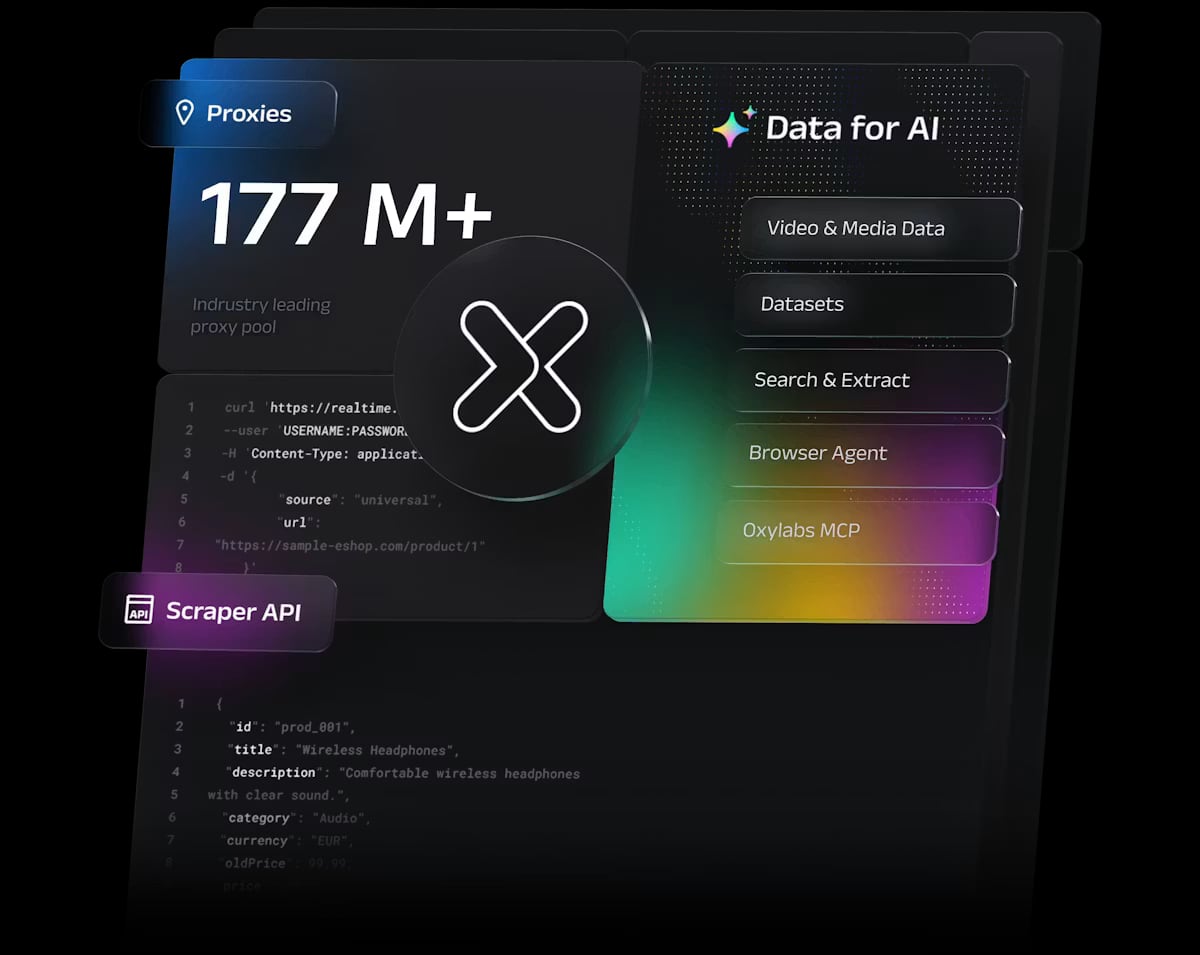
Oxylabs Proxy & Web Scraping Platform product interface.
Download and install AdsPower from the official website. Launch it and click New Profile. Give your profile a name and configure basic settings like browser fingerprint. You can leave most fingerprint settings on default for now; AdsPower will generate a unique fingerprint automatically.
In the profile creation window, navigate to the Proxy tab. Select the proxy type (HTTP, HTTPS, or SOCKS5) and enter the credentials provided by Oxylabs. The exact values depend on the proxy type you purchased.
pr.oxylabs.io7777customer-USERNAME (prepend customer-)PASSWORDYou can add parameters to the username for geo-targeting and session control. For example:
customer-USERNAME-cc-DEcustomer-USERNAME-cc-US-city-los_angelescustomer-USERNAME-sessid-abcde12345Note: SOCKS5 does not support country-specific entry nodes or sticky sessions.
dc.oxylabs.io8001 (for a specific IP) or 8000 (for rotation)user-USERNAME (prepend user-)PASSWORDFor pay-per-IP subscriptions, the port number corresponds to the IP in your list. For pay-per-traffic, port 8001 gives a random IP that stays consistent during a session.
isp.oxylabs.io8001 (specific IP) or 8000 (rotation)user-USERNAMEPASSWORDdisp.oxylabs.io8001user-USERNAMEPASSWORDFor dedicated datacenter proxies, you'll receive a list of IPs. Use the IP as the host and port 60000 for HTTP or 1180 for SOCKS5.
After entering the details, click Check Proxy. AdsPower will verify the connection. If successful, you'll see a confirmation message. If it fails, double-check your credentials and proxy type.
Click OK to save the profile. In the Profiles tab, click Open to launch the browser. Visit a site like ip.oxylabs.io to confirm your new IP address. You should see the Oxylabs IP, not your real one.
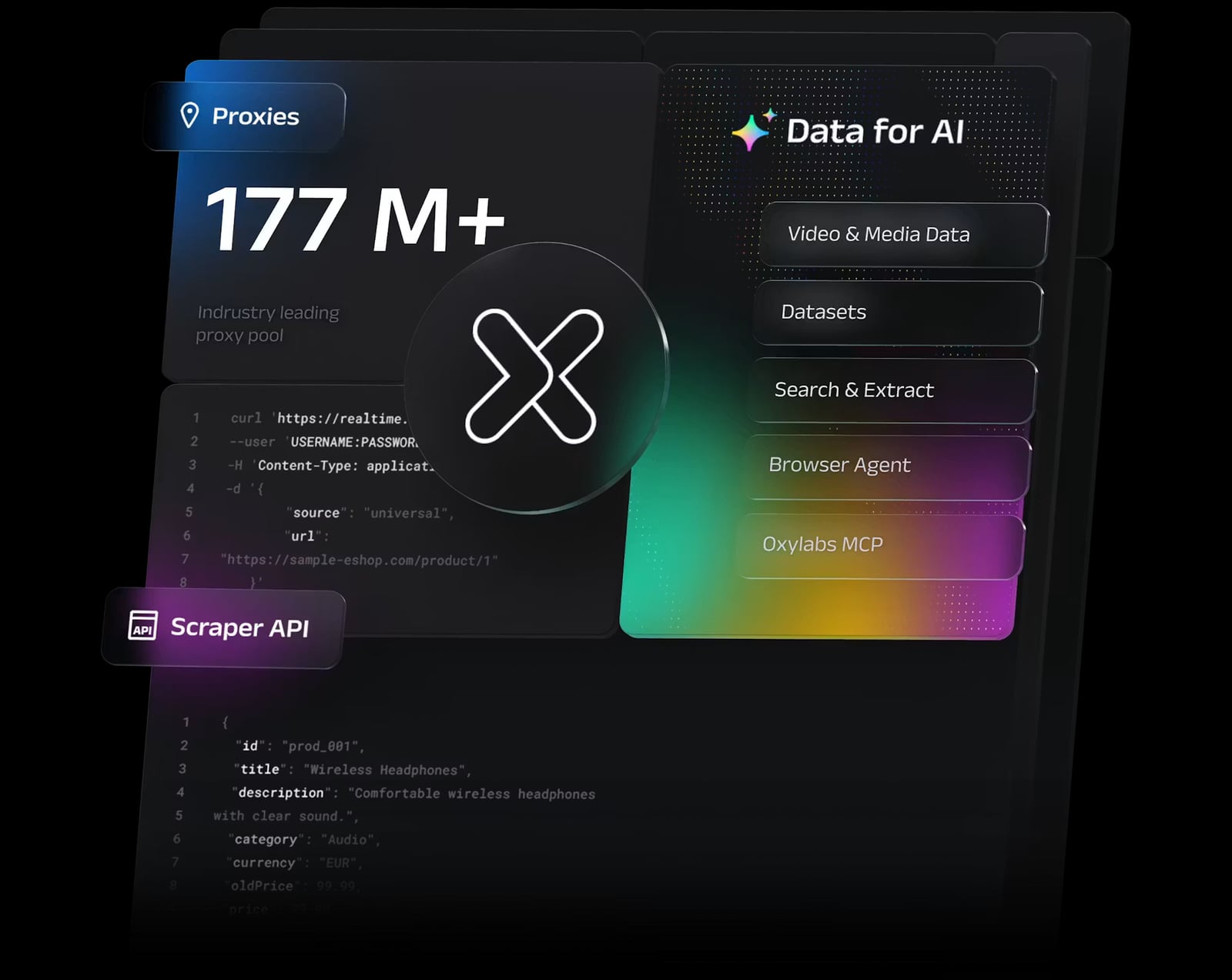
Oxylabs Proxy & Web Scraping Platform product interface.
If you manage many accounts, manually adding proxies is tedious. AdsPower allows bulk proxy import. Prepare a CSV file with columns for proxy type, host, port, username, and password. Then, in AdsPower, go to Bulk Create or Proxy Management and upload the file. Each profile can be assigned a unique proxy from your Oxylabs pool.
This is ideal for large-scale operations like e-commerce price monitoring or social media management.
Oxylabs Proxy & Web Scraping Platform product interface.
Oxylabs offers APIs that complement AdsPower's automation features. For example, you can use the Web Scraper API to collect data from e-commerce sites. While AdsPower manages the browser session, you can trigger API calls via its Local API or RPA tools.
This workflow ensures you're not blocked and that data is accurate for the targeted region.
Some sites employ advanced bot detection. Oxylabs' Web Unblocker can bypass CAPTCHAs and JavaScript challenges. You can route requests through Web Unblocker while using AdsPower for session management. This is useful for scraping travel fare aggregators or real estate listings.
customer- or user- to the username as required.Can I use any Oxylabs proxy type with AdsPower?
Yes, AdsPower supports HTTP, HTTPS, and SOCKS5 proxies, so you can use residential, datacenter, ISP, or mobile proxies from Oxylabs.
How do I rotate IPs in AdsPower?
For rotating proxies, use the appropriate port (e.g., 8000 for datacenter rotation) or configure session parameters in the username. AdsPower will use a new IP for each new browser session.
Is it possible to automate scraping with AdsPower and Oxylabs?
Absolutely. Use AdsPower's RPA or Local API to automate browser actions, and integrate Oxylabs' Web Scraper API for data extraction. You can also use Oxylabs' Headless Browser for more complex automation.
What if I need city-level targeting?
Oxylabs residential proxies support city-level targeting via username parameters (e.g., -cc-US-city-los_angeles). This works with AdsPower as long as you're using HTTP/HTTPS.
Do I need a paid AdsPower plan?
The free plan allows basic multi-accounting, but paid plans offer more profiles, team collaboration, and advanced automation. For serious scraping, a paid plan is recommended.
Integrating AdsPower with Oxylabs proxies and scraping tools creates a robust environment for multi-account management and data collection. By following the steps above, you can set up proxies, automate browsing, and scale your operations while minimizing detection risks. Whether you're in e-commerce, marketing, or research, this combination provides the reliability and stealth needed to succeed.
For more proxy integration guides, check out our article on using AdsPower with Webshare or learn about SOCKS5 proxies for advanced configurations.


