
AdsPower vs ClonBrowser: Which Anti-Detect Browser Wins?
Nov 18, 2026
Creating multiple accounts on platforms like Google, Facebook, TikTok, or Amazon without triggering bans is a daily challenge for marketers, affiliate specialists, and e‑commerce operators. The winning formula has always been: a reliable anti‑detect browser to mask your digital fingerprint, paired with a virtual phone number service to receive SMS verifications without linking accounts. For years, the go‑to combination was AdsPower and SMS‑Activate. SMS‑Activate shut down permanently on December 22, but its technology and user base migrated to HeroSMS—a modern alternative that replicates the same workflow. This guide explains how the two tools work together, the original SMS‑Activate setup, and how to achieve identical results today using HeroSMS.
How to Use AdsPower with SMS-Activate (and HeroSMS) product interface and feature overview.
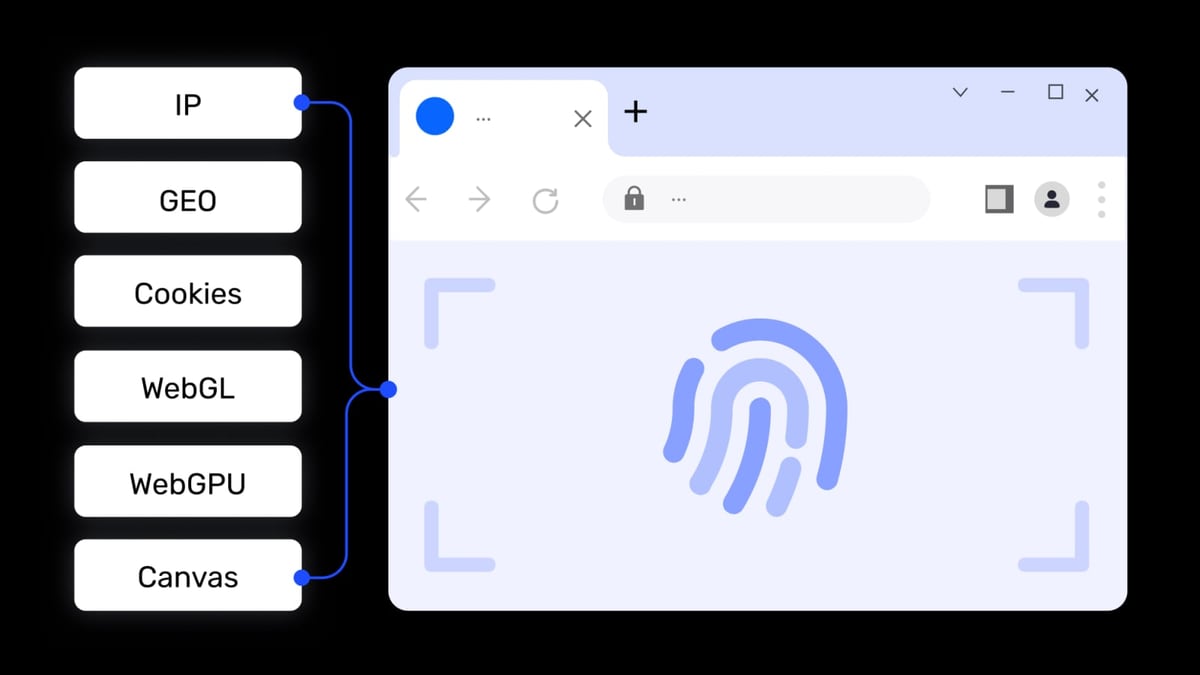
When you sign up for an account, the platform checks more than just your email. It collects your browser fingerprint (canvas, WebGL, audio, fonts, WebRTC), your IP address and its geolocation, and the phone number you use for verification. If any of these signals repeat across multiple accounts, the platform can link them and trigger a ban.
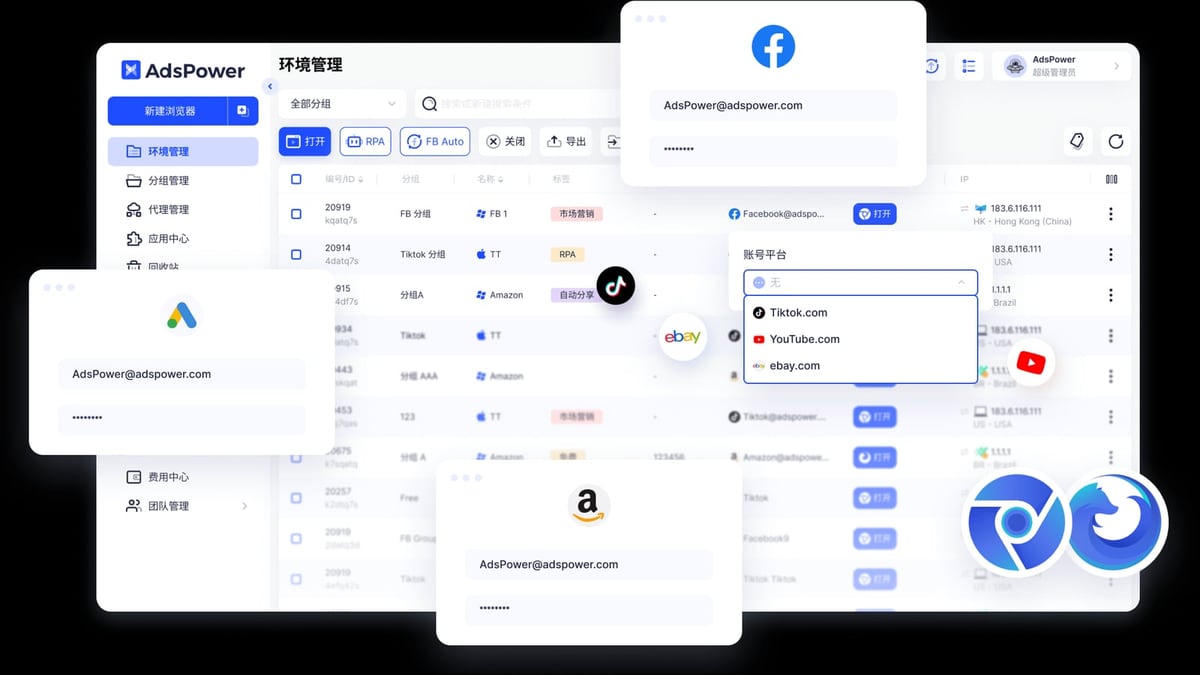
AdsPower creates an isolated browser environment with a unique fingerprint and can route traffic through a dedicated proxy. A virtual SMS service provides a fresh phone number from the correct country, so there is no contact‑point overlap. Combining the two makes each account look like a real, independent user on a real device.
Key problems this solves:
How to Use AdsPower with SMS-Activate (and HeroSMS) product interface and feature overview.
SMS‑Activate was a virtual number platform trusted for a decade. The classic process looked like this:
Advanced users automated this entirely through SMS‑Activate’s API and AdsPower’s Local API or RPA features.
Important: SMS‑Activate ceased operations in December. The same workflow is now available through HeroSMS, which inherited the technology and many of the original integrations.
How to Use AdsPower with SMS-Activate (and HeroSMS) product interface and feature overview.
Before you need a phone number, you must have a browser profile that passes real‑world checks. Here’s how to configure it.
After installing AdsPower, go to the official guide for a quick walk‑through. The essentials are:
A high‑quality proxy is critical. It must be from the same country as the phone number you’ll use. For account registrations, residential or dedicated mobile proxies perform best. You can find a detailed proxy configuration walkthrough in this tutorial. In AdsPower:
If you’re unsure which proxy provider to choose, AdsPower has a comprehensive Webshare review that examines budget proxy performance for multi‑accounting and scraping.
AdsPower allows customisation of over 20 fingerprint parameters (canvas, WebGL, audio, fonts, WebRTC, etc.). For most use cases, the “Random” or “Preset” options are sufficient. However, if you want to test how thoroughly your profiles are protected, read our step‑by‑step integration guide on using AdsPower with fingerprint testing services. This ensures no leaky parameters expose your identity.
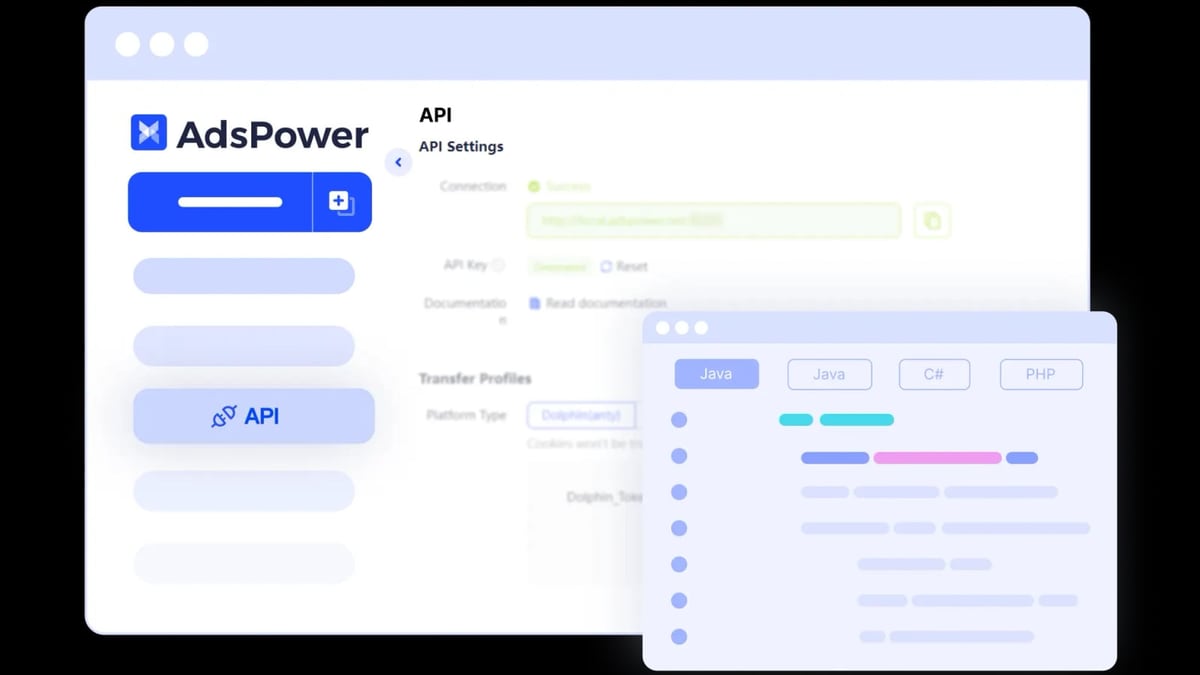
How to Use AdsPower with SMS-Activate (and HeroSMS) product interface and feature overview.
Now that SMS‑Activate is offline, HeroSMS offers the same functionality. The sign‑up and usage pattern is almost identical.
For batch operations, HeroSMS provides an API that you can integrate directly with AdsPower’s Local API or RPA—fully automating the number‑request and code‑retrieval loop.
Let’s walk through a concrete use case: creating a US‑based TikTok account.
AdsPower profile setup:
HeroSMS flow:
Result: You have a clean TikTok account tied to a US proxy, a US phone number, and a consistent US browser fingerprint. There is zero association with your other accounts.
What happened to SMS‑Activate? SMS‑Activate shut down on December 22 after 10 years of operation. The team transferred its technology to HeroSMS, which now serves as the recommended alternative.
Can I still use SMS‑Activate with AdsPower? No, the service is offline. Any attempt to access it will fail. You must switch to HeroSMS or another virtual SMS provider.
Will HeroSMS work exactly like SMS‑Activate? The core experience—renting temporary numbers and receiving SMS codes—is nearly identical. HeroSMS also offers an API for automation, just like its predecessor.
Do I need a dedicated proxy for each AdsPower profile? Yes, at a minimum each profile should have a unique IP. For registrations, it’s crucial that the IP is not recycled across profiles. Residential proxies with IP rotation or dedicated mobile proxies work best.
Can AdsPower and HeroSMS be fully automated? Absolutely. AdsPower’s RPA lets you build drag‑and‑drop workflows that can trigger a HeroSMS API call to fetch a number, paste it into a form, wait for the SMS, and submit the code—all while logging the result.
Pairing AdsPower’s fingerprint‑level isolation with a virtual number service remains the most reliable way to create and manage multiple accounts without bans. While the original SMS‑Activate is no longer available, HeroSMS steps in with the same dependable workflow. Set up your AdsPower profile with a clean IP and consistent fingerprint, rent a matching number from HeroSMS, and you’ll register accounts that platforms treat as genuinely separate users. At AdsPower, we’ve seen this exact pattern help thousands of marketers scale their operations safely—and with the automation tools now built into both platforms, there’s never been a better time to build a secure multi‑account infrastructure.


