
AdsPower vs ClonBrowser: Which Anti-Detect Browser Wins?
Nov 18, 2026
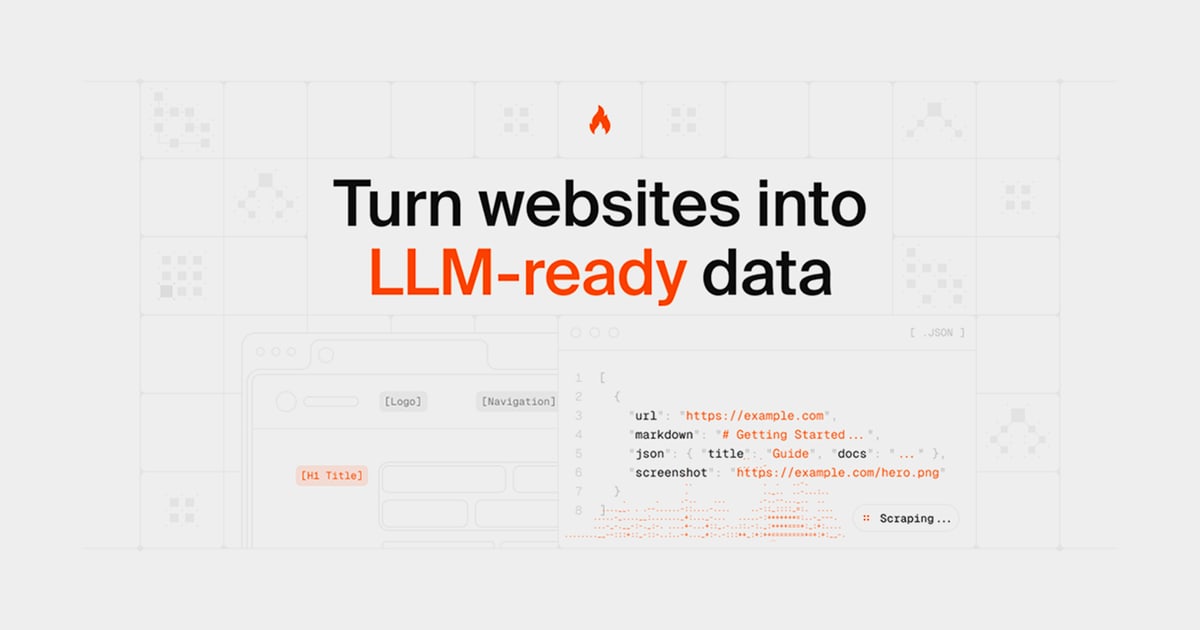
A web scraper turns web pages into structured data—product prices, listings, reviews, contact details. But the moment you scale beyond a few requests, websites push back with CAPTCHAs, IP blocks, and fingerprint checks. This guide explains how modern scraping works, where anti-detect browsers like AdsPower fit, and how to build a workflow that stays reliable without cutting corners.
At its core, a web scraper does three things: fetch a page, parse the elements you care about, and export the result. Simple scrapers handle static HTML. More advanced ones render JavaScript, follow pagination, open detail pages, and schedule repeat runs.
There are two broad approaches:
Most teams end up combining both: a no-code tool for exploration and a scripted pipeline for production.
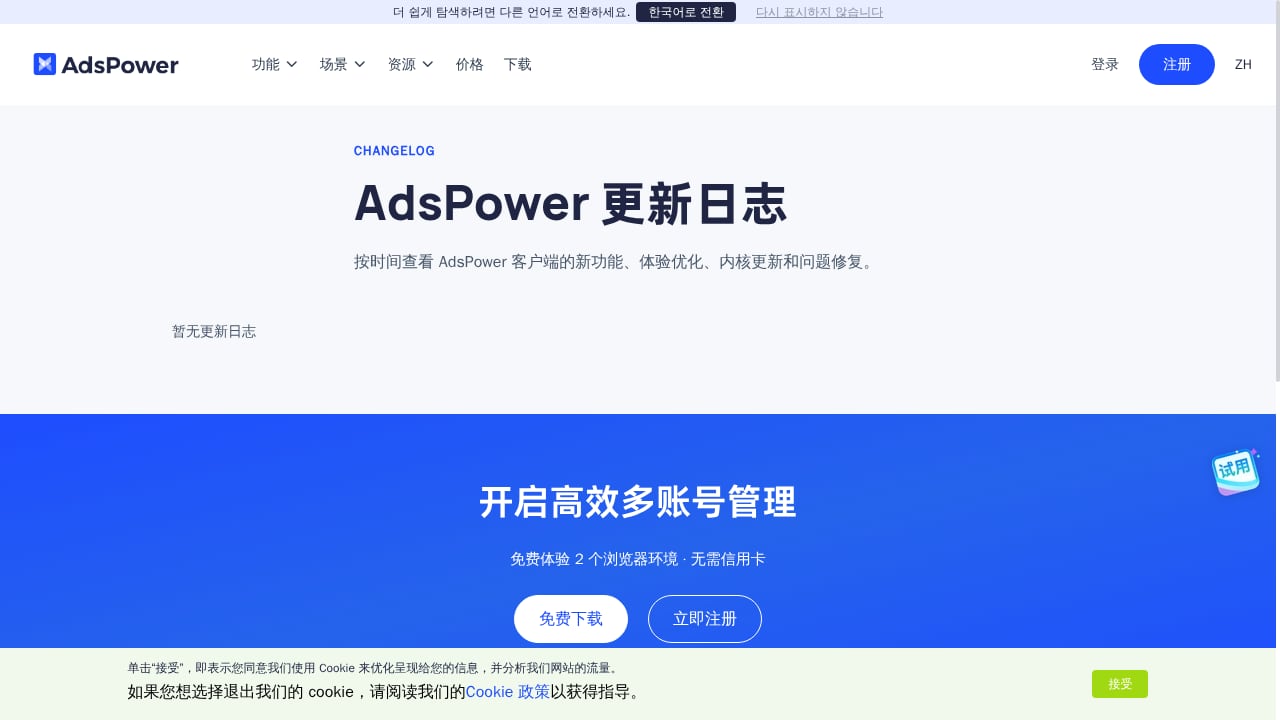
First viewport screenshot of www.adspower.net.
Websites protect themselves with layered defenses. Understanding them is the first step to avoiding them.
A single IP making hundreds of requests per minute looks like a bot. Datacenter IPs are flagged quickly. Residential and mobile proxies help, but only if they are rotated sensibly.
Sites inspect Canvas, WebGL, user agent, timezone, fonts, and dozens of other signals. If your scraper claims to be Chrome on Windows but reports a Linux font stack, the mismatch is a red flag.
CAPTCHAs, JavaScript challenges, and bot-management platforms (Cloudflare, DataDome, PerimeterX, and similar) score each session. A clean fingerprint and a believable request pattern often pass without a challenge; a sloppy one fails immediately.
When scraping requires a login—marketplaces, social platforms, dashboards—each account carries its own history. Reusing one account across many parallel jobs invites bans.
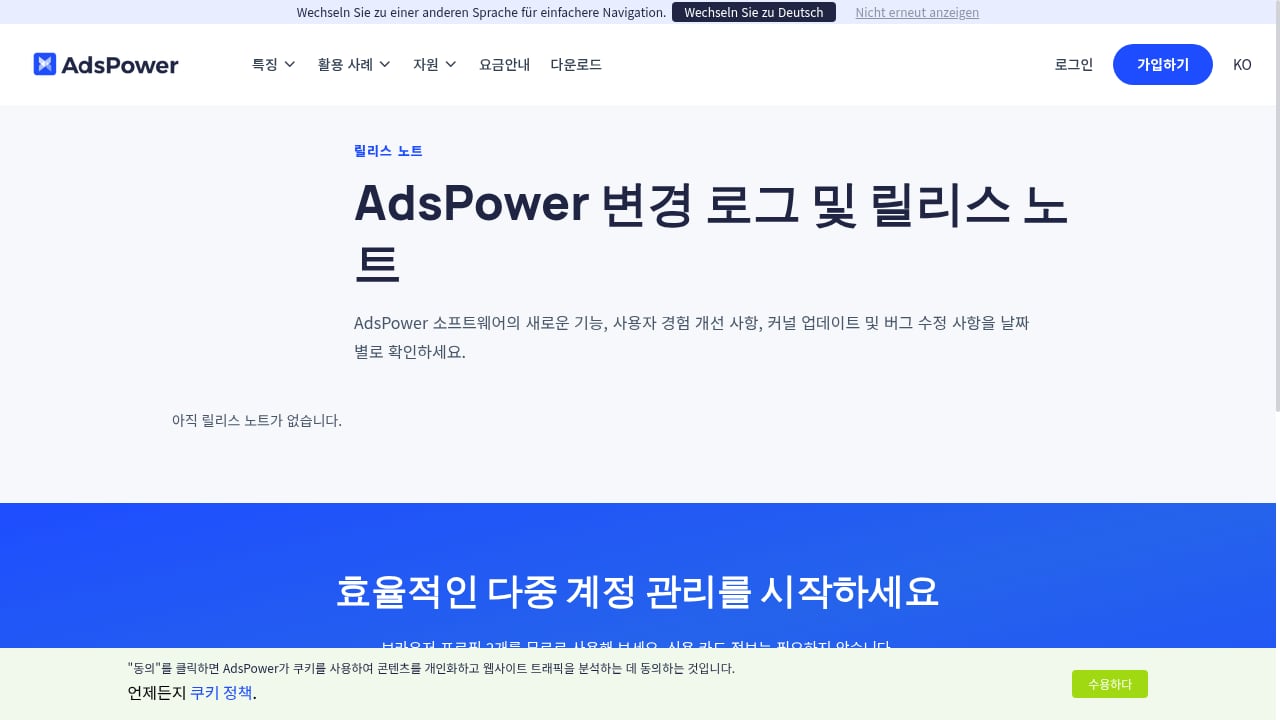
First viewport screenshot of www.adspower.com.
An anti-detect browser creates isolated browser profiles, each with its own fingerprint and network identity. For scraping, that solves several problems at once:
AdsPower is one example of this category. It provides two Chromium-based stealth browsers (SunBrowser and FlowerBrowser), customizable fingerprints, encrypted profile storage, and automation through RPA robots and a local API. For teams already running scraping scripts, the local API allows profiles to be launched and controlled programmatically.
If you are comparing options, our 2026 ranking of anti-detect browsers and multi-accounting software breaks down fingerprint depth, proxy support, and pricing across the market.
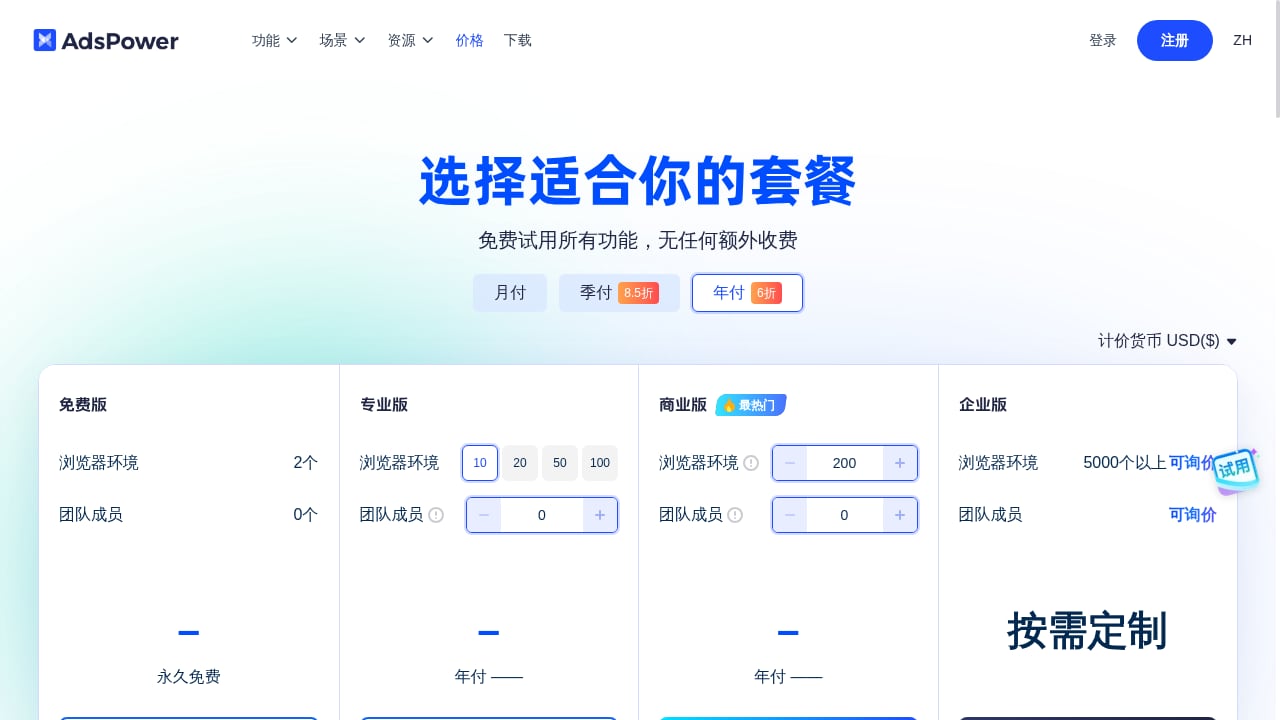
First viewport screenshot of www.adspower.net.
A dependable pipeline combines the right tooling with disciplined operating habits.
List the fields you need and the pages that contain them. Check the site's terms of service and robots.txt before you start. Scraping public data is common, but respecting access rules and rate limits is both ethical and practical—aggressive scraping gets you blocked faster.
For small, one-off jobs, a browser extension is enough. For recurring collection, use a scripted scraper (Python with Playwright or Selenium, or a managed API) and route it through browser profiles.
Assign one proxy per profile and keep it stable for the session. Rotating IPs mid-session can break logins and trigger verification. AdsPower supports custom IP rotation intervals (30, 60, 90, or 120 minutes), which suits long-running jobs better than per-request rotation.
Our AdsPower and Oxylabs integration guide walks through proxy configuration and AI-assisted workflows step by step.
Add delays, randomize navigation, and avoid hammering the same endpoint. A scraper that behaves like a browsing human passes more checks than one that fires requests in perfect intervals.
Track success rates, block rates, and data quality. When a site changes its layout, your selectors break—schedule regular validation. Managed platforms such as Web Scraper Cloud handle retries and anti-bot bypass as part of their infrastructure, which can be a useful benchmark for what a mature pipeline looks like.
| Approach | Best for | Strengths | Limitations |
|---|---|---|---|
| Browser extension / no-code | Quick extraction, small jobs | Fast setup, free tiers | Weak at logins and scale |
| Scripted scraper + anti-detect browser | Recurring jobs, logged-in data | Full control, fingerprint isolation | Requires maintenance |
| Managed scraping API | High volume, engineering-light teams | Handles proxies and anti-bot | Less control over browser behavior |
Many teams run a hybrid: no-code tools for discovery, anti-detect profiles for authenticated sessions, and a managed API for bulk public pages.
First viewport screenshot of www.adspower.com.
Scraping sits in a gray zone that varies by jurisdiction. Public data is generally fair game, but personal data, copyrighted content, and sites that explicitly prohibit automated access require care. Prefer official APIs where they exist, honor rate limits, and avoid collecting information you do not need. For a deeper look at how challenge systems work, see this explainer on CAPTCHA solving APIs.
A web scraper is software that automatically extracts data from web pages and exports it in a structured format such as CSV, JSON, or a spreadsheet.
Not for small public jobs. You need one when scraping requires logins, multiple accounts, or sustained access to sites with strong bot detection, because isolated fingerprints and proxies reduce blocks.
AdsPower provides isolated browser profiles with unique fingerprints, per-profile proxy configuration, and automation via RPA and a local API. This keeps sessions consistent and separates accounts during collection.
Yes. Some platforms expose MCP or API connections that let AI agents run scrapes and return structured tables. AdsPower's AI Agent integration with messaging apps supports remote task management for profile-based workflows.
It depends on the jurisdiction, the data, and the site's terms. Scraping public data is often permitted, but personal data and explicitly restricted sites carry legal risk. Consult legal counsel for commercial projects.
A web scraper is only as reliable as the environment it runs in. Fingerprint mismatches, shared profiles, and careless proxy use are the most common reasons pipelines fail. Pairing a well-built scraper with isolated anti-detect browser profiles—and respecting site rules—gives you cleaner data with fewer interruptions. Start with a small pilot, measure block rates, and scale only what works.


