
AdsPower vs ClonBrowser: Which Anti-Detect Browser Wins?
Nov 18, 2026

Choosing between AdsPower and BitBrowser is a decision that affects how safely you scale multi-account operations, how efficiently your team collaborates, and how much friction you deal with daily. Both tools create isolated browser profiles with unique fingerprints, but they diverge sharply in maturity, reliability, automation depth, and overall polish. This comparison breaks down the differences so you can choose based on evidence, not marketing claims.
BitBrowser product interface.
People searching "AdsPower vs BitBrowser" are usually comparing two anti-detect browsers before committing to one. They want to know:
This guide answers those questions directly, with practical examples and a clear decision framework.
AdsPower is a mature anti-detect browser trusted by over 9 million professionals worldwide. It creates isolated browser environments that simulate more than 20 fingerprint parameters—including Canvas, WebGL, Audio, and WebRTC—so each profile appears as a genuinely separate user. Cross-border e-commerce sellers, social media marketers, affiliate teams, web scrapers, and digital agencies use AdsPower to manage thousands of accounts without triggering platform bans on Amazon, Facebook, TikTok, Google, and LinkedIn.
Key capabilities include:
AdsPower positions itself as a ban-free scaling platform, with a free forever plan for 2 profiles and paid plans starting at $9/month.
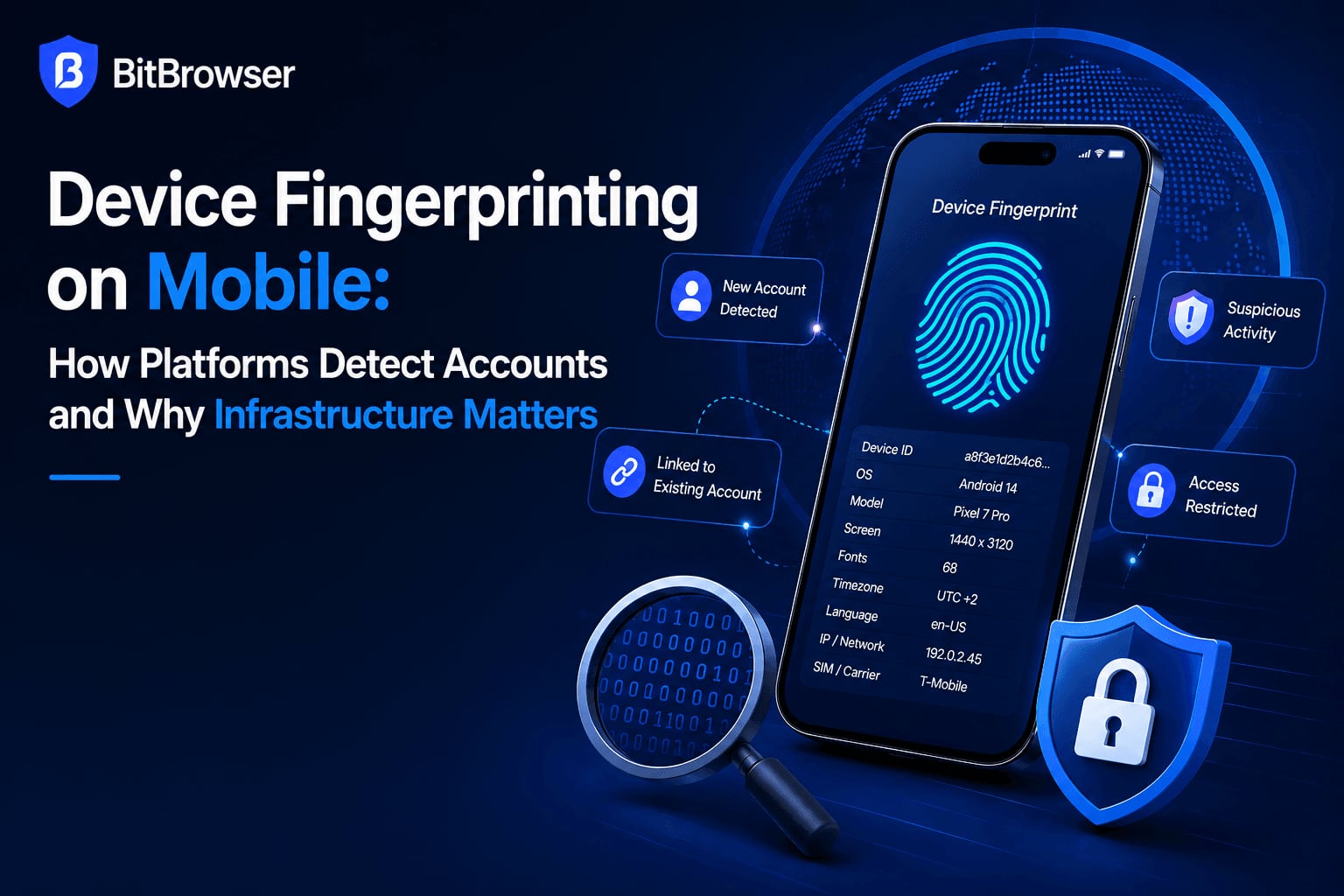
BitBrowser product interface.
BitBrowser is a low-cost anti-detect browser that also creates unique browser fingerprints for multi-account management. It offers 10 free permanent profiles, team collaboration features, proxy protocol support (HTTP/HTTPS/SOCKS5/SSH), RPA automation, and an extensions/script marketplace. BitBrowser also provides BitCloudPhone, an Android emulator and iOS cloud phone service for mobile multi-account workflows.
The tool has gained traction among cost-sensitive users, particularly affiliates and airdrop farmers who need basic profile isolation at the lowest possible price. However, independent reviews consistently flag concerns about interface quality, fingerprint reliability, and overall production polish.
BitBrowser product interface.
| Feature | AdsPower | BitBrowser |
|---|---|---|
| Fingerprint masking | Advanced, customizable across 20+ parameters | Basic coverage with limited deep customization |
| Mobile support | Android and iOS emulation | Android emulator and iOS cloud phone via separate BitCloudPhone service |
| Profile storage | Cloud + local options | Cloud-only sync |
| Automation | No-code RPA, Local API, Selenium/Puppeteer/Playwright | RPA available, but reviewers report restrictive and slow implementation |
| Team collaboration | Strong role-based permissions, activity logs, cross-device sync | Basic profile sharing and permission management |
| Ease of use | Beginner-friendly, clean interface | Cluttered interface with steep learning curve |
| Free plan | 2 profiles, free forever | 10 profiles, free forever with daily launch caps |
| Paid entry price | $9/month | $10/month |
| User base | 9M+ professionals globally | Smaller, concentrated in Asia |
AdsPower simulates more than 20 fingerprint parameters with granular control over Canvas, WebGL, Audio, WebRTC, timezone, fonts, and user-agent. Independent comparisons describe AdsPower's fingerprinting as "advanced and customizable," while BitBrowser's coverage is characterized as "basic" with weak anti-fingerprint technology vulnerable to detection.
One third-party review tested a BitBrowser profile on standard fingerprint checkers and found it failed hardware parameter checks on Iphey.com and Pixelscan.net. That's a meaningful red flag if you operate on strict platforms like Amazon or Facebook, where detection means lost accounts and revenue.
AdsPower combines no-code RPA robots with a Local API that supports Selenium, Puppeteer, and Playwright. This dual approach serves both non-technical marketers who need visual automation and developers who need programmatic control. Window synchronization lets you mirror actions across dozens of profiles simultaneously—a major efficiency gain for social media posting and engagement workflows.
BitBrowser offers RPA automation, but third-party reviewers describe it as limited and restrictive for developers. One review noted the RPA section took about 10 seconds to launch, suggesting performance issues under real workloads.
AdsPower's interface is consistently described as clean and beginner-friendly. BitBrowser's interface, by contrast, draws criticism for being "overwhelming," "clunky," and poorly localized. One reviewer reported difficulty finding the Add Profile button during initial setup and noted that proxy configuration required navigating three separate screens with manual proxy type selection.
For teams onboarding multiple members, this difference compounds quickly. AdsPower's role-based permissions and activity logs make it practical for agencies managing dozens of collaborators. BitBrowser's basic sharing features work for small groups but lack the governance controls serious operations need.
AdsPower's 9M+ user base spans e-commerce sellers, agencies, affiliate marketers, and crypto teams worldwide. That scale validates the platform's stability and support infrastructure. BitBrowser's user base is smaller and concentrated in specific regions, with limited online reputation outside Asia. For business-critical operations, that track record matters.

BitBrowser product interface.
BitBrowser's primary advantage is its free tier: 10 permanent profiles versus AdsPower's 2. For hobbyists testing anti-detect workflows or running a handful of accounts, that's a meaningful difference. BitBrowser also offers more profiles per dollar in the 50–200 profile range on paper.
However, these advantages come with caveats. BitBrowser's free plan includes a daily launch cap of 50 profile launches and a limit of 20 new profiles created per day—restrictions buried several clicks into the pricing page. Paid plans raise the launch cap to 5,000, but the ceiling still exists. AdsPower does not impose equivalent daily launch limits on paid plans.
BitBrowser also offers a 20% referral bonus versus AdsPower's 10%, which appeals to users monetizing referrals. But referral income should not outweigh fingerprint reliability and interface quality when your accounts are at stake.
Imagine you manage 30 TikTok accounts for a content agency. Your workflow includes daily posting, comment engagement, and occasional live sessions.
With AdsPower:
With BitBrowser:
The efficiency gap widens as your operation scales. AdsPower's automation and team features compound into significant time savings, while BitBrowser's friction points multiply.
AdsPower:
BitBrowser:
At first glance, BitBrowser appears cheaper per profile. But consider total cost of ownership: slower workflows, failed fingerprint checks, manual proxy configuration, and limited automation all consume time that translates to money. For teams running business-critical accounts, AdsPower's efficiency gains typically outweigh the marginal price difference.
One independent review noted that BitBrowser requested microphone access before login—an unusual permission request that raised safety concerns. The same review described the app as having "almost no online reputation" and questioned its suitability for serious business investment.
AdsPower's larger user base, longer market presence, and established support infrastructure provide more confidence for operations handling sensitive account credentials and business data. The platform encrypts profile data and offers granular access controls that limit what individual team members can see or modify.
Choose AdsPower if:
Choose BitBrowser if:
For most professional use cases, yes. AdsPower offers stronger fingerprint customization, deeper automation, better team governance, and a more polished interface. BitBrowser's main advantage is its more generous free tier and lower per-profile pricing at certain tiers.
BitBrowser works for small-scale projects, but independent reviews flag weak fingerprint technology, unusual permission requests, and limited online reputation. For business-critical multi-account operations, these factors introduce meaningful risk.
Yes. AdsPower provides a free forever plan with 2 profiles. Paid plans start at $9/month, with annual billing discounts available.
Both tools offer RPA automation. AdsPower adds a Local API compatible with Selenium, Puppeteer, and Playwright, plus window synchronization for mirrored actions across profiles. BitBrowser's automation is available but described by reviewers as slower and more restrictive.
AdsPower offers stronger team features, including role-based permissions, activity logs, and cross-device sync. BitBrowser provides basic profile sharing and permission management suitable for small groups.
AdsPower supports Android and iOS emulation within the platform. BitBrowser offers mobile capabilities through BitCloudPhone, a separate Android emulator and iOS cloud phone service.
AdsPower and BitBrowser serve different segments of the anti-detect browser market. BitBrowser appeals to budget-conscious users who prioritize free profiles and low entry pricing. AdsPower targets professionals who need reliable fingerprint protection, scalable automation, and team governance—and who understand that account bans cost far more than a few dollars per month in software fees.
If you're evaluating anti-detect browsers for a growing operation, consider how AdsPower compares to Kameleo and MuLogin for a broader view of the competitive landscape. For teams managing TikTok ad accounts specifically, combining AdsPower with TikTok for Business provides a practical workflow example.
Independent comparisons from Multilogin's 2026 analysis and GoLogin's BitBrowser review consistently reach the same conclusion: AdsPower wins on fingerprint quality, interface, and automation, while BitBrowser's low price comes with meaningful trade-offs in reliability and usability. For serious multi-account operations, the choice is clear.


