
AdsPower vs ClonBrowser: Which Anti-Detect Browser Wins?
Nov 18, 2026

BrowserJet sells a simple promise: one browser, many sessions, a different IP behind each one. That pitch lands well with social media managers, e-commerce sellers, and anyone juggling multiple accounts on the same platform. But a proxy browser is only as good as its fingerprint handling, proxy quality, and day-to-day friction. This review separates what BrowserJet actually does from what its marketing implies, using public reviews, a head-to-head comparison, and the product's own feature set.
Logo.
BrowserJet is a desktop proxy browser for Windows and macOS. Each tab can run as an isolated session with its own IP, and the browser includes a VPN, premium proxy add-ons, and an accounts manager. It is positioned as a secure, fast VPN browser for reaching blocked sites and running multiple identities.
It is not a full anti-detect browser in the AdsPower or GoLogin sense. You cannot hand-tune dozens of fingerprint parameters. BrowserJet automates fingerprint assignment and asks you to trust its defaults. That distinction matters more than any feature list.
Most people searching for a BrowserJet review are not casually curious. They fall into three groups:
A useful review has to answer all three without turning into a sales page.
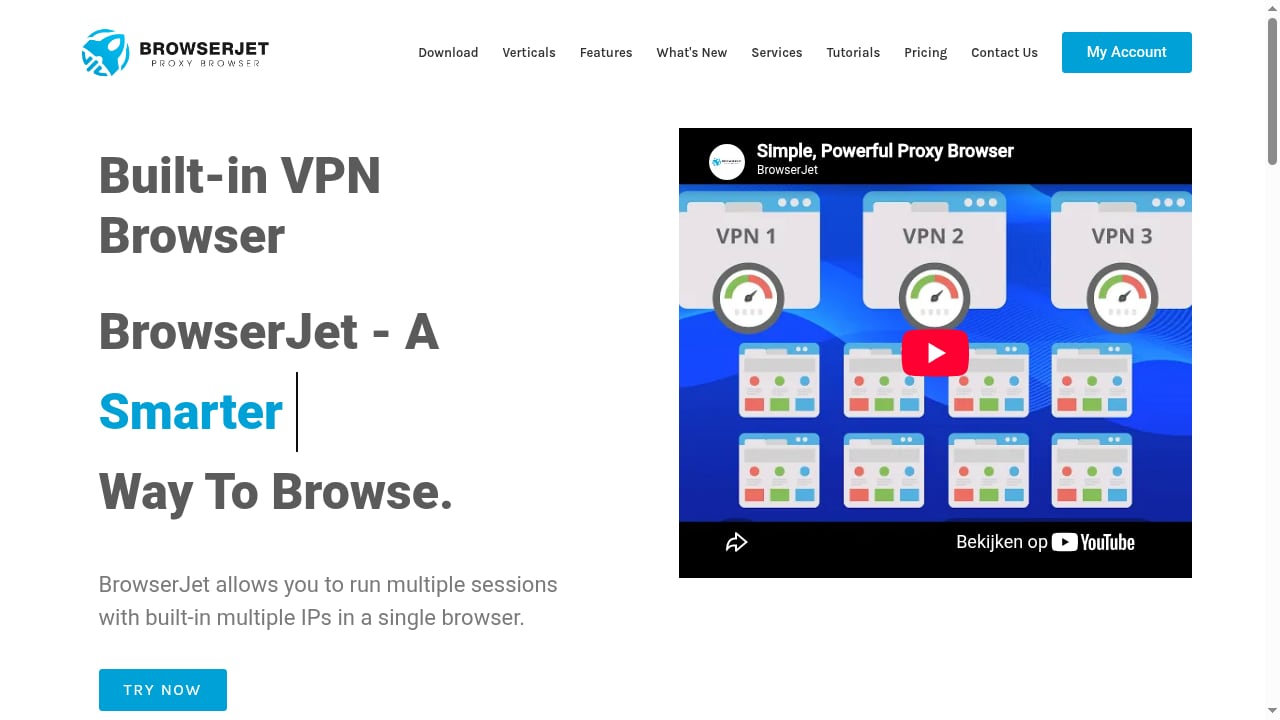
First viewport screenshot of VPN Browser For Secure and Fast Access | Private Proxy Browser.
Most anti-detect tools make you create a profile before you browse. BrowserJet flips that: open a tab, get a session, reload for a new IP. For ticket buying, ad verification across regions, or checking how a storefront looks from another country, that is faster than profile juggling.
The browser bundles VPN servers and premium proxies, and you can also add your own proxy manually. For teams that do not want to manage a separate proxy vendor, that consolidation is convenient. The trade-off is that proxy quality varies by plan and add-on, so test the locations you actually need before committing.
Because BrowserJet assigns fingerprints automatically, non-technical users do not have to learn canvas, WebGL, or audio spoofing settings. For a social media manager running ten accounts, that simplicity can be worth more than granular control.
Storing logins per session and moving a session to another PC are small features that save real time in team handoffs. They are not unique, but they are implemented in a way that suits operators rather than developers.
A public comparison against GoLogin notes that BrowserJet does not let users fine-tune fingerprint parameters. If your workflow depends on matching specific hardware, timezone, or user-agent combinations, this is a hard ceiling. The browser decides; you accept.
BrowserJet runs on 64-bit Windows and macOS only. There is no Linux build and no mobile app. Teams standardized on Linux or needing mobile profiles will have to look elsewhere.
There is no no-code automation layer and no documented API comparable to what GoLogin offers for Selenium or Puppeteer. BrowserJet's automation potential depends on your IT team's creativity. For agencies scaling hundreds of profiles, that is a significant gap.
A comparison review found that BrowserJet's site metadata mentions a free trial, but no working trial appeared in the signup or pricing flow. Budget for a paid Basic or Pro plan from day one. Pricing signals suggest monthly and annual billing, with premium proxies sold separately, so the entry price is not the full cost.
Trustpilot shows a small number of reviews with mixed sentiment, and ProvenExpert lists the profile as not reviewed. That is not proof of a bad product, but it is a reason to start with the smallest plan and validate on your own accounts.
| Criterion | BrowserJet | GoLogin |
|---|---|---|
| Platforms | Windows, macOS | Windows, macOS, Linux, Android |
| Fingerprint control | Automatic, limited | 50+ parameters |
| Proxy | Built-in VPN + premium add-on + manual | Built-in or third-party |
| Automation | Developer-dependent | API for Selenium, Puppeteer |
| Team features | Shift PC, accounts manager | Cloud sync, role-based access |
| Trial | Not reliably available | 7-day free trial |
| Best for | Fast multi-IP browsing | Granular multi-accounting |
If you need fine-grained fingerprints or automation, a dedicated anti-detect browser is the better fit. Our AdsPower vs MoreLogin vs ClonBrowser comparison shows how much variation exists even within that category.
First viewport screenshot of browserjet.com.
BrowserJet sells Basic and Pro subscriptions with monthly or annual billing. Premium proxies are an add-on. Because the site does not publish a working free trial, treat the first payment as your evaluation cost.
A practical approach:
For a broader view of how free tiers and entry plans compare across this category, see our analysis of free tier security in anti-detect browsers.
The interface is described in comparisons as old-school and less polished than modern anti-detect tools. Expect a short learning curve, especially if you are used to profile-based workflows.
5 reasons why you should use a proxy browser.
Good fit:
Poor fit:
If your workflow leans toward automation, our practical guide to workflow and browser automation explains where anti-detect browsers fit and where they do not.
It is a proxy browser with VPN and proxy features. It isolates sessions and assigns fingerprints automatically, but it does not offer the granular fingerprint control of dedicated anti-detect browsers.
A comparison review found no working trial in the signup or pricing flow, despite trial language in site metadata. Plan to pay for Basic or Pro from the start.
Yes. Each tab can act as a separate session with its own IP, and the accounts manager helps store and switch logins.
Not natively. Automation depends on developer work; there is no documented no-code or API layer comparable to GoLogin's.
It isolates sessions and bundles proxies, but public reputation data is limited. Start with a small plan, test on non-critical accounts, and verify IP and fingerprint behavior before scaling.
BrowserJet is a focused tool with a clear trade-off: you give up fingerprint granularity and automation depth in exchange for fast, simple multi-IP browsing. For social media managers and e-commerce operators on Windows or macOS who want sessions and proxies in one place, it can be a practical daily driver. For teams that need Linux, mobile, or API-driven scale, a dedicated anti-detect browser is the safer investment. Test small, verify on your own accounts, and let the results decide.
Sources consulted: Trustpilot reviews for browserjet.com, GoLogin's BrowserJet comparison, and ProvenExpert profile.


