
AdsPower vs IP Checker vs MostLogin: 2026 Comparison
Nov 20, 2026
When you manage multiple online accounts, the browser you choose can make or break your workflow. AdsPower and ClonBrowser both promise isolated environments, fingerprint control, and automation, but they take different paths. This comparison breaks down their strengths, weaknesses, and ideal use cases so you can decide which tool fits your operation.
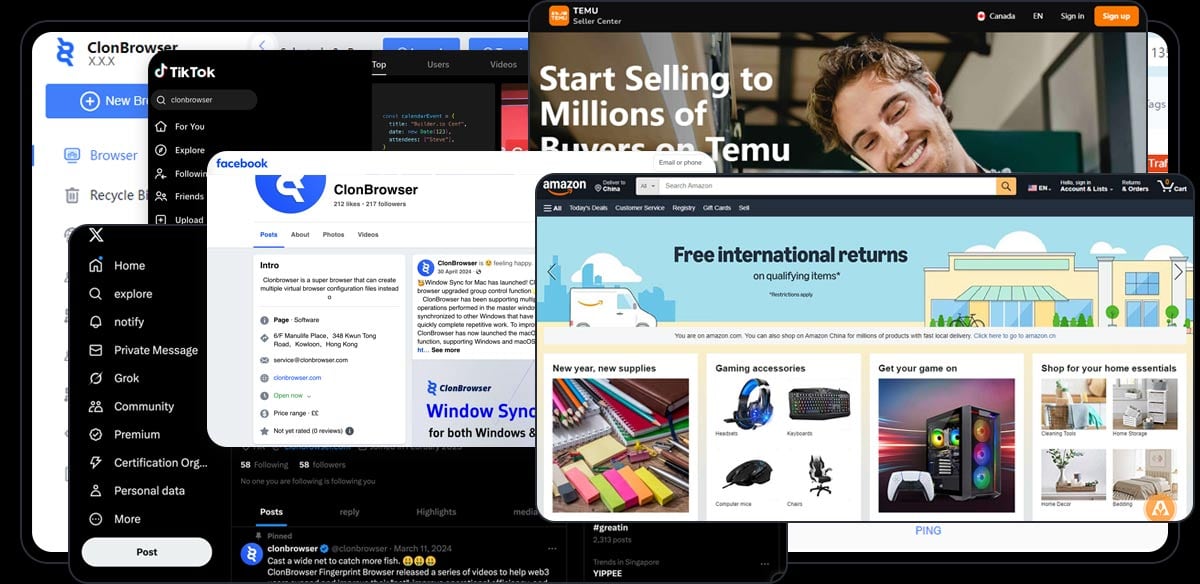
Multi-Account Matrix Management.
AdsPower is a professional anti-detect browser designed for cross-border e-commerce sellers, affiliate marketers, social media teams, and agencies. It creates isolated browser environments for each account, customizing over 20 fingerprint parameters like Canvas, WebGL, user agent, and network settings to prevent platform association. AdsPower supports proxy integration, RPA automation, window synchronization, and granular team permissions. It holds SOC 2 Type II, ISO 27001, and ISO 27701 certifications and reports over 10 million global users.
ClonBrowser positions itself as a "Multi-Account Growth Automation Browser" and "More Than a Browser — An Automation Business System." It combines fingerprint browser technology with workflow-driven automation, offering dual fingerprint engines for Chrome and Firefox, multiple fingerprint modes, and support for HTTP/HTTPS/SOCKS5/SSH plus advanced proxy protocols like Trojan and Vmess. Over the past eight years, more than 100,000 users have used ClonBrowser to scale social media operations on platforms like TikTok, Google, and Facebook.
Both tools create independent browser environments with isolated cookies, storage, and configurable proxies. The difference lies in depth and flexibility.
AdsPower lets you customize more than 20 fingerprint parameters, including Canvas, WebGL, WebGPU, IndexedDB, fonts, geolocation, time zone, language, resolution, and DNS. It offers two browser engines—SunBrowser (Chromium-based) and FlowerBrowser (Firefox-based)—so you can mimic different browser profiles. The platform also provides a smart simulator for risk-free automation and precise profile permissions for teams.
ClonBrowser also provides dual fingerprint engines for Chrome and Firefox, with multiple fingerprint modes. It supports a wide range of proxy protocols, including advanced options like Trojan and Vmess, which may appeal to users with specialized proxy setups. Each browser environment typically corresponds to one online account, and data is isolated across environments.
Verdict: Both are capable, but AdsPower's broader fingerprint parameter set and additional security certifications may offer an edge for teams with strict compliance needs. ClonBrowser's support for advanced proxy protocols could be a differentiator for users with non-standard proxy infrastructure.

ClonBrowser Statistics.
Automation is where the two products diverge most.
AdsPower includes RPA (Robotic Process Automation) and a Synchronizer for automating repetitive actions across profiles. It also offers an API for custom integrations. The focus is on simplifying multi-account management tasks—such as posting, liking, or data collection—without writing code. Window synchronization lets you control multiple profiles simultaneously, which is useful for social media marketers and ad buyers.
ClonBrowser is evolving into an automation business system. It offers workflow-based task scheduling, RPA automation, and a multi-environment engine designed to turn repetitive manual account operations into reusable, scalable automated processes. It also provides a group control synchronizer and bulk extension management. The platform aims to be a reusable "account operating system" rather than just a browser.
Verdict: ClonBrowser's workflow-centric approach may appeal to teams looking to build repeatable automation pipelines, especially for social media growth. AdsPower's automation is more tightly integrated with its fingerprinting and team features, making it a strong choice for those who want automation without leaving the browser environment. For a broader look at automation options, see our practical guide to workflow and browser automation.
AdsPower offers granular permission management, allowing administrators to assign specific roles and access levels. It also provides encrypted data transfer and storage, failed login alerts, and abnormal login interception. The SOC 2 Type II, ISO 27001, and ISO 27701 certifications are notable for organizations that require third-party validation of security controls.
ClonBrowser supports team collaboration with permission settings and encrypted cross-device data sync. It also offers proxy forwarding and bulk extension management. While it provides team functionality, it does not publicly list the same security certifications as AdsPower.
Verdict: AdsPower's certifications and detailed permission controls make it more suitable for agencies and enterprises with compliance requirements. ClonBrowser's team features are adequate for smaller teams but may lack the depth needed for large-scale operations.
Pricing is often a deciding factor, especially for individuals and small teams.
AdsPower offers a free forever plan with 2 browser environments. Paid subscriptions scale by number of environments and team seats, with enterprise customization available. According to a 2025 review, paid plans start at approximately $5.4 per month. The free tier is limited but allows you to test core functionality.
ClonBrowser provides a free plan with 10 browser environments—a more generous free tier than AdsPower. Its Pro plan starts at $6 per month with scalable environment counts and team features. Custom plans are also available.
Verdict: ClonBrowser's free plan offers more environments, which may be attractive for beginners or those managing a small number of accounts. AdsPower's paid plans are competitively priced, and the free tier is sufficient for testing. For a deeper look at free tier security, read our analysis of free tier security in anti-detect browsers.
| Use Case | AdsPower | ClonBrowser |
|---|---|---|
| Cross-border e-commerce (Amazon, Shopify) | Strong: fingerprint control, proxy integration, team permissions | Good: multi-store management, but less e-commerce-specific tooling |
| Social media marketing (TikTok, Facebook) | Strong: window synchronization, RPA, mobile fingerprints | Strong: workflow automation, group control, social media focus |
| Affiliate marketing | Strong: multi-account management, automation | Good: automation workflows, but less affiliate-specific features |
| Web3 and crypto | Limited: not a primary focus | Good: supports multiple wallets and platform accounts |
| Agencies and teams | Strong: granular permissions, security certifications | Moderate: team features but no public certifications |

The preferred browser for cross-border users: AdsPower fingerprint browser.
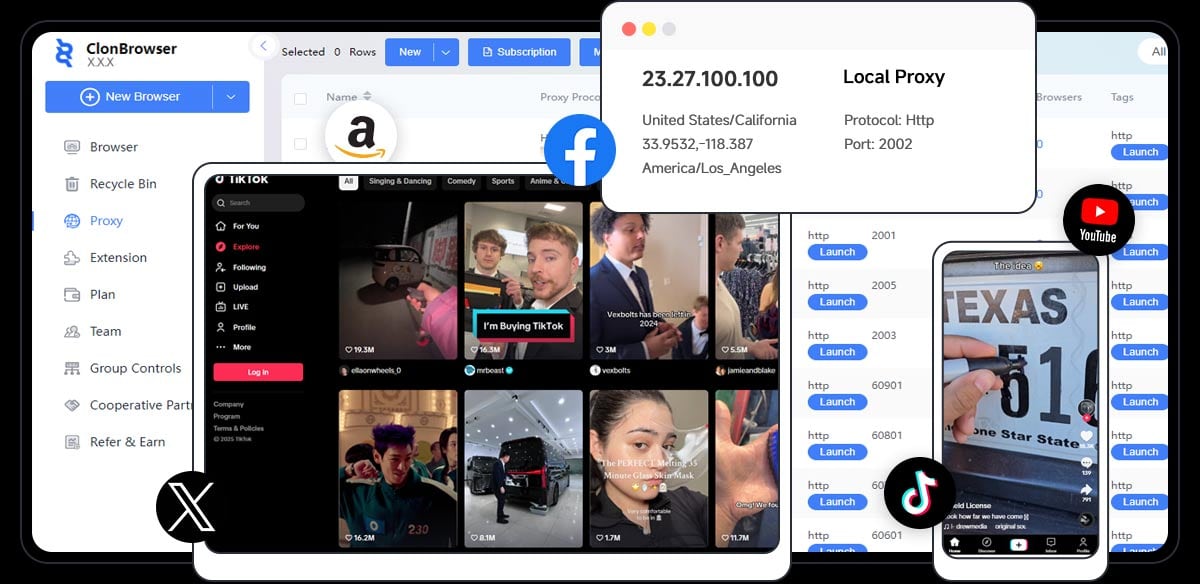
Local Proxy for Multi-Device Network Sharing.
AdsPower focuses on professional anti-detect browsing with strong fingerprint control, team permissions, and security certifications. ClonBrowser emphasizes workflow-driven automation and a more generous free tier, positioning itself as an automation business system.
AdsPower is generally better suited for e-commerce because it offers extensive fingerprint customization, proxy integration, and team collaboration features tailored to cross-border sellers. ClonBrowser can manage multiple stores but lacks e-commerce-specific tooling.
Yes, ClonBrowser offers a free plan with 10 browser environments. AdsPower offers a free forever plan with 2 browser environments.
It's possible but not practical for most users. Each tool creates its own isolated environments, so you'd need to manage separate profiles and proxies. Choose one based on your primary use case.
AdsPower holds SOC 2 Type II, ISO 27001, and ISO 27701 certifications, which provide third-party validation of its security controls. ClonBrowser offers encrypted data sync and permission settings but does not publicly list equivalent certifications.
AdsPower and ClonBrowser are both capable anti-detect browsers, but they serve different priorities. AdsPower excels in fingerprint depth, security certifications, and team collaboration—making it a strong choice for agencies, e-commerce sellers, and teams with compliance needs. ClonBrowser stands out with its workflow automation focus, advanced proxy protocol support, and a more generous free tier, appealing to social media operators and those building automated account systems.
If you need a reliable, certified anti-detect browser with robust team features, AdsPower is the safer bet. If you're looking to automate social media growth and want to start with more free environments, ClonBrowser is worth exploring. For a broader comparison including MoreLogin, see our 2026 comparison of AdsPower, MoreLogin, and ClonBrowser.
Sources:


