
AdsPower vs IP Checker vs MostLogin: 2026 Comparison
Nov 20, 2026
AdsPower creates isolated browser profiles with unique fingerprints, but it doesn't provide the IP addresses those profiles use. ProxyEmpire fills that gap with residential, mobile, and datacenter proxies across 170+ countries. Together, they let you run multiple accounts without platforms linking them through shared IPs or browser fingerprints. This guide walks through the integration step by step, from getting your proxy credentials to matching fingerprint settings and scaling with bulk imports.
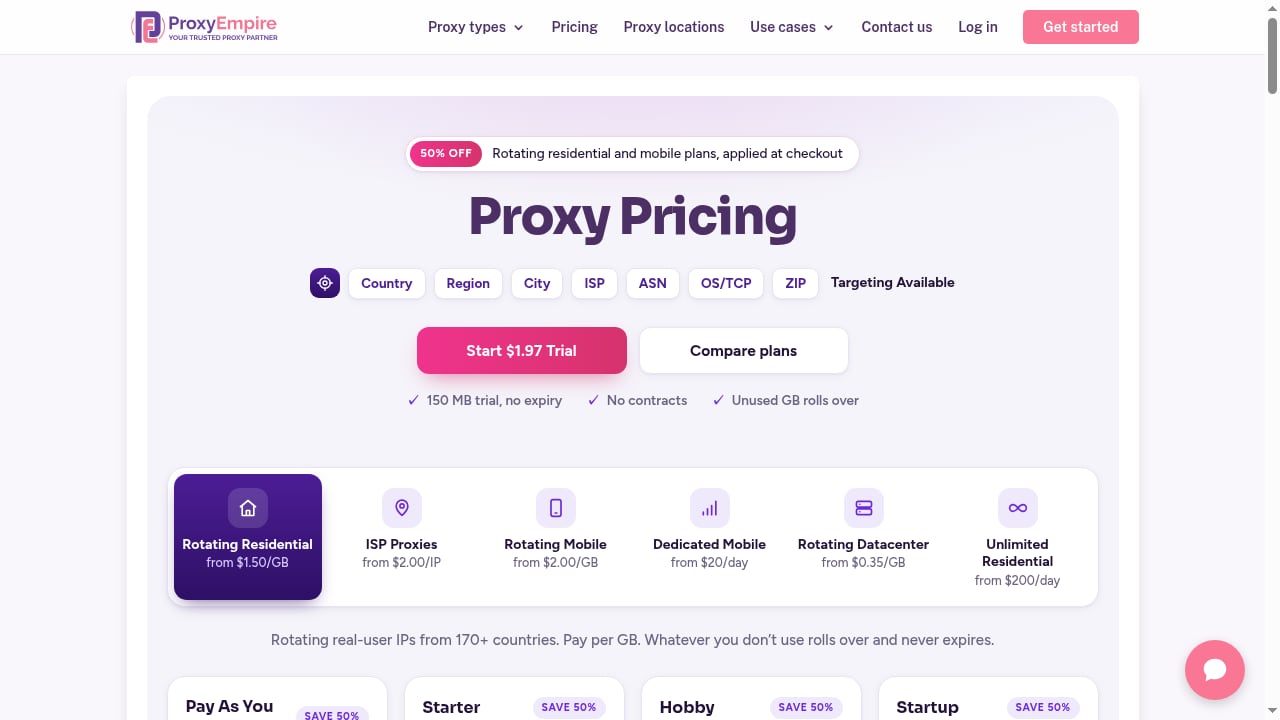
First viewport screenshot of proxyempire.io.
AdsPower's anti-detect browser gives each profile its own cookies, storage, and fingerprint parameters—Canvas, WebGL, user agent, timezone, and more. But if twenty profiles all connect from the same office internet connection, every website sees twenty "different" users on one IP address. That's one of the simplest signals platforms use to link accounts.
A proxy assigns each profile its own IP in a location you choose. The network identity then matches the browser identity the fingerprint presents. ProxyEmpire supplies those IPs with options for rotating sessions, sticky sessions, and precise geographic targeting.
First viewport screenshot of proxyempire.io.
First viewport screenshot of proxyempire.io.
Log in to the ProxyEmpire dashboard and open the Proxy Manager, where you'll find the Connection Builder. Select your proxy product and target location—country, region, city, ZIP code, ISP, or ASN, depending on the product. All targeting options are included at no extra charge.
Next, choose how the IP behaves:
The connection details are always the same host and port: v2.proxyempire.io and 5000. Your targeting and session information live in the proxy username, so a different location or session is just a different username. Authentication uses username and password—no IP whitelisting needed.
The full proxy string you'll paste into AdsPower looks like this:
v2.proxyempire.io:5000:username:password
Once the profile opens, visit any IP-check page. The IP, city, and timezone should match the location you selected in ProxyEmpire. A slightly different town is normal—IP-location databases often place the same IP in different nearby places.
An IP from Chicago with a browser reporting a Berlin timezone is a mismatch that risk systems notice. AdsPower's fingerprint tab has settings designed to prevent that, and most already do the right thing by default:
AdsPower's Proxies page stores proxies so you can reuse them. Click Add Proxy and paste one proxy per line in host:port:username:password format, with an optional remark in curly brackets. AdsPower checks them and colors each one: green for passed, red for failed, grey for not yet checked. When you create a profile, pick one under Saved Proxies or use the random button to assign one from the list.
A bulk proxy list for AdsPower, with one sticky session per line:
v2.proxyempire.io:5000:username-for-session-1:password{US store 1}
v2.proxyempire.io:5000:username-for-session-2:password{US store 2}
v2.proxyempire.io:5000:username-for-session-3:password{UK ads}
The usernames above are placeholders. ProxyEmpire's Proxy list panel generates real ones: set the list length, pick the host:port:user:pass output format, and copy.
Use Bulk Create with the Mass import template. Each row is a profile: put the proxy in the proxy column as host:port:username:password and set the proxy type column to http, https, socks5, or ssh. The proxy type field is required. You can also reference a saved proxy by its ID instead of typing it out.
AdsPower's Local API has an endpoint for adding proxies to the proxy list, up to 500 per request. Each proxy needs a type (http, https, ssh, or socks5), a host, and a port, with username and password as optional fields. A request body for two ProxyEmpire sticky sessions looks like this:
POST /api/v2/proxy-list/create
[
  { "type": "http", "host": "v2.proxyempire.io", "port": "5000",
    "user": "username-for-session-1", "password": "your-password" },
  { "type": "http", "host": "v2.proxyempire.io", "port": "5000",
    "user": "username-for-session-2", "password": "your-password" }
]
First viewport screenshot of proxyempire.io.
| Proxy type | Best for | Notes |
|---|---|---|
| Residential | Marketplaces, ad platforms, social media accounts | Real home broadband IPs; look like ordinary users |
| Mobile | Social media and app-first platforms | 4G carrier IPs shared by many subscribers; strongest for social |
| Datacenter | Scraping, testing, price monitoring | Fast and cheap but recognizable as hosting traffic |
| Static residential (ISP) | Accounts needing a consistent IP | Targeted by country only |
For accounts you want to keep, residential or mobile proxies are the safer choices. Datacenter proxies suit data collection tasks where account longevity isn't a concern. If you're also evaluating browser options, our AdsPower vs MoreLogin vs ClonBrowser comparison covers fingerprint and automation differences.
E-commerce seller managing five Amazon stores: Assign each store a separate AdsPower profile with a sticky residential proxy in the store's target country. Keep timezone and language set to "Based on IP" so the store's locale matches its network. Use the Proxies page to store all five proxies and assign them by name.
Affiliate marketer running Facebook ad accounts: Use mobile proxies with sticky sessions for each ad account profile. Mobile IPs are shared by many real subscribers, making them harder for platforms to flag. Set WebRTC to Replace or Forward to prevent real IP leaks during video calls.
Data collection team scraping SERP data: Rotating residential proxies work here because each request can use a new IP. This doesn't require AdsPower profiles, but if you're combining scraping with account management, keep scraping profiles separate from account profiles.
For more on automating repetitive tasks across profiles, see our guide to workflow and browser automation tools.
Can I use ProxyEmpire's free trial with AdsPower? Yes. The $1.97 trial includes 100 MB of residential and 50 MB of mobile bandwidth, enough to test the integration with a few profiles.
Does AdsPower work with SOCKS5 proxies from ProxyEmpire? Yes. ProxyEmpire supports HTTP, HTTPS, and SOCKS5. Use the same host, port, and credentials in AdsPower's proxy settings.
How many proxies can I add at once with the Local API? AdsPower's Local API accepts up to 500 proxies per request.
What's the difference between sticky and rotating sessions? Sticky sessions keep the same IP until you rotate it or the device goes offline—use these for accounts. Rotating sessions give a new IP on every request—use these for scraping.
Do I need to set timezone and language manually? No. AdsPower defaults to "Based on IP" for timezone, language, and location, which keeps the fingerprint consistent with the proxy. Only change these if the account's owner would realistically use different settings.
Can I use datacenter proxies for social media accounts? It's not recommended. Datacenter IPs are recognizable as hosting traffic and are more likely to be flagged. Use residential or mobile proxies for accounts you want to keep.
AdsPower and ProxyEmpire solve two halves of the same problem: AdsPower isolates browser fingerprints, and ProxyEmpire provides distinct IP addresses that match those fingerprints. The integration takes minutes for a single profile and scales to hundreds through bulk import or the Local API. The key practices are simple—use sticky sessions for accounts, keep fingerprint settings on "Based on IP," and choose residential or mobile proxies for anything you want to last. For a broader look at anti-detect browser options, see our top 10 anti-detect browsers and cloud phones for 2026.
Sources:


